Prepare a new invoice
Create an invoice with customer details, line items and document defaults.
Before you begin
- A company with sales permission, an available document series and accurate customer/product data.
- Who it is for
- company user with module permission
- Where to find it
- Factura noua
Step by step
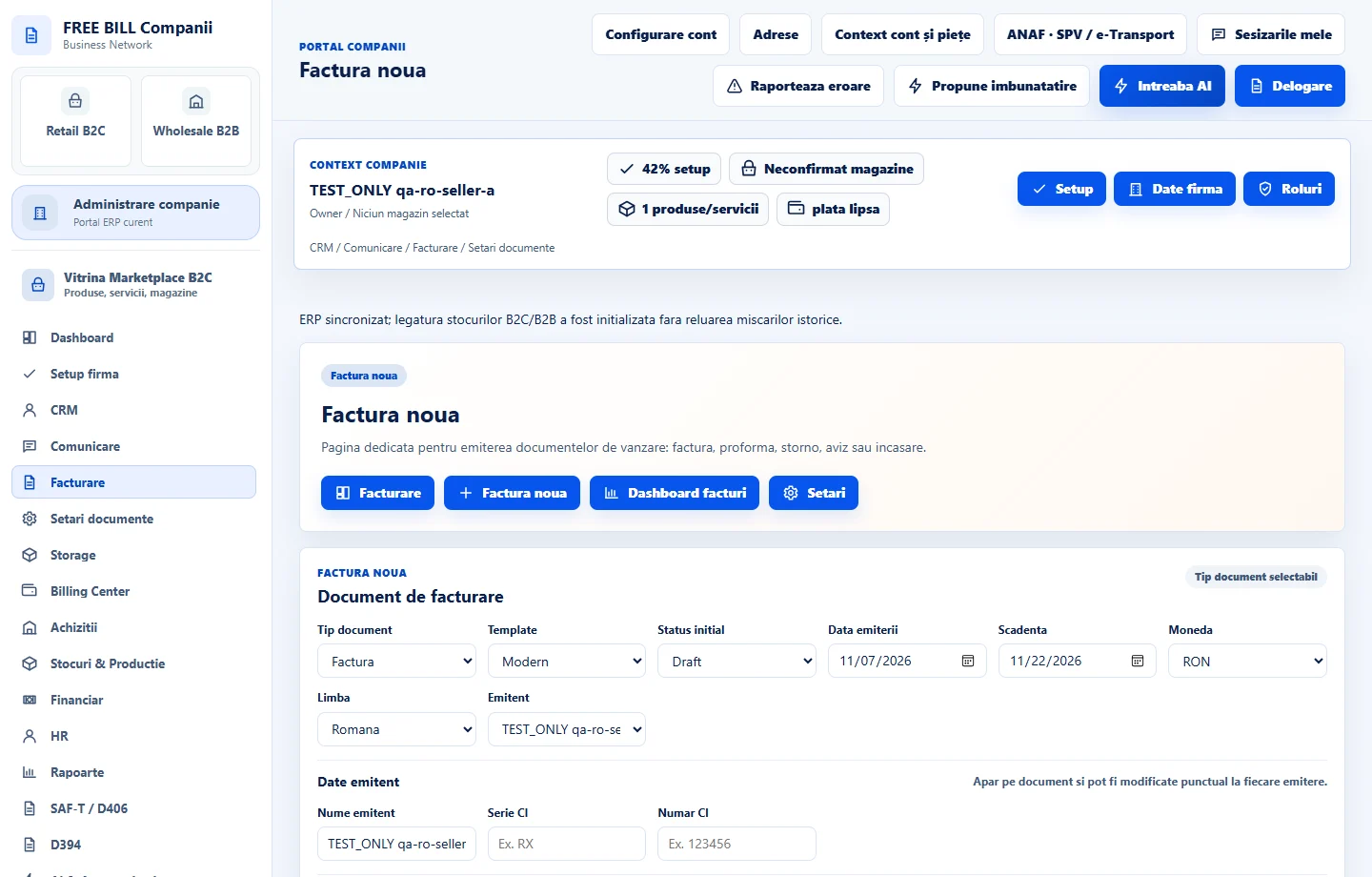
Open Factura noua
Select the relevant company or account, then open «Factura noua».
Check prerequisites
Use «Verifica serii si template», «Verifica registrul de clienti» and «Verifica produse si servicii» when setup is incomplete.
Complete the invoice header
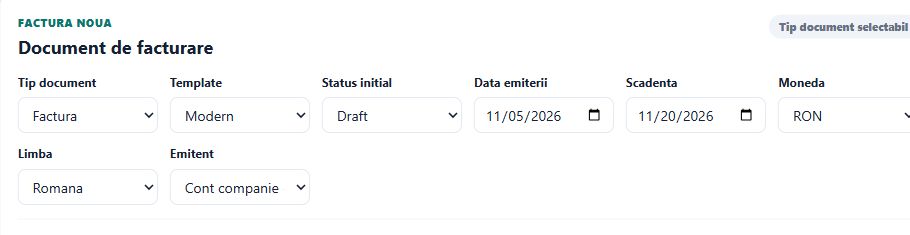
Choose the template, initial status, issue date, due date, currency and language; verify the issuer.
Enter the customer and lines
Select or enter the customer, review tax/address details, then complete the document lines and totals.
Create and review
Submit the document creation form and inspect the saved preview and status before any later sending or fiscal action.
Application interface · Romanian · 1
Check the result
A saved invoice record and preview, with the status chosen in the form.
If something is missing
Check the company, document series and sales permission if creation is unavailable. Review customer and line validation messages. Fiscal submission is a separate workflow.
Availability depends on your role, enabled modules, country and company configuration.
Open in FreeBill Conect