Issue an invoice and receipt for a cash payment
Record the invoice and cash payment in one operation, then verify the link in the finance register.
Before you begin
- Company details and document series set up.
- Customer details, invoice lines and the amount actually received in cash.
- Who it is for
- Operator with invoicing and the appropriate receipt permissions.
- Where to find it
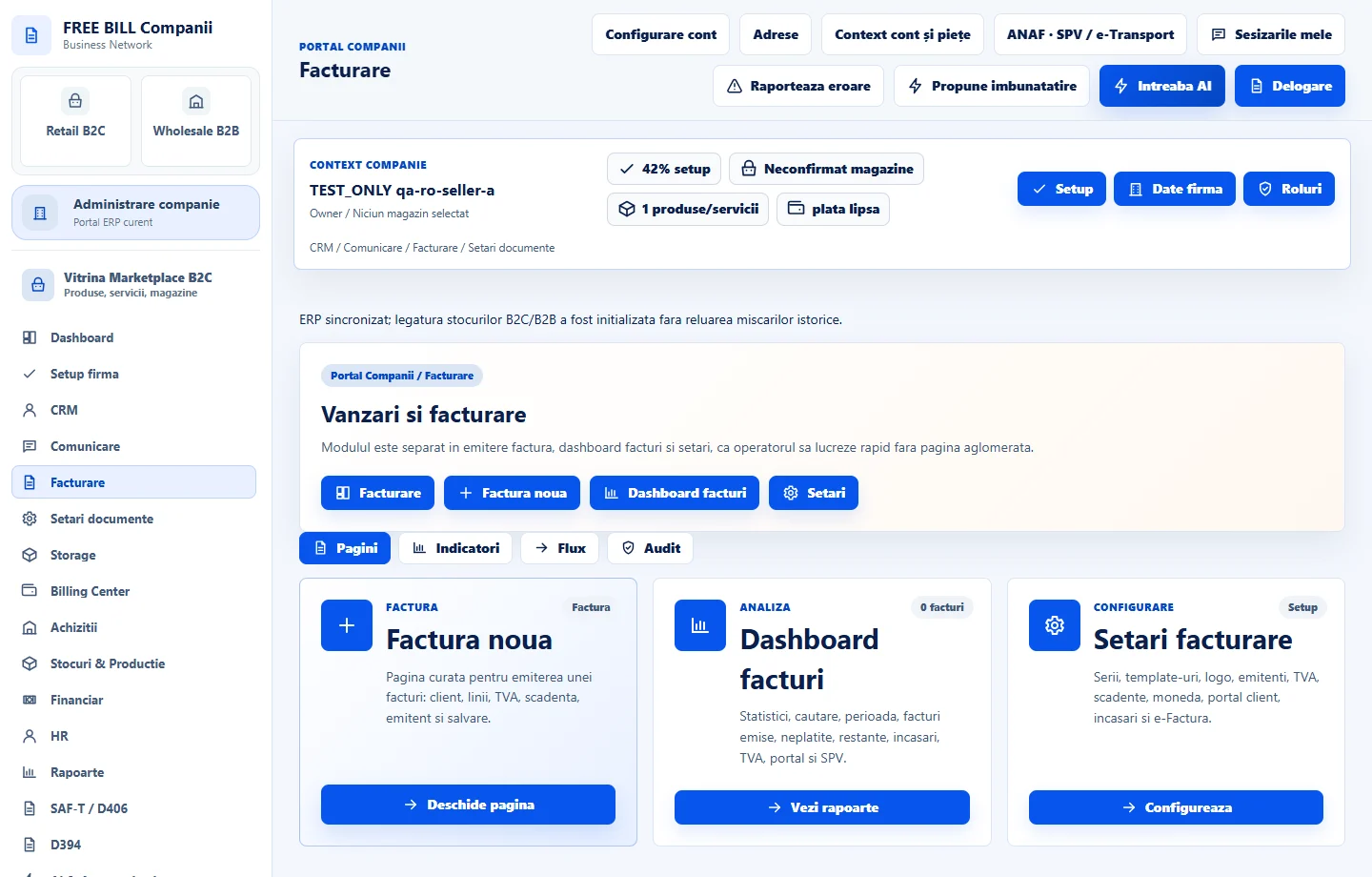
- Factura noua

Step by step
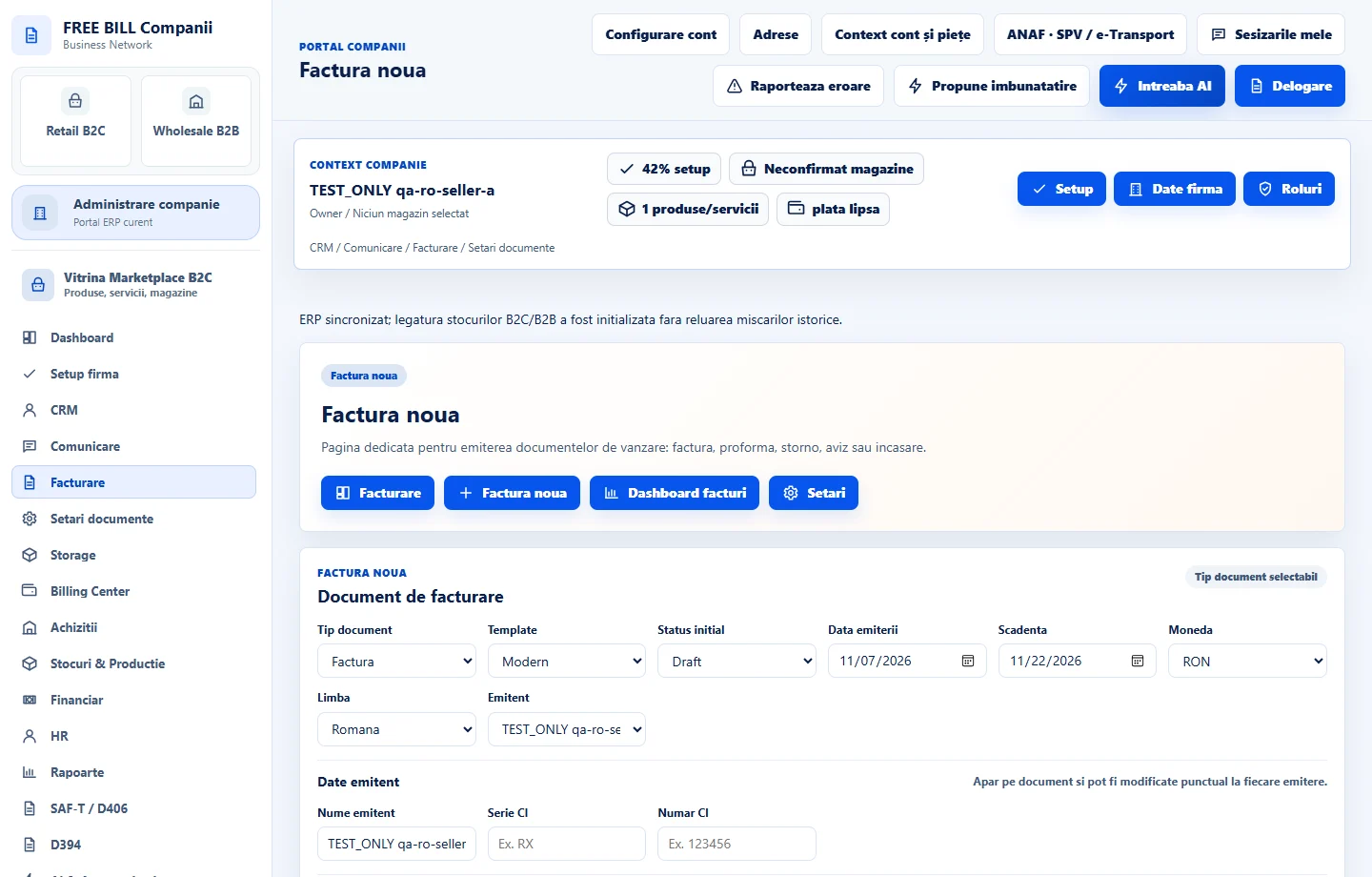
Open «Factură nouă»
Under «Facturare», select «Factură nouă». Check the issuer, document type, date, due date and currency before entering the customer's details.
Complete the customer and invoice lines
Select an existing customer or enter their details. For a Romanian company, enter its tax identifier in «Caută firma după CUI» and verify the returned details. Add the products or services, quantities, prices and applicable tax rates.
Enable the receipt option
Below «Mențiuni document», select «Emite chitanță cu factura» for a cash payment. For a partial payment, enter the amount actually received in «Sumă chitanță». For a full payment, you can leave the default invoice total.
Create the document and check the result
Review the totals and select «Creează document». Read the confirmation or validation message before repeating the action.
Verify the invoice and receipt
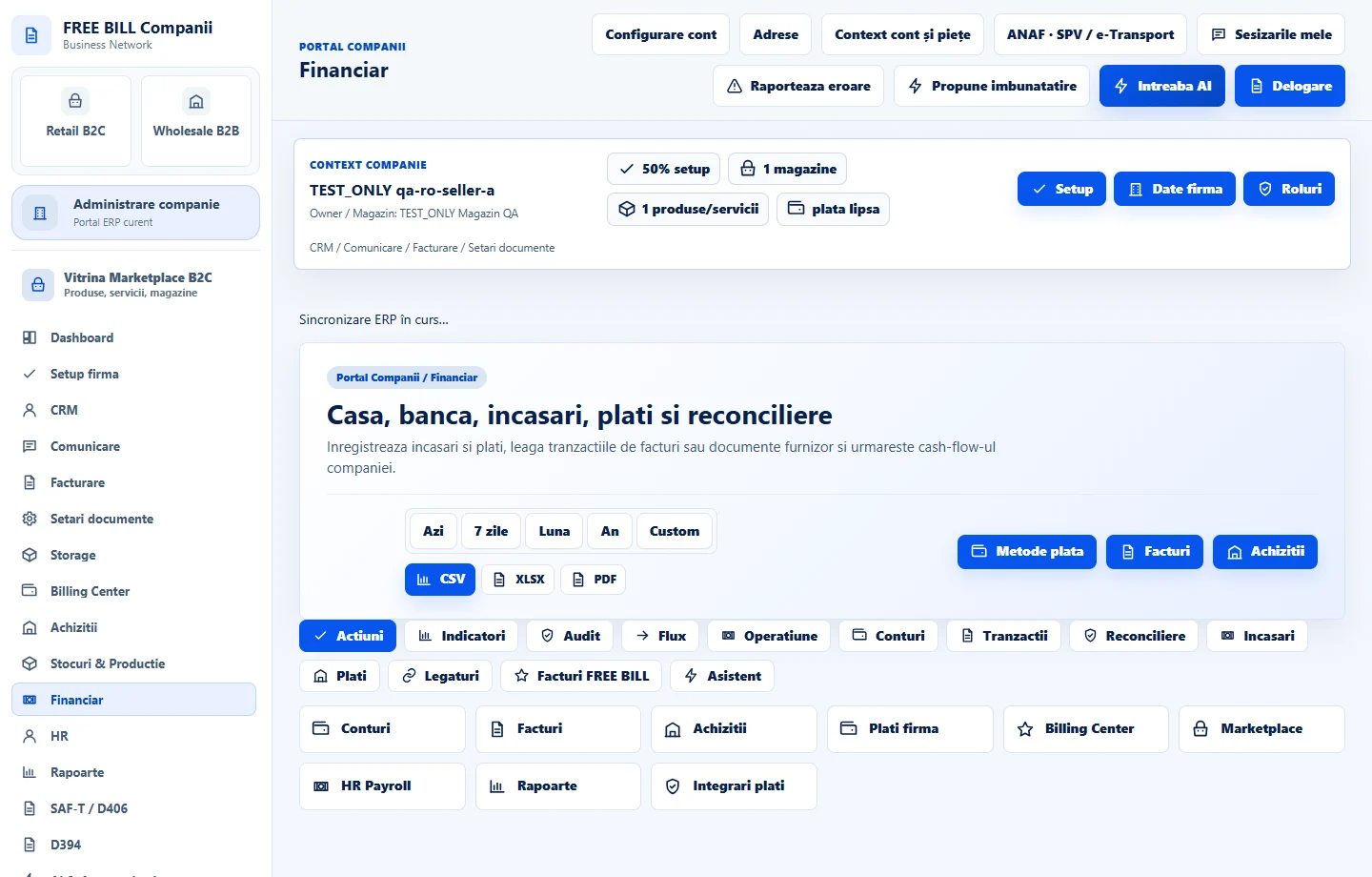
In «Dashboard facturi», open the document and check its status and balance. In «Financiar», check the receipt linked to the invoice number and the cash account used. If the company had no active cash account in that currency, check the main cash account created for it. For a partial payment, compare the balance with the invoice total less the amount received.
Application interface · Romanian · 3
Check the result
You can verify the invoice and cash receipt in the associated registers. The invoice balance reflects the amount recorded.
If something is missing
If the receipt is missing, check the document type, invoice status and cash account. If you already selected «Creează document», look for the invoice and receipt before recording the payment again.
Availability depends on your role, enabled modules, country and company configuration.
Open in FreeBill Conect