Customize invoice and document templates
Set document branding, issuer information and presentation defaults.
Before you begin
- Company permission for document settings; approved logo and signature files if used.
- Who it is for
- company user with module permission
- Where to find it
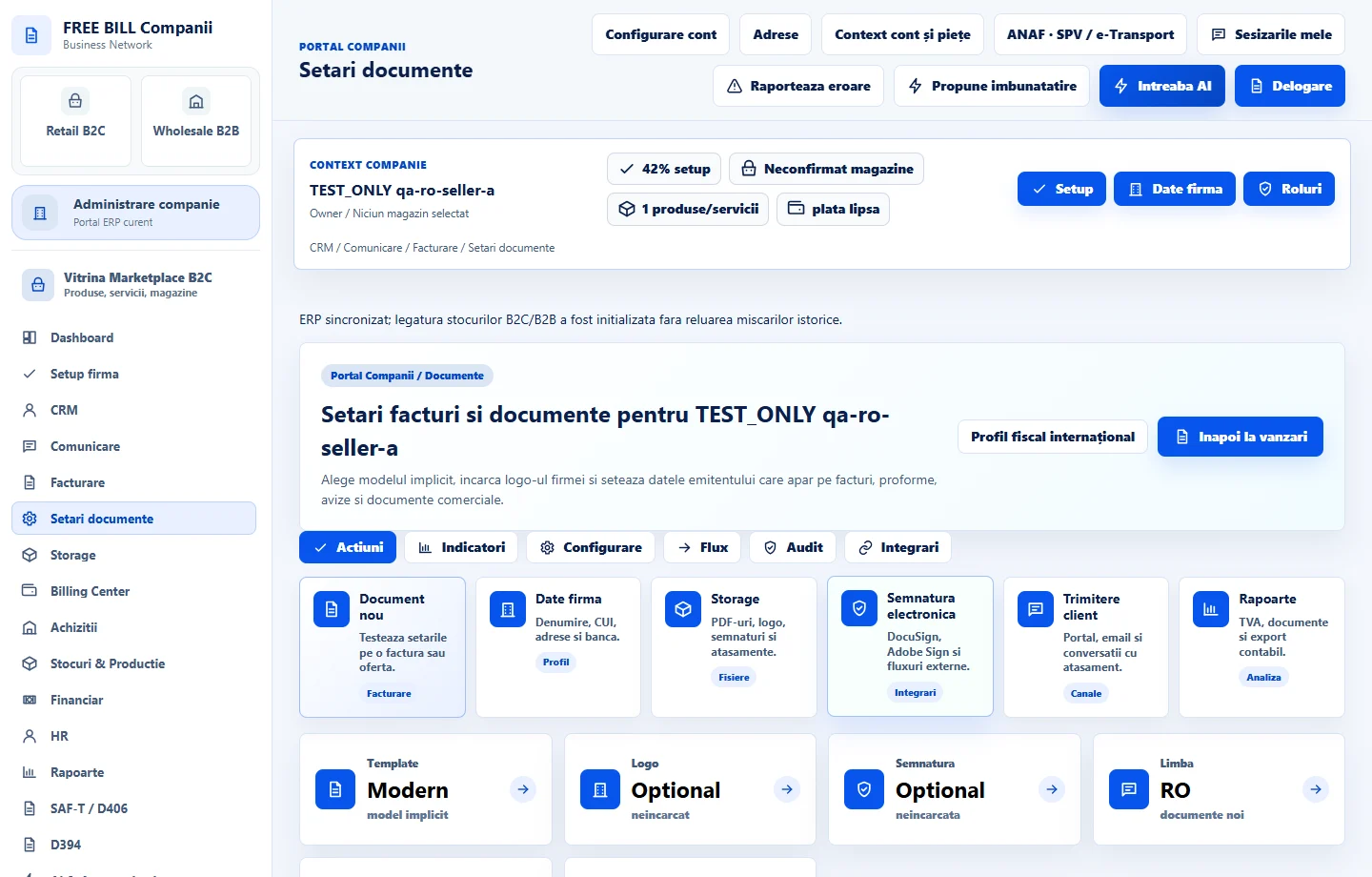
- Setari documente
Step by step
Open Setari documente
Select the relevant company or account, then open «Setari documente».
Choose your template
Review the template and document appearance settings.
Add branding and issuer details
Set the logo, signature, issuer information, footer and default language as required.
Save settings
Select «Salveaza setarile documentelor».
Review the next document
Use «Inapoi la vanzari» and verify the saved template when preparing a document.
Check the result
Document defaults and branding are saved for the company.
If something is missing
If editing is disabled, check the active company and your permission for this module. Resolve the validation message shown in the form before submitting again.
Availability depends on your role, enabled modules, country and company configuration.
Open in FreeBill Conect