Review invoices and outstanding balances
Find issued invoices and inspect collection and due-date indicators.
Before you begin
- Sales access and invoices in the active company.
- Who it is for
- company user with module permission
- Where to find it
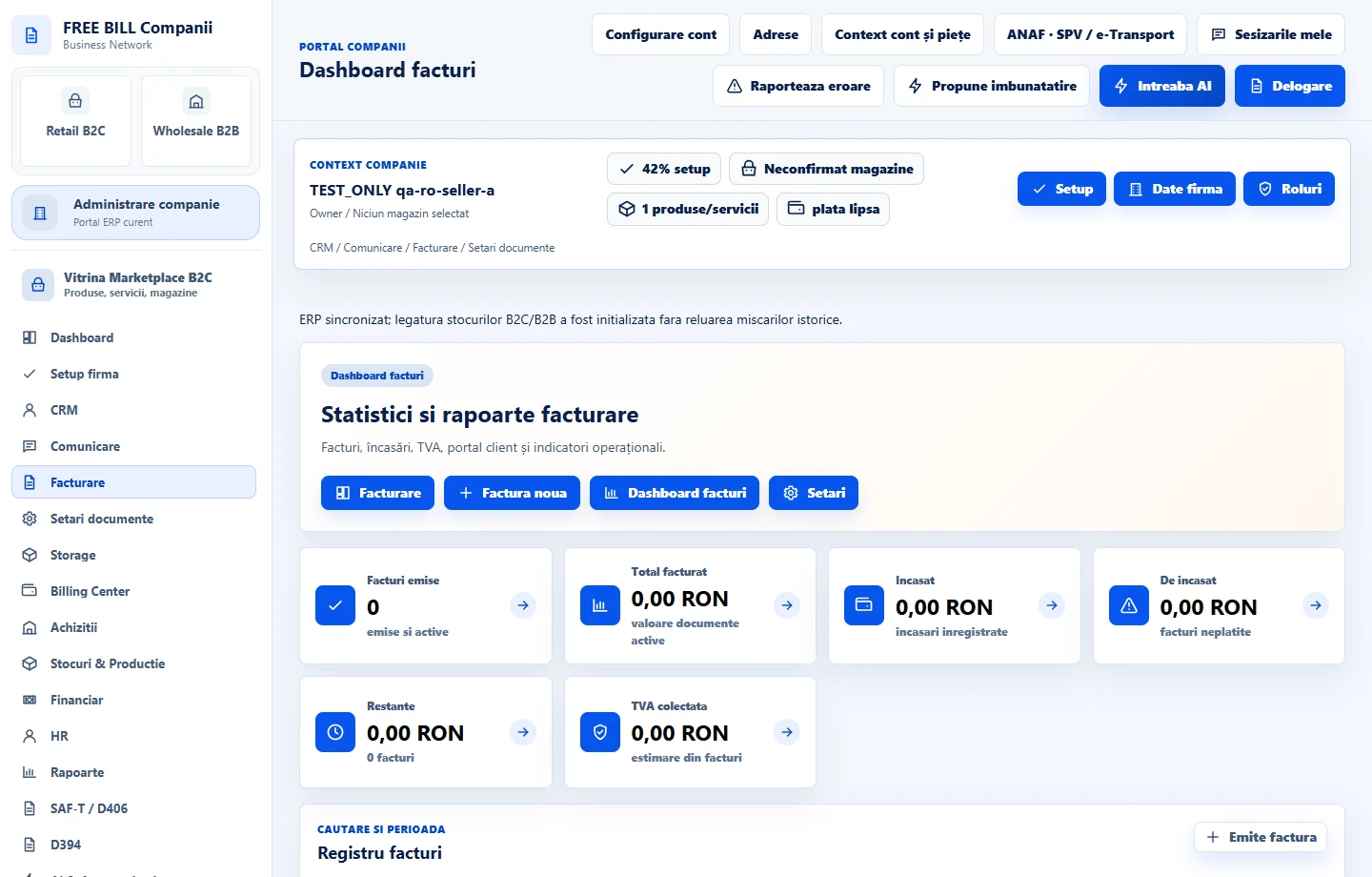
- Dashboard facturi
Step by step
Open Dashboard facturi
Select the relevant company or account, then open «Dashboard facturi».
Set the period
Use the invoice dashboard period and search controls to narrow the documents.
Review payment status
Compare issued, unpaid and overdue invoice indicators with the invoice list.
Open the relevant invoice
Review its customer, amount, due date and available document actions.
Follow the next action
Use the available collection, client portal, export or SPV controls only when the record and configuration permit them.
Check the result
A filtered view of invoice activity and outstanding amounts.
If something is missing
If editing is disabled, check the active company and your permission for this module. Resolve the validation message shown in the form before submitting again.
Availability depends on your role, enabled modules, country and company configuration.
Open in FreeBill Conect