Find wholesale offers and request supplier access
Compare offers, review the terms and wait for approval for the store that will resell.
Before you begin
- You need your own store and access to the wholesale catalogue.
- Who it is for
- Wholesale partner
- Where to find it
- Catalog B2B
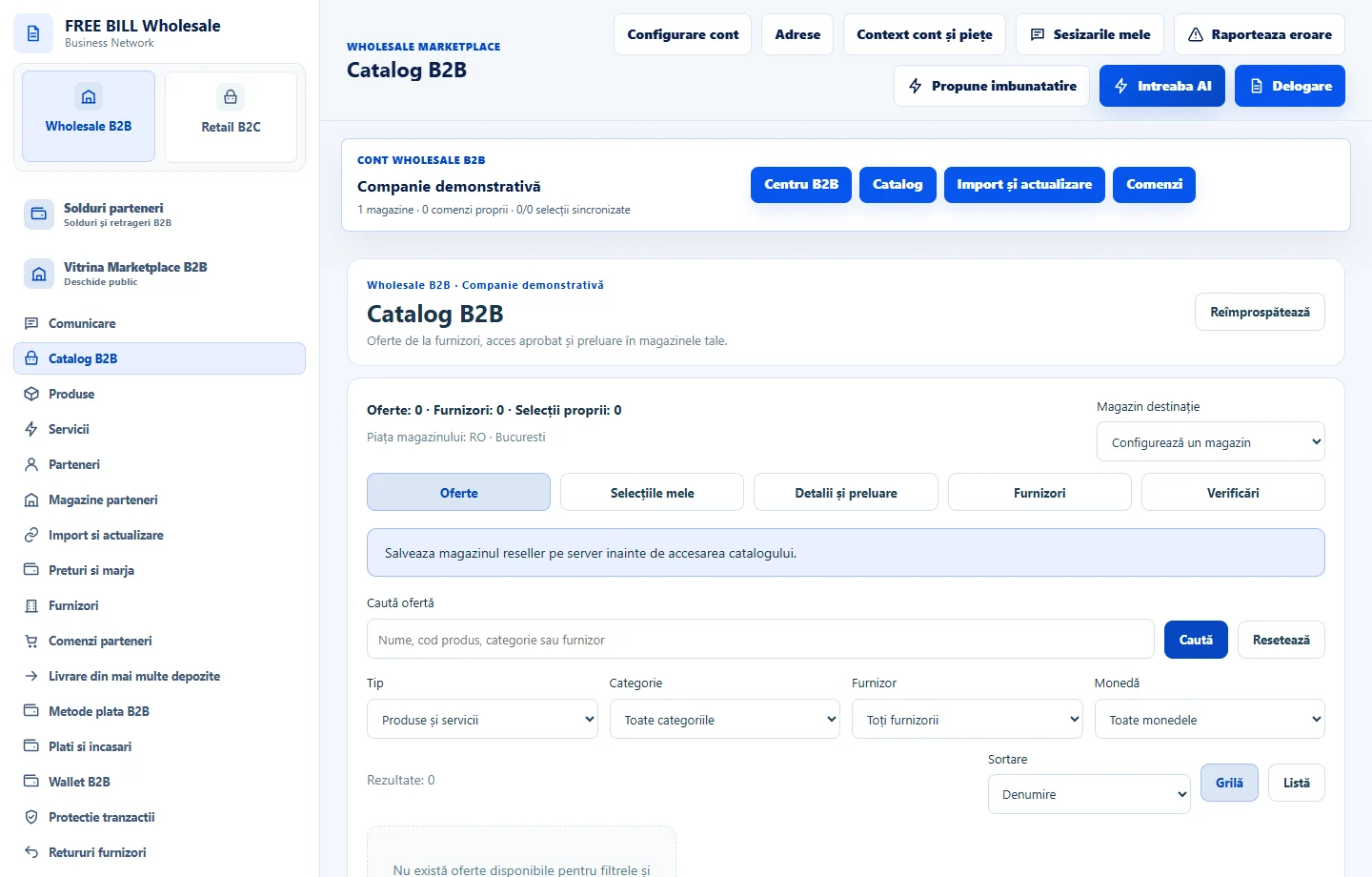
Step by step
Find an offer
In «Catalog B2B», search for the product or service. Check the supplier, minimum quantity, stock or availability, and delivery lead time.
Review the relationship
In «Furnizori», choose your store and search for the supplier. Check «Detalii și condiții» to confirm the listed markets, terms and rules.
Submit the correct request
Open «Cereri de acces», confirm the store and supplier pairing, and send the request after reading the terms.
Track approval
Return to «Furnizorii mei» and refresh through «Sincronizare». Continue selecting the offer once the relationship and offer are eligible for your store.
Application interface · Romanian · 1
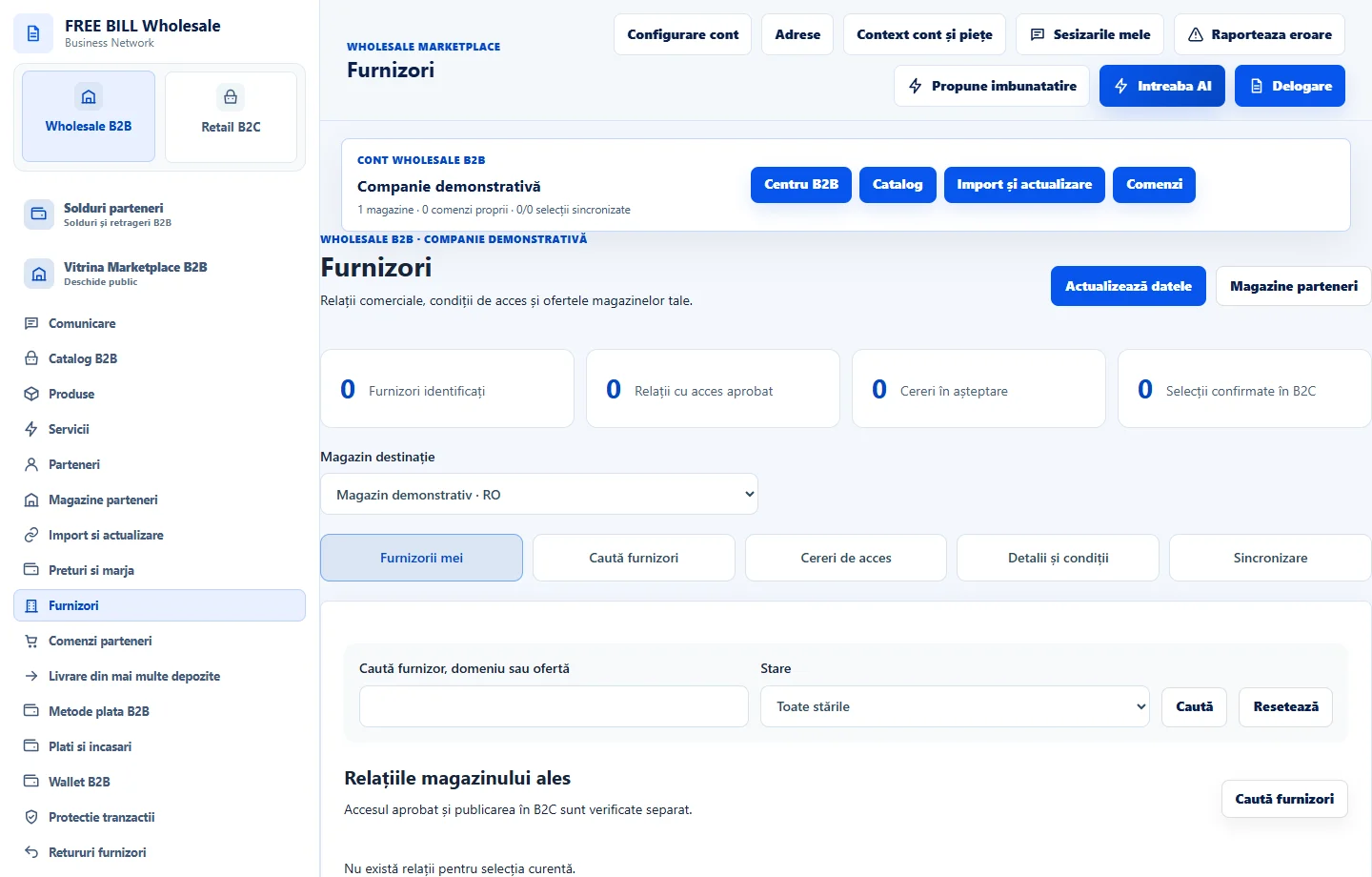
Check the result
You know the supplier terms and the relationship status for the selected store.
If something is missing
If you cannot select the offer, compare the market, minimum quantity and relationship approval.
Availability depends on your role, enabled modules, country and company configuration.
Open in FreeBill Conect