Set up your partner stores
Manage your stores, sales markets and the link to the retail storefront.
Before you begin
- You need access to the Wholesale account stores and the store’s business details.
- Who it is for
- Wholesale partner
- Where to find it
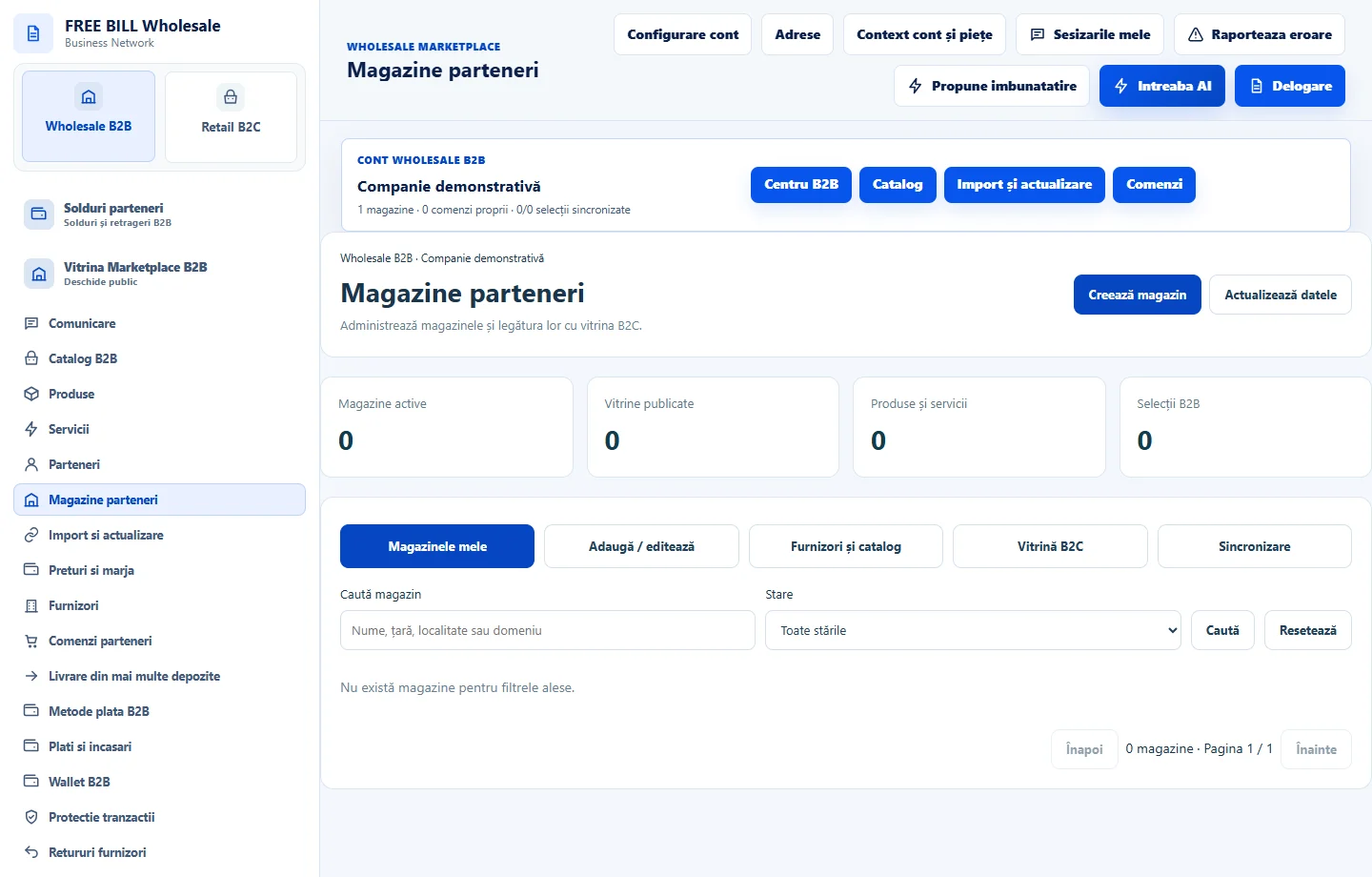
- Magazine parteneri
Step by step
Choose the store
In «Magazinele mele», check the store name, status and market before opening its record.
Complete the record
Open «Adaugă / editează». Fill in the requested details, including the available country, language and currency, then verify the save result.
Check selections and the storefront
Check «Furnizori și catalog» for store access, then «Vitrină B2C» for the customer-facing page.
Confirm the public view
In «Sincronizare», review the latest check. If the storefront appears in the catalogue, open it and verify its name and offers.
Check the result
You have a verified store record and know what the customer sees in the storefront.
If something is missing
If the storefront is unconfirmed, check the store details, market and publication status.
Availability depends on your role, enabled modules, country and company configuration.
Open in FreeBill Conect