Manage services for resale
Review the description, terms and link between the supplier’s service and your storefront.
Before you begin
- You need your own store and permission to resell the selected service.
- Who it is for
- Wholesale partner
- Where to find it
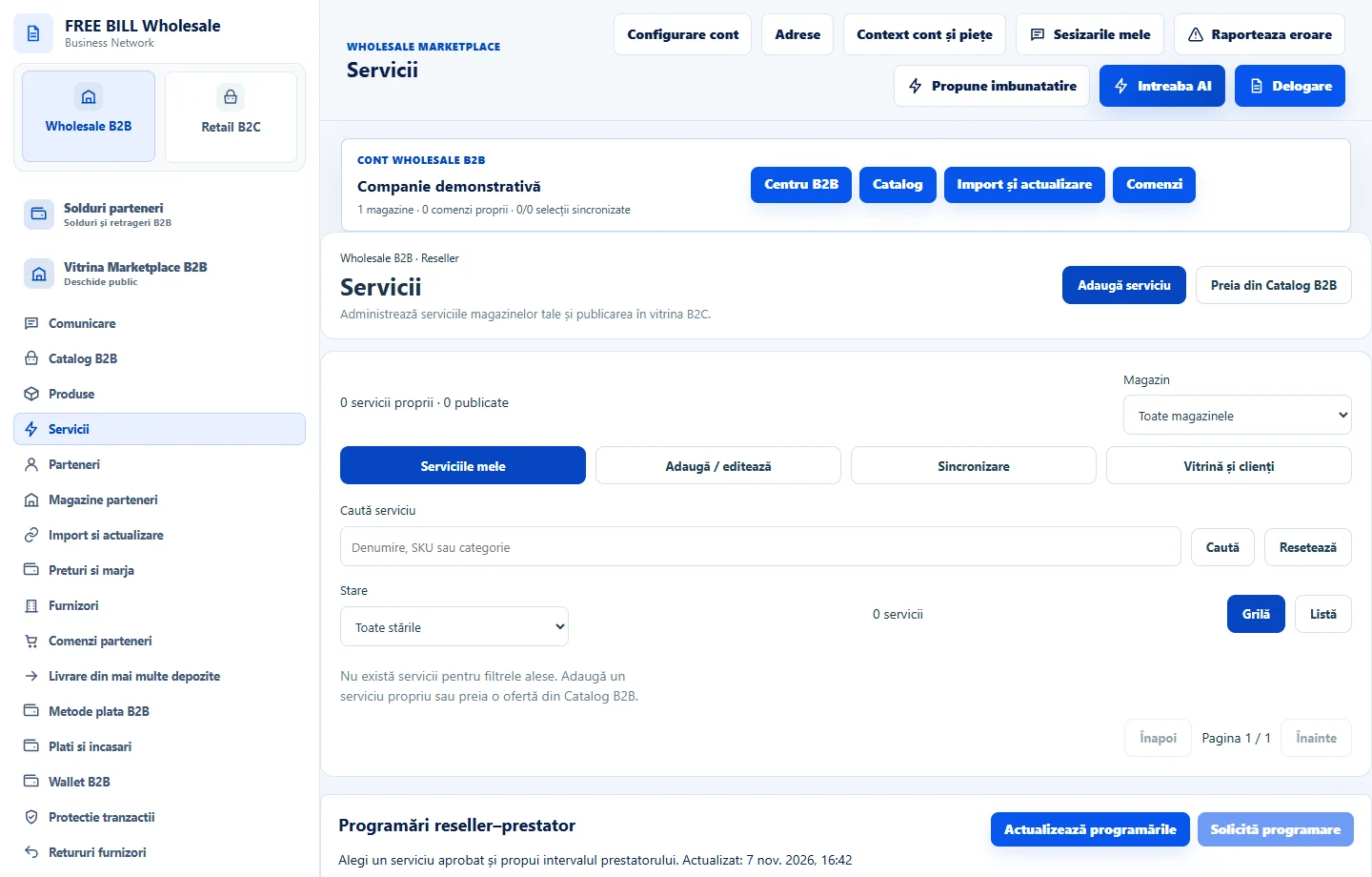
- Servicii
Step by step
Choose the service
Open «Serviciile mele» and check the store, supplier and wholesale source.
Check what the customer buys
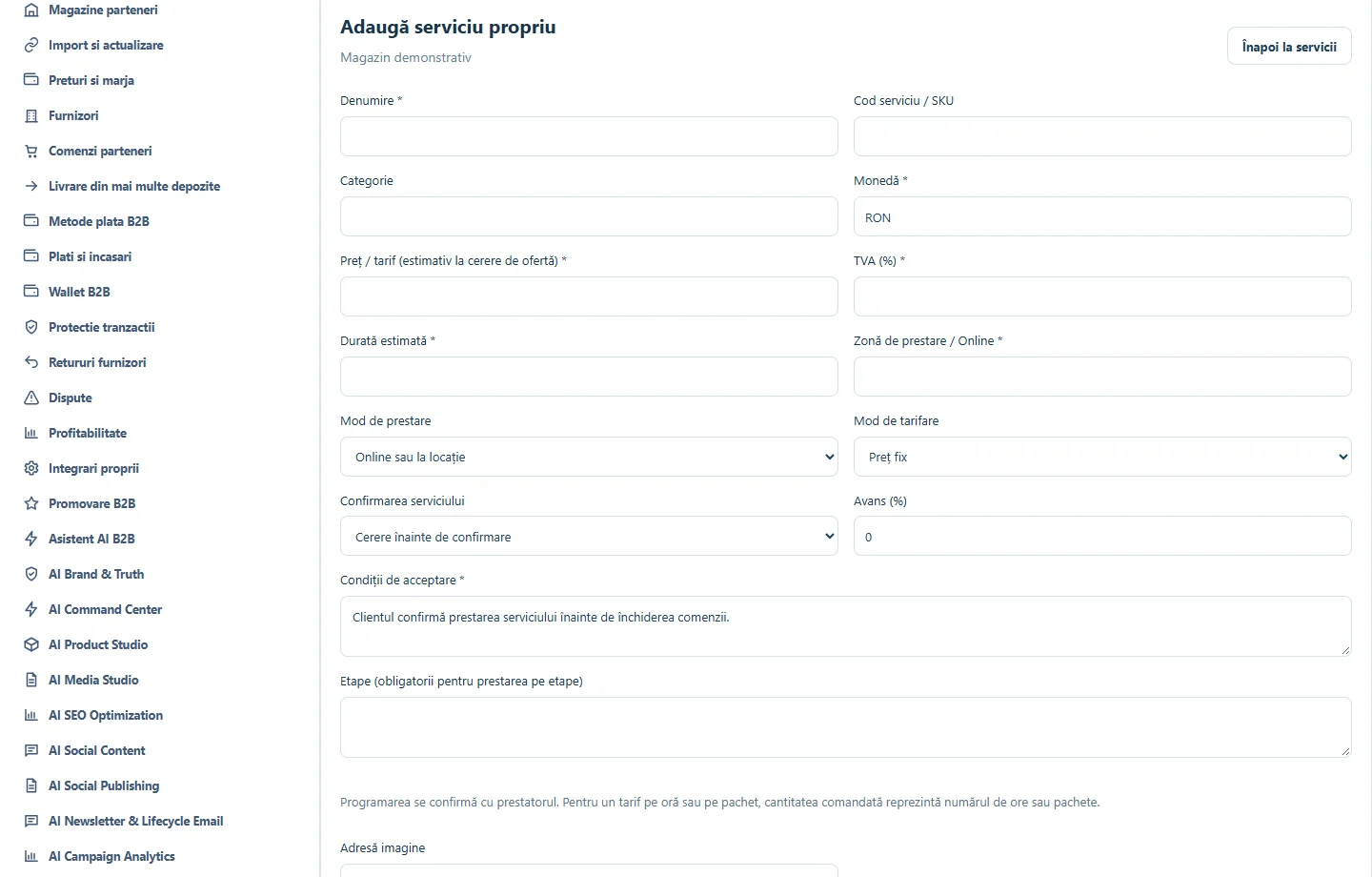
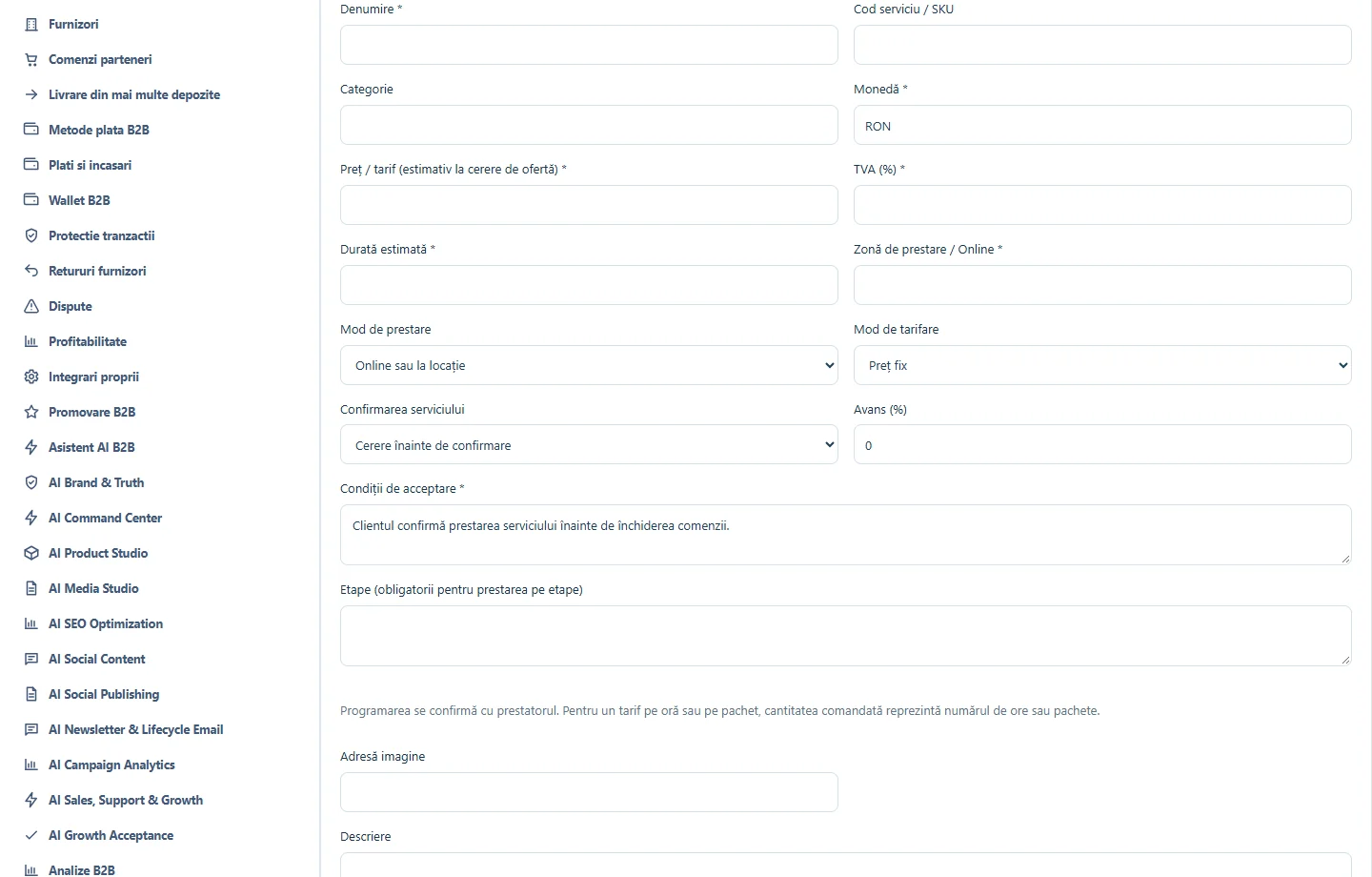
In «Adaugă / editează», check the name, description, price and displayed terms. Save changes only for the correct service and store.
Compare statuses
From «Sincronizare», select «Verifică datele serverului» and resolve any unconfirmed link.
Open the published service
From «Vitrină și clienți», check the service page, business terms and customer contact options.
Application interface · Romanian · 2
Check the result
The storefront service can be traced back to its source offer and store.
If something is missing
If the service is missing from the storefront, check its offer status and server confirmation in synchronization.
Availability depends on your role, enabled modules, country and company configuration.
Open in FreeBill Conect