Manage products for resale
Find your store’s products, check their source and review storefront publication.
Before you begin
- You need your own store and an eligible offer when the product comes from a supplier.
- Who it is for
- Wholesale partner
- Where to find it
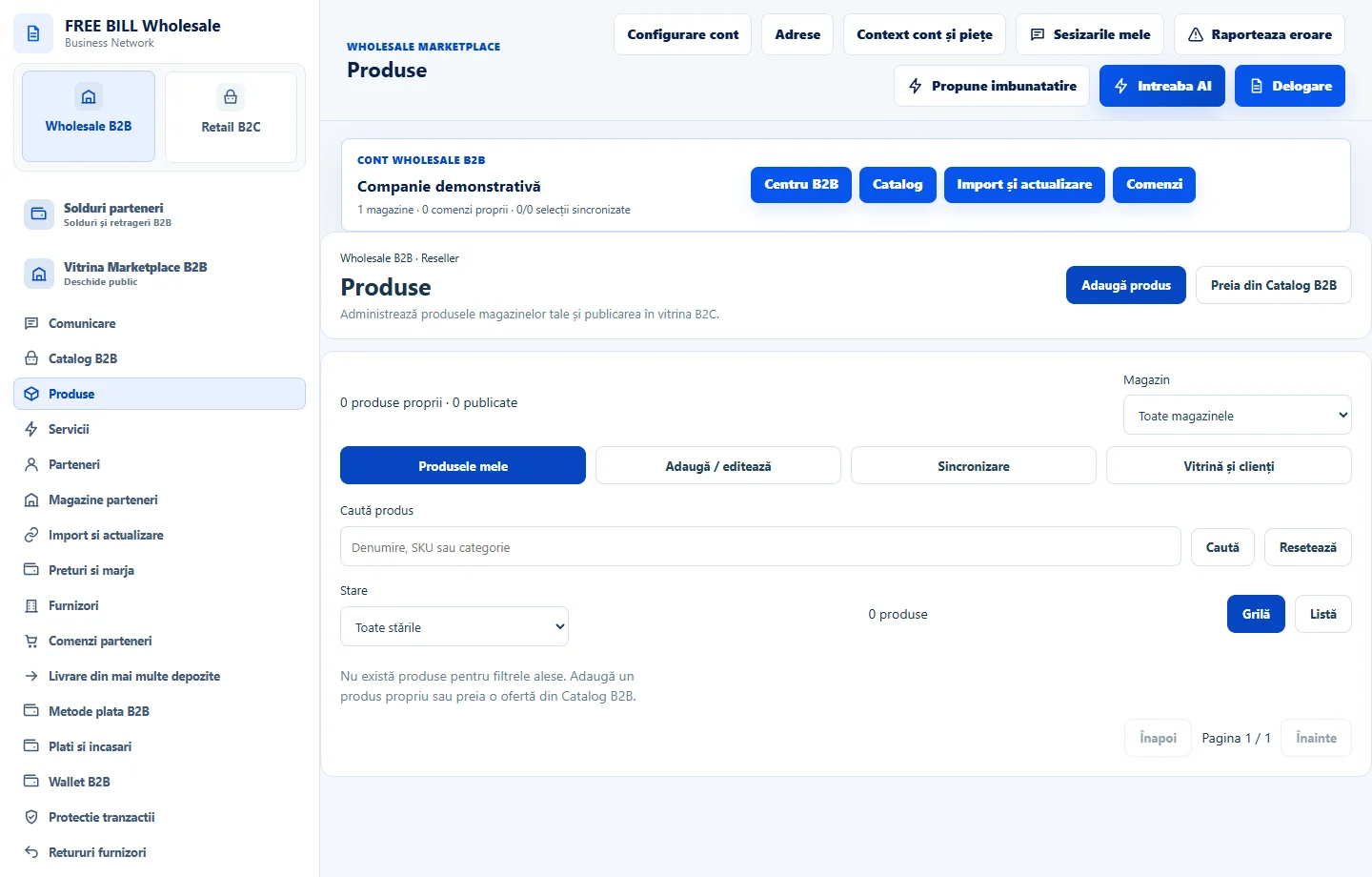
- Produse
Step by step
Choose the product
Open «Produsele mele» and identify the product by store, name and wholesale source.
Review the product record
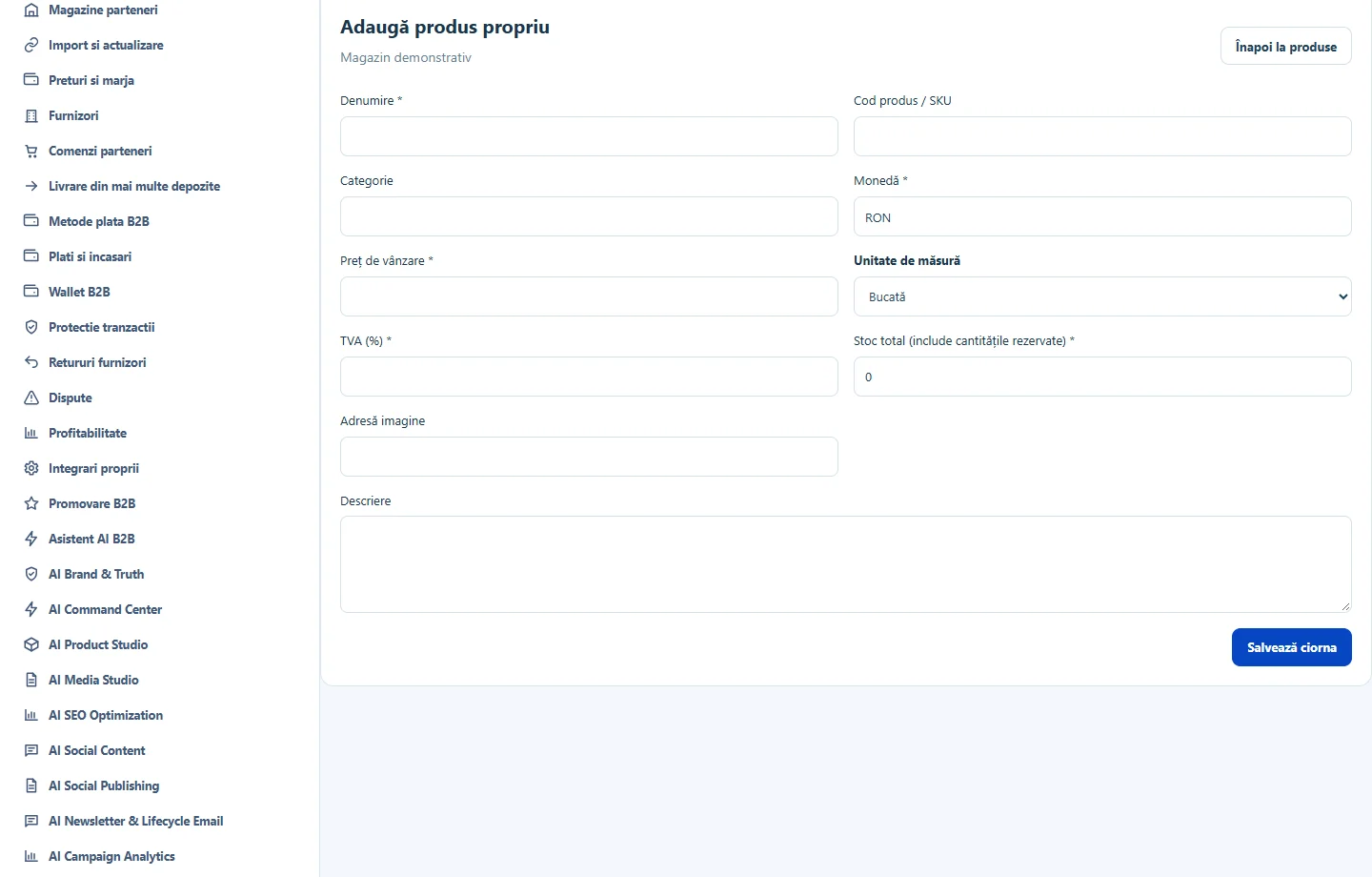
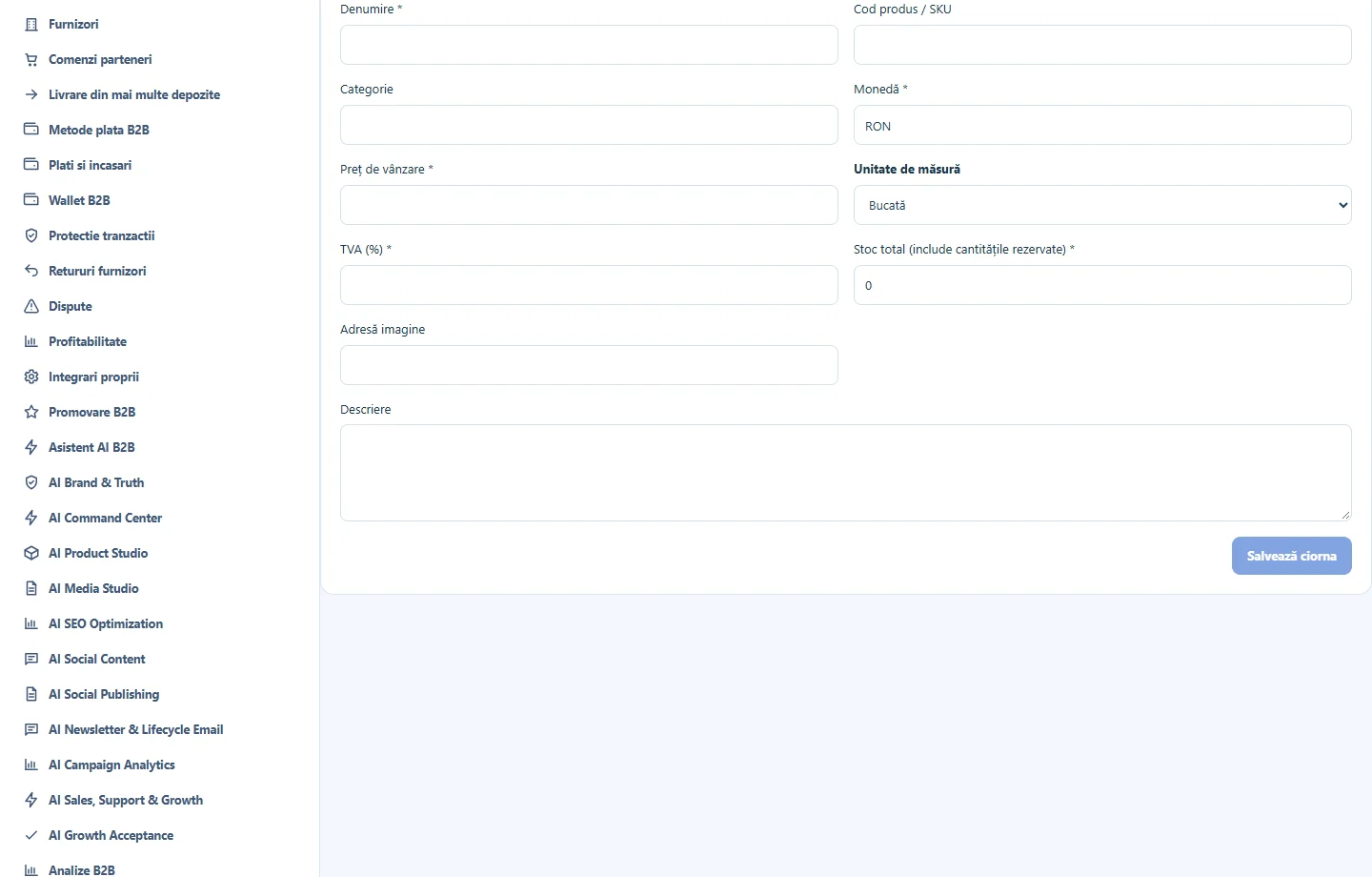
Use «Adaugă / editează» and fill in the available fields. Check the description, unit, price and stock or source before saving.
Check synchronization
In «Sincronizare», use «Verifică datele serverului» and compare the local and server statuses.
Check the customer page
From «Vitrină și clienți», open the retail storefront. Find the published product and confirm the displayed price and availability.
Application interface · Romanian · 2
Check the result
The product has an identified source and a verified publication status.
If something is missing
If the product appears only locally, read the synchronization message and check that the store and offer are active.
Availability depends on your role, enabled modules, country and company configuration.
Open in FreeBill Conect