Handle returns, disputes and transaction protection
Open a case for the correct order and track receipt, refund and resolution separately.
Before you begin
- You need an eligible order and the relevant documents or evidence.
- Who it is for
- Wholesale partner
- Where to find it
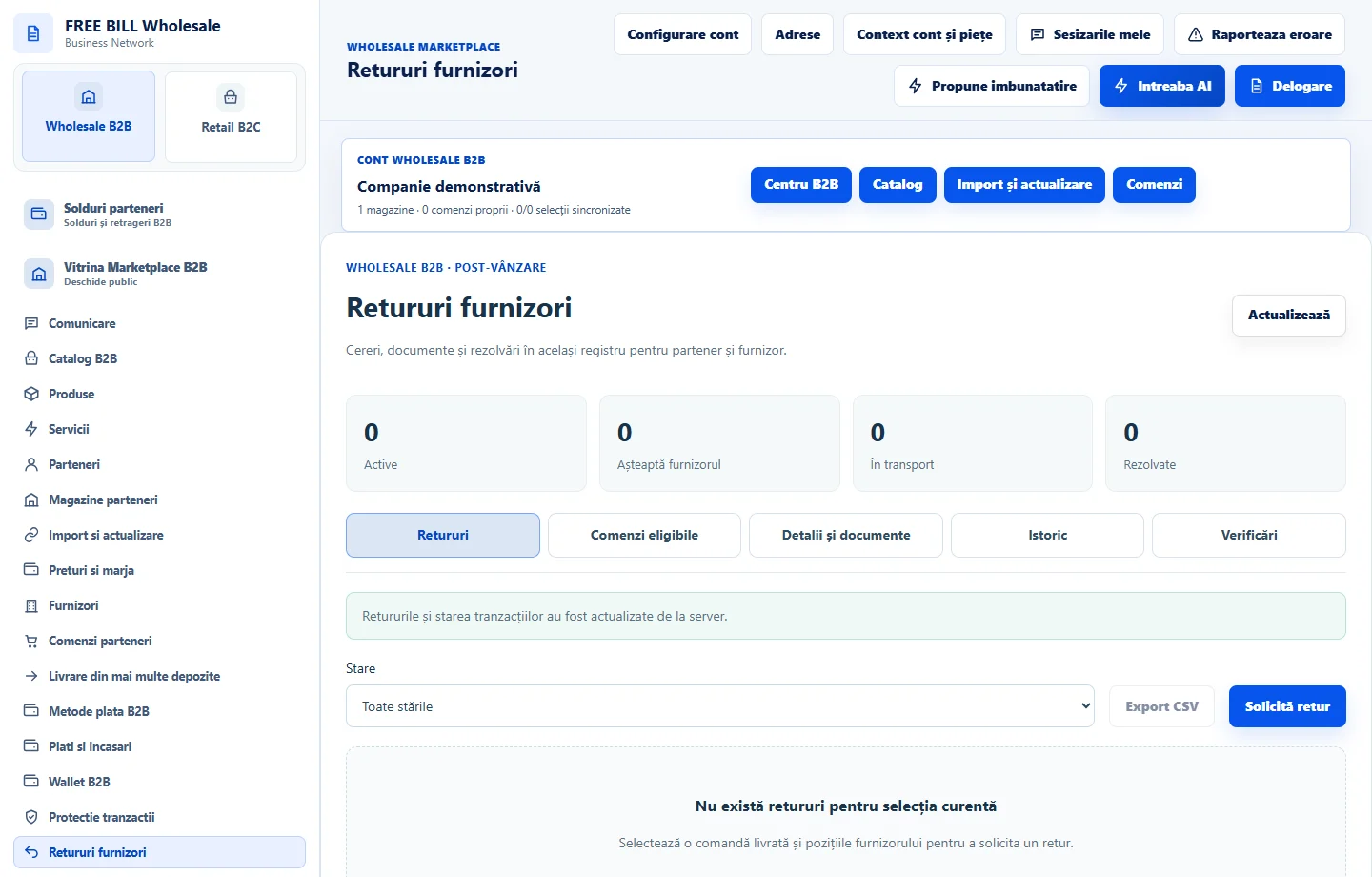
- Retururi furnizori
Step by step
Start from an eligible order
In «Retururi», check «Comenzi eligibile». Verify the item, remaining quantity, reason and supplier before opening a return.
Track receipt and refund
In «Detalii și documente», check the reference, evidence and receipt status. Confirm the refund separately through the displayed method using actual evidence.
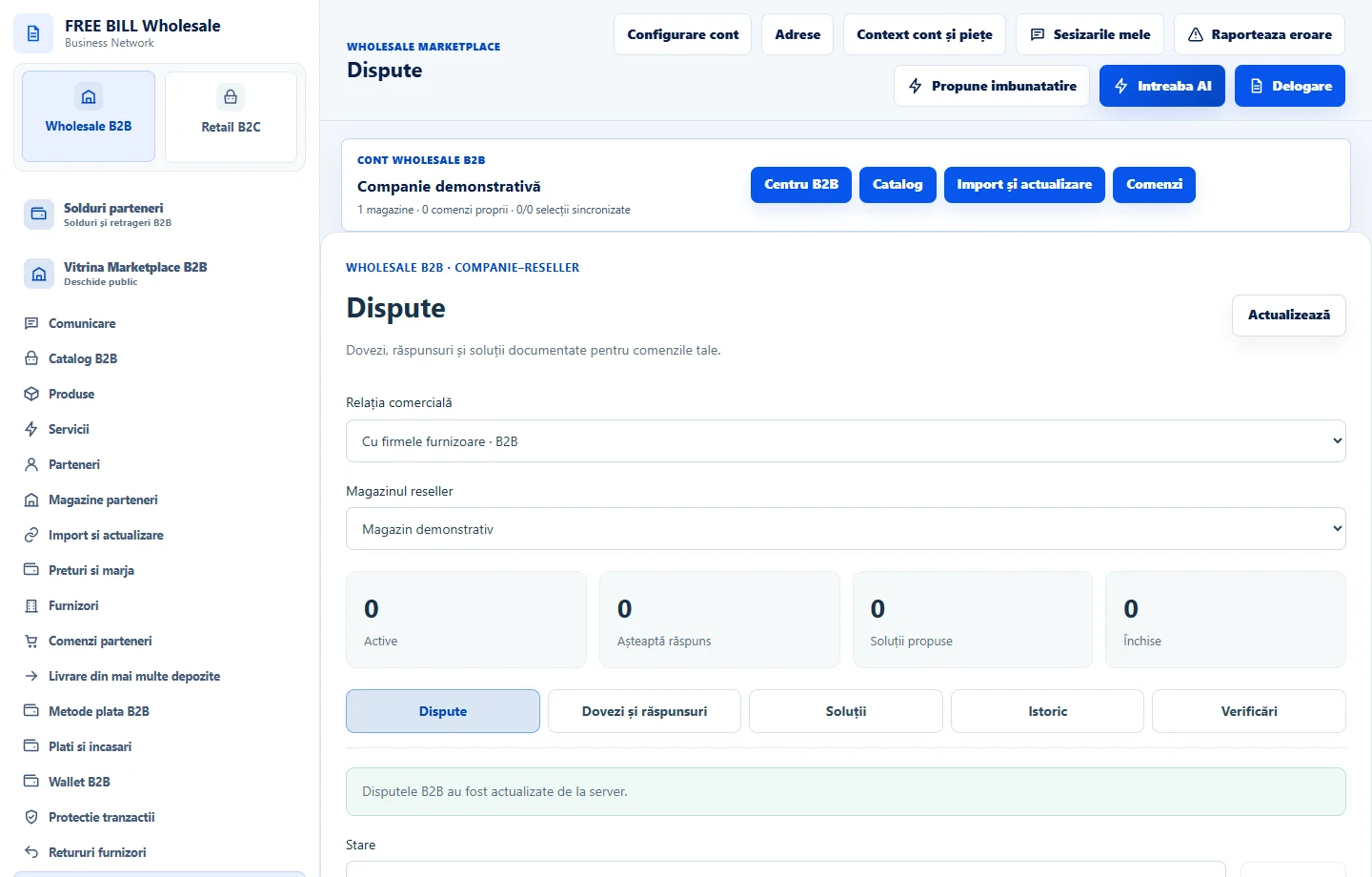
Open a dispute if needed
In «Dispute», use «Deschide o dispută» for the verified order. Add the explanation, reference and evidence, then follow «Dovezi și răspunsuri».
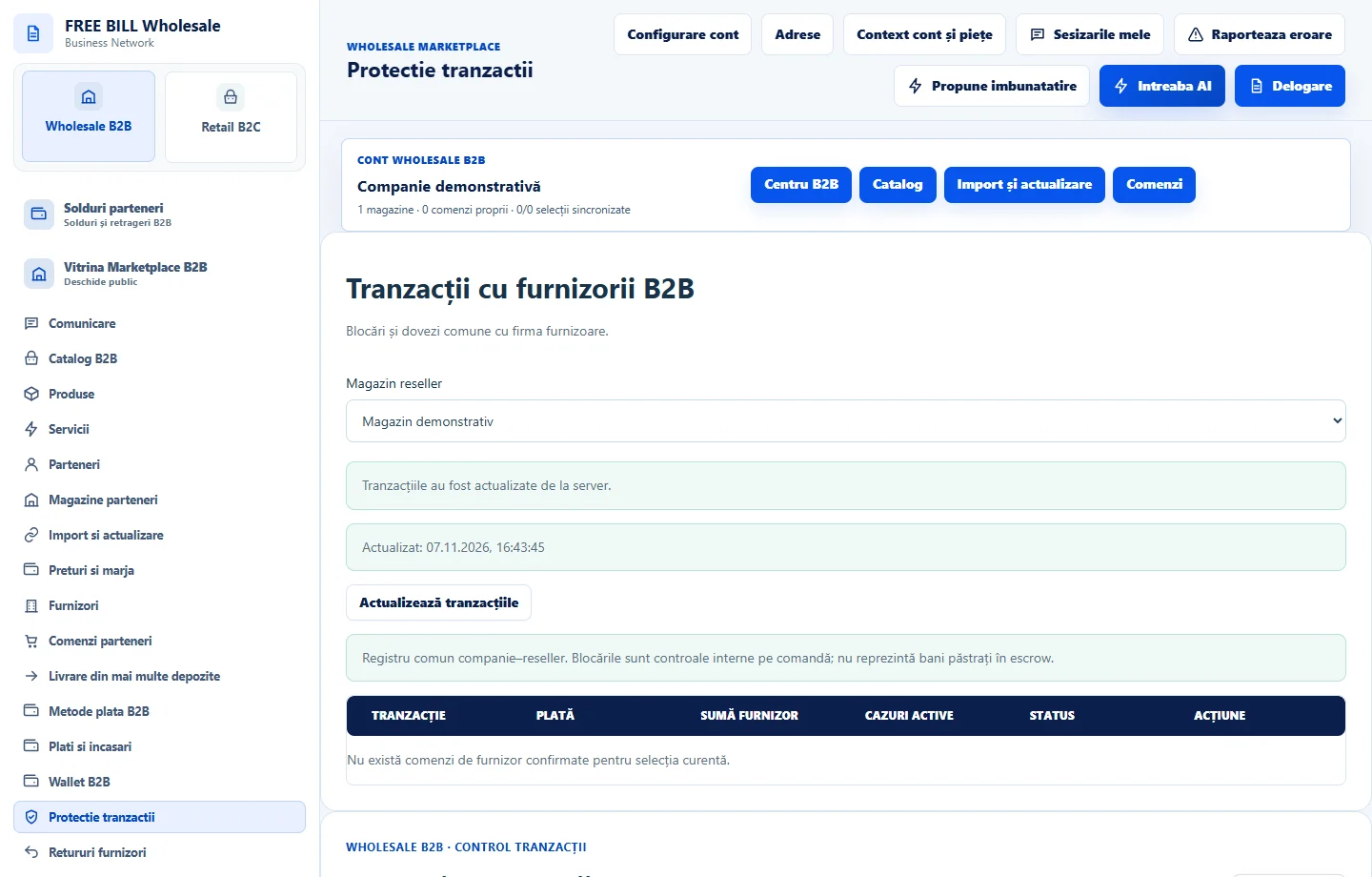
Review transaction protection
In «Etape și dovezi», review history and the effect of any withdrawal hold. Save a resolution only after the issue is actually resolved.
Application interface · Romanian · 2
Check the result
You can trace the order, return, refund evidence and resolution through separate records.
If something is missing
If the return or dispute remains open, check its status and responsible party before repeating the operation.
Availability depends on your role, enabled modules, country and company configuration.
Open in FreeBill Conect