Import offers and calculate resale prices
Update supplier selections and check margins before publishing prices.
Before you begin
- You need your own store and an eligible wholesale selection or a CSV file in the required format.
- Who it is for
- Wholesale partner
- Where to find it
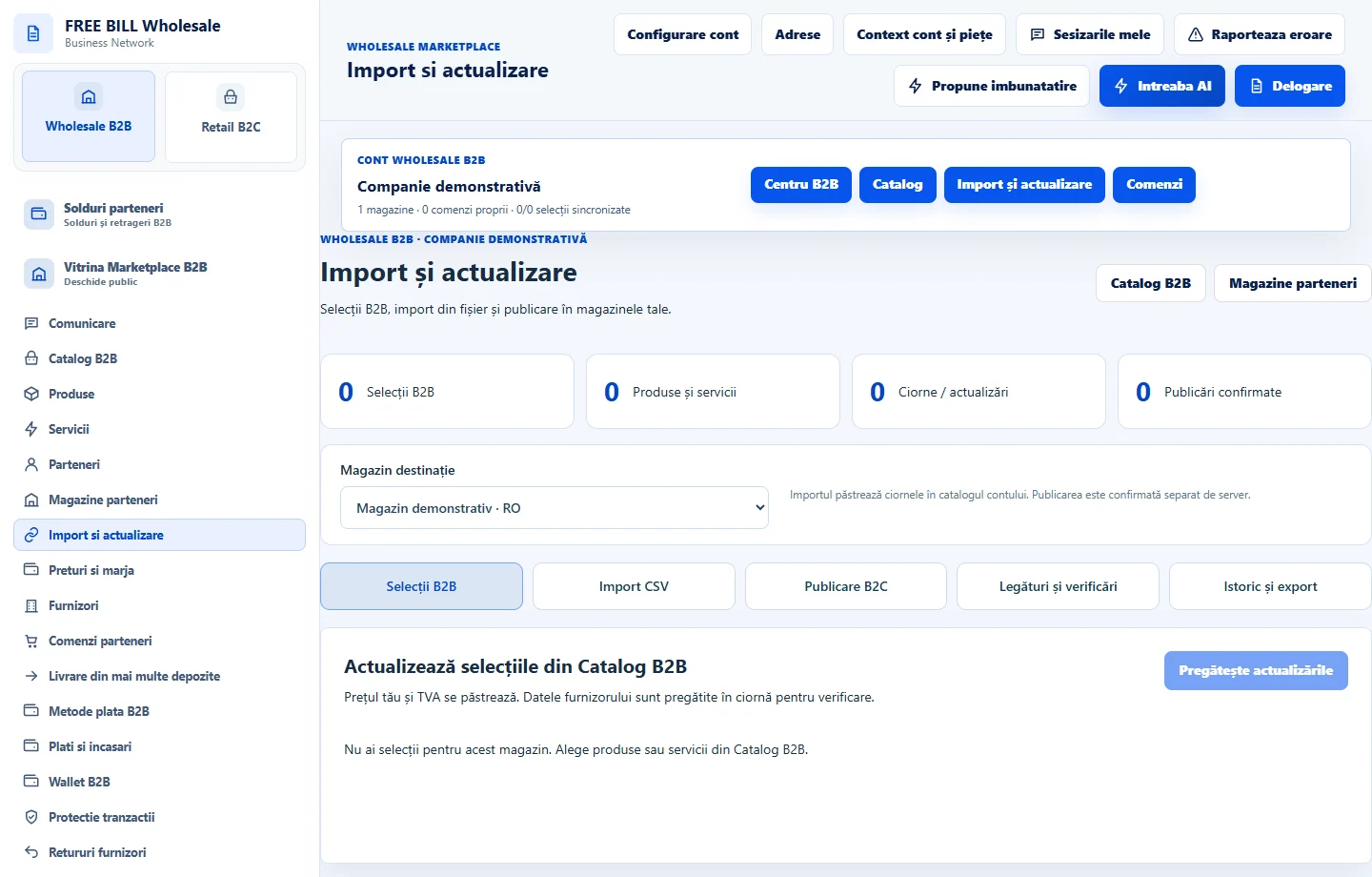
- Import si actualizare
Step by step
Prepare the import
In «Import și actualizare», check the store. Choose «Selecții B2B» for supplier offers or «Import CSV», and verify the format before importing.
Compare the updates
Choose «Pregătește actualizările» and then «Previzualizează». Check the product, price, stock and any withdrawn offer before applying changes.
Check the margin
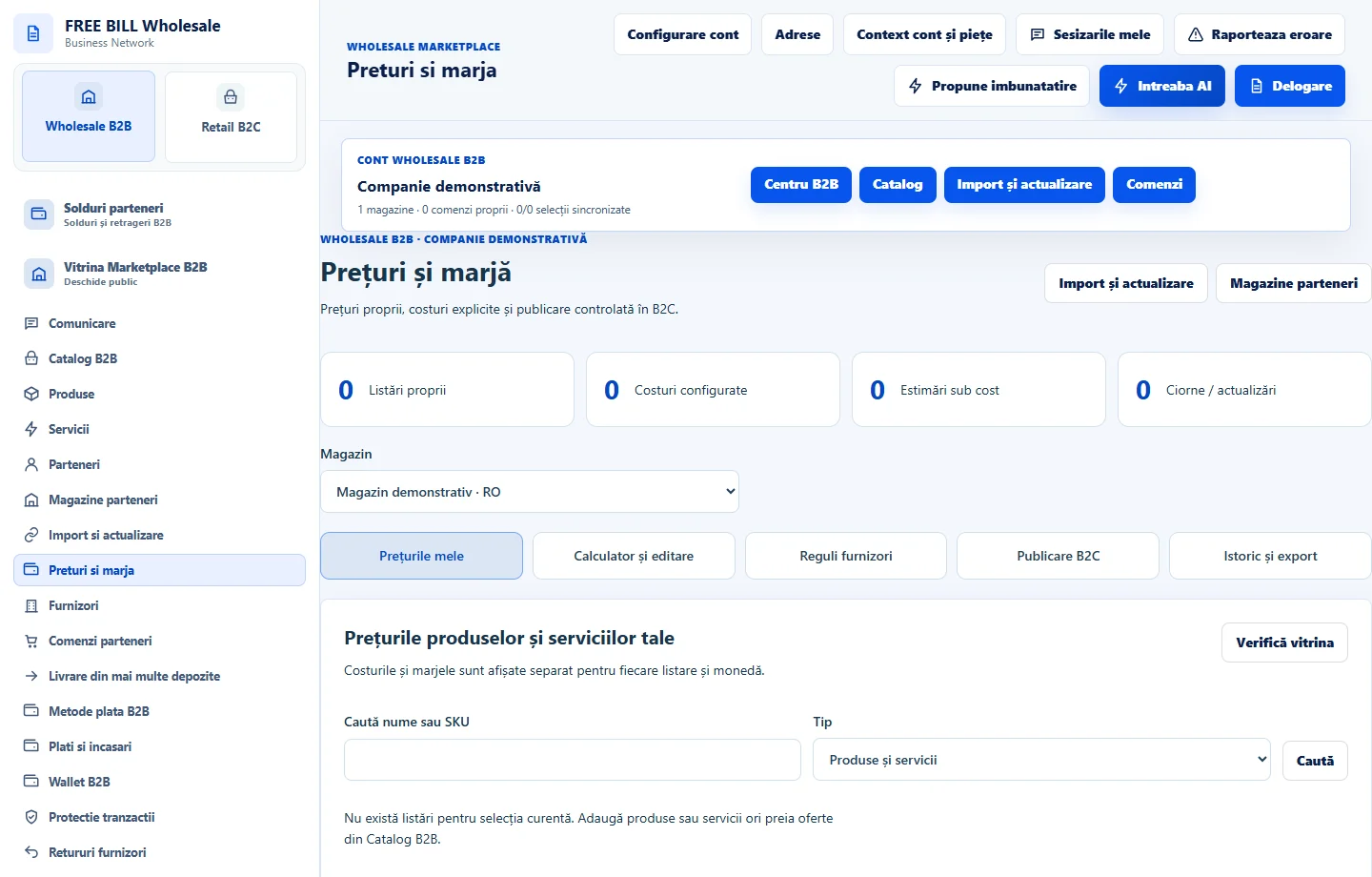
In «Prețuri și marjă», review «Reguli furnizori». In «Calculator și editare», check purchase price, markup, taxes and margin in the store’s currency.
Publish only the reviewed price
In «Publicare B2C», compare the prepared offer with the displayed price. After publishing, use «Verifică vitrina» and check «Istoric și export».
Application interface · Romanian · 1
Check the result
Selections are reconciled with their source, and the public price reflects the confirmed change.
If something is missing
If the price differs from the storefront, check the currency, draft, publication status and latest server read.
Availability depends on your role, enabled modules, country and company configuration.
Open in FreeBill Conect