Evaluate extensions and run final checks
Check extension status and keep a report of account readiness.
Before you begin
- You need access to the partner account and your own configured stores.
- Who it is for
- Wholesale partner
- Where to find it
- Advanced B2B & Growth
Step by step
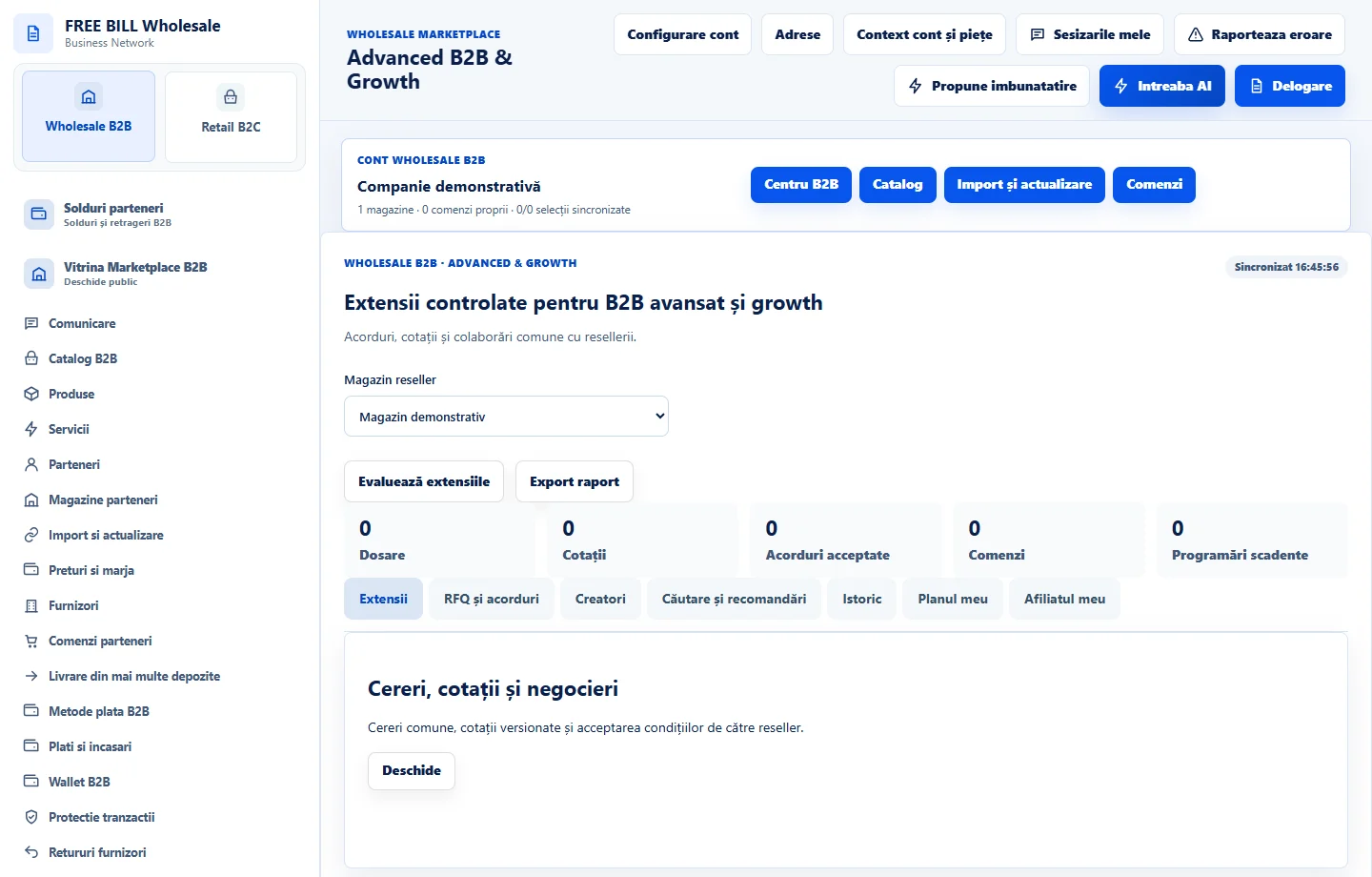
Identify the extension
In «Extensii B2B și creștere», search by area and status. Open «Detalii și plan» for available features and their conditions.
Save the internal plan
In «Planul meu», verify the objective, assignee, deadline and priority. Save the plan for follow-up and check implementation status separately.
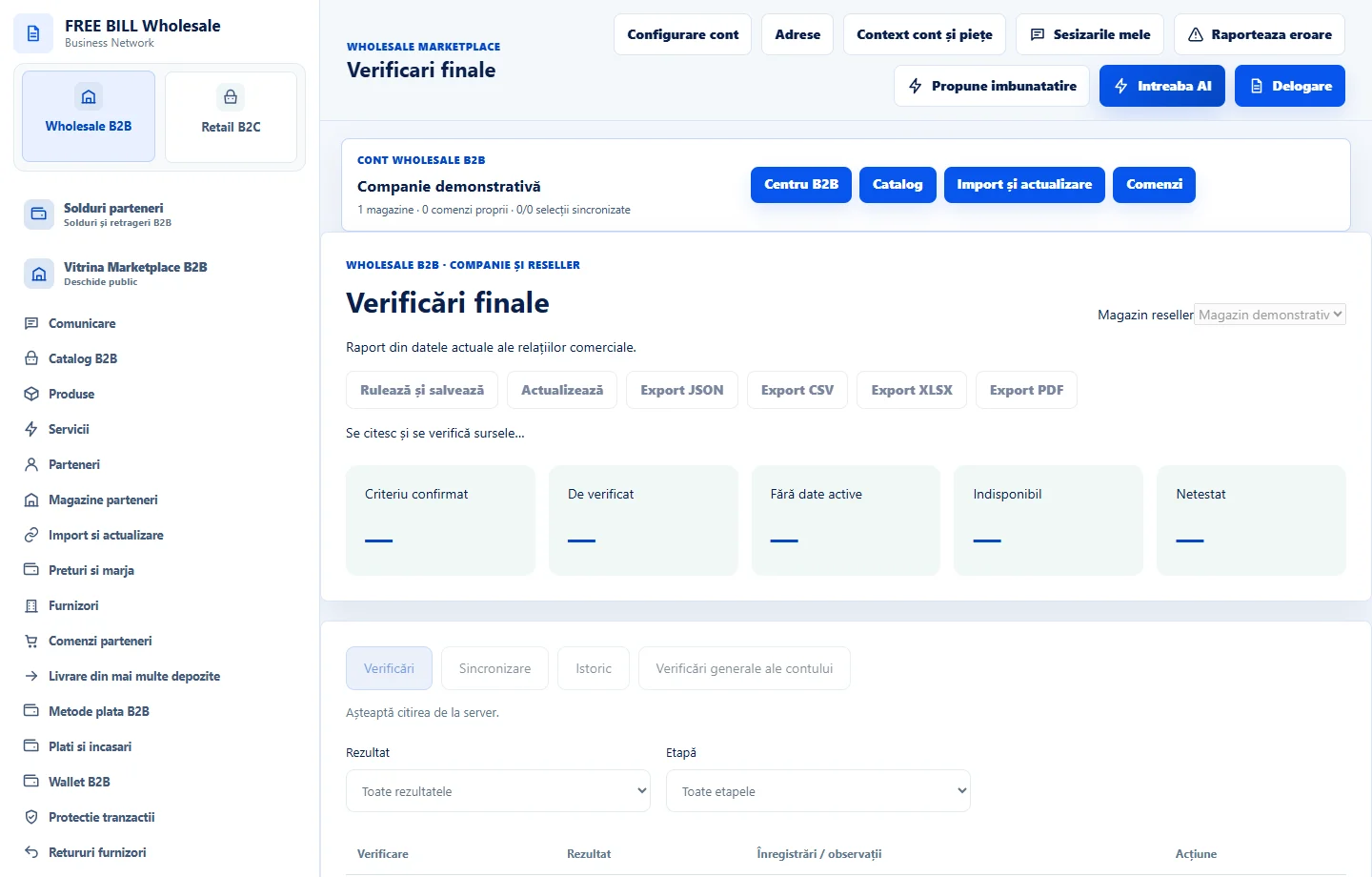
Run the checks
In «Verificări finale», refresh data and use «Rulează și salvează». Open each result requiring attention and check the source.
Keep a record
Compare the result with «Istoric rulări». Use «Export JSON» or «Export CSV» for the report you want to keep.
Application interface · Romanian · 1
Check the result
You have a tracked plan and a check report for the state reread from the server.
If something is missing
If data changed after the run, check the sources and rerun the checks for the current state.
Availability depends on your role, enabled modules, country and company configuration.
Open in FreeBill Conect