Reconcile payments, balances and refunds
Review B2C movements by store, order and currency.
Before you begin
- Company orders or payment records and financial module access.
- Processor confirmation, bank statement or other evidence for manual collection.
- Who it is for
- companie
- Where to find it
- Wallet B2C
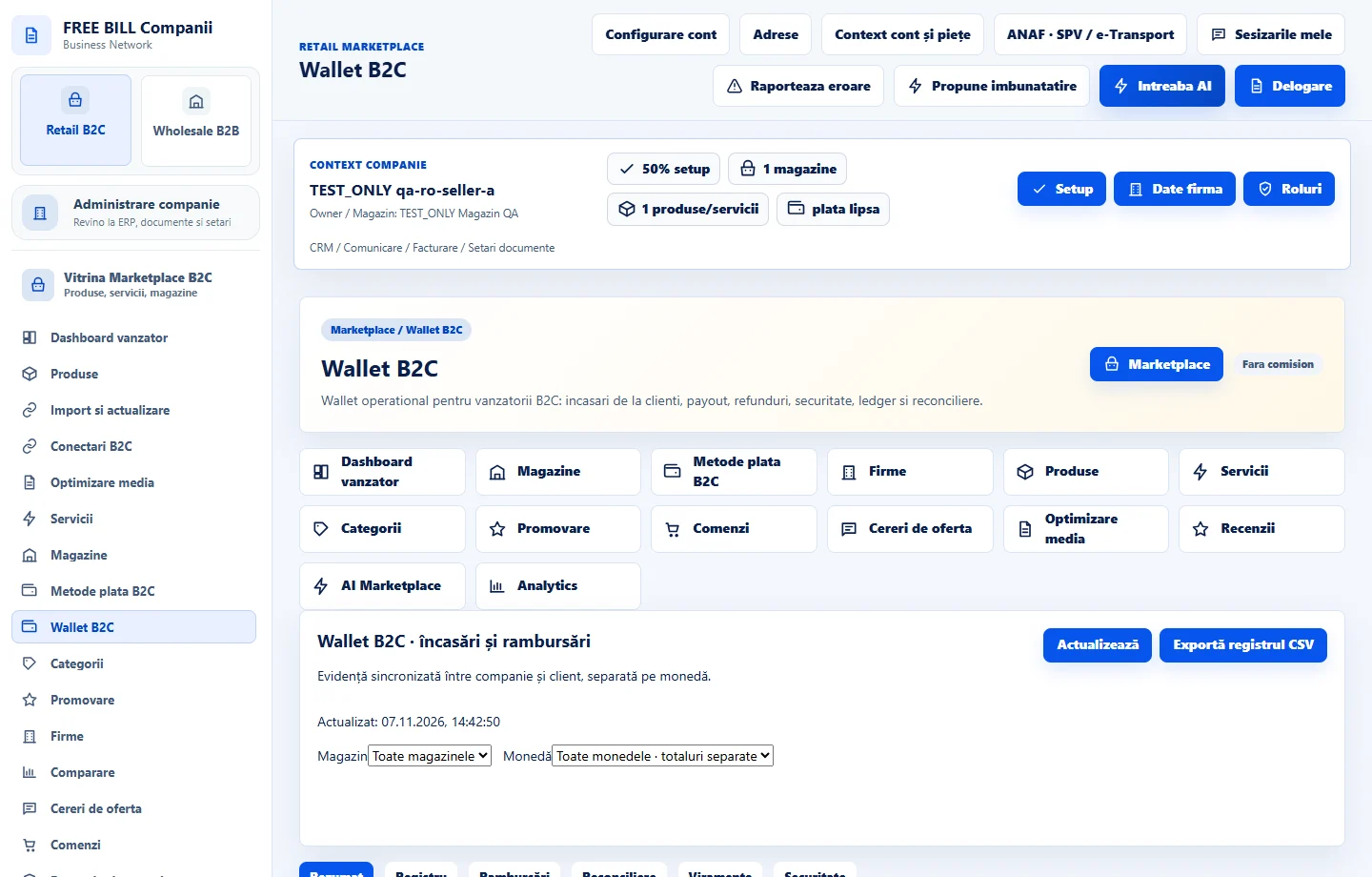
Step by step
Choose the store and period
Open «Wallet B2C». Filter by store, period and currency. Compare confirmed payments, confirmed refunds, net receipts and outstanding amounts.
Reconcile an order
Open the transaction or order. Compare its number, currency, total, reference and status against the evidence. Confirm customer-reported payment after checking actual receipt.
Record a refund request
On the correct order, open «Solicită rambursare». Enter amount and reason, then choose «Înregistrează cererea». Track the request in the refunds list.
Follow settlement and review
Confirm the result with the processor or the evidence your company uses for the original payment method. If settlements are listed, check their status and references.
Review or export the register
Check entries marked for review. Where export is available, download the filtered data and reconcile by the same currency and period.
Check the result
Balances and refunds can be interpreted using confirmed movements and transaction references.
If something is missing
A refund request records the intended refund. Check the actual transfer separately. If the response is delayed or the reference is unknown, locate the original operation before starting another.
Availability depends on your role, enabled modules, country and company configuration.
Open in FreeBill Conect