Edit and review the store in the storefront
Update the profile, public identity and status of a company store.
Before you begin
- At least one store associated with the active company.
- Who it is for
- companie
- Where to find it
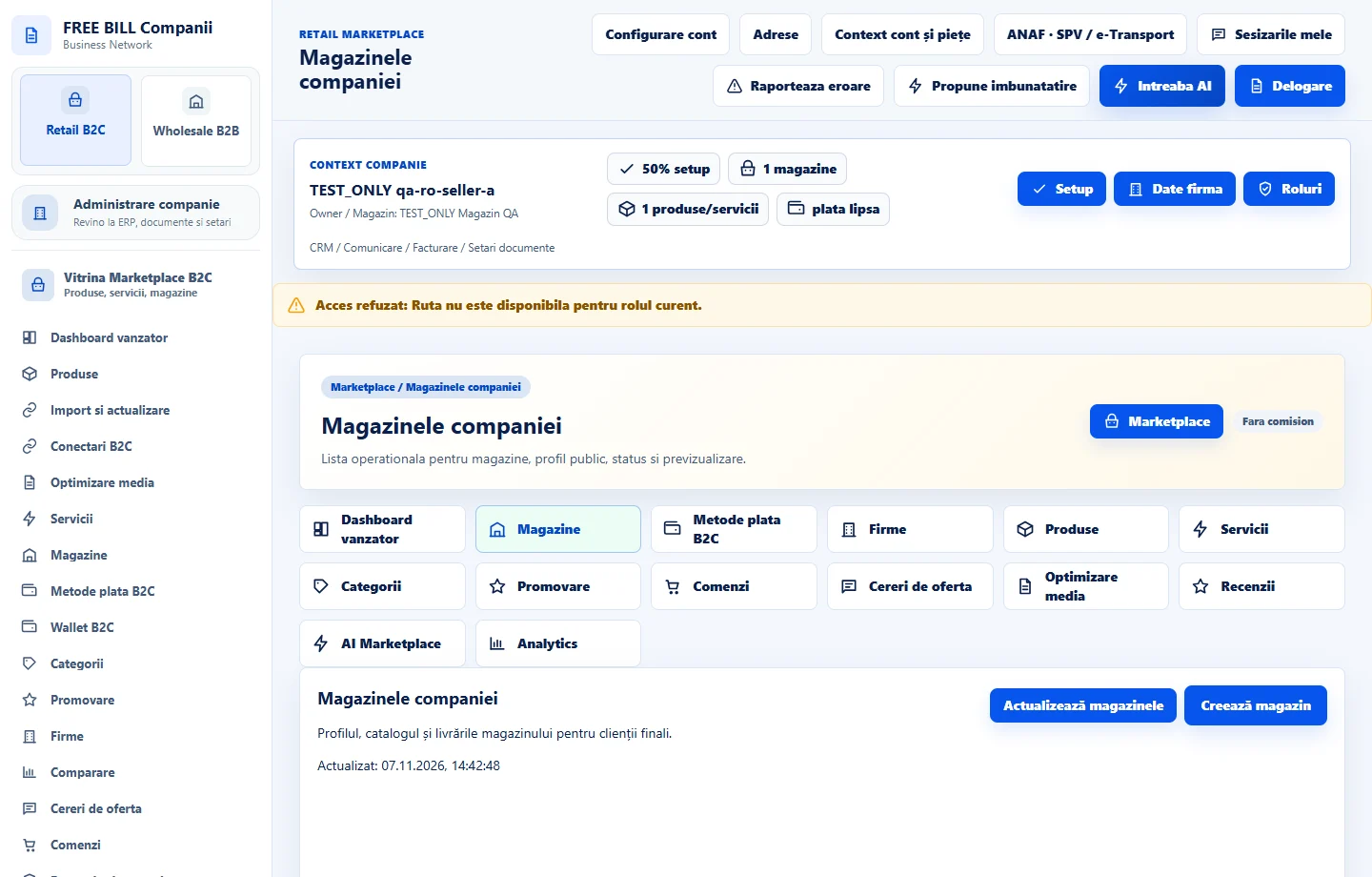
- Magazinele companiei
Step by step
Select the store
In «Retail B2C», open «Magazinele companiei». Check the name and public address before opening the profile. Stores can have their own catalogue and rules.
Review the profile and contact details
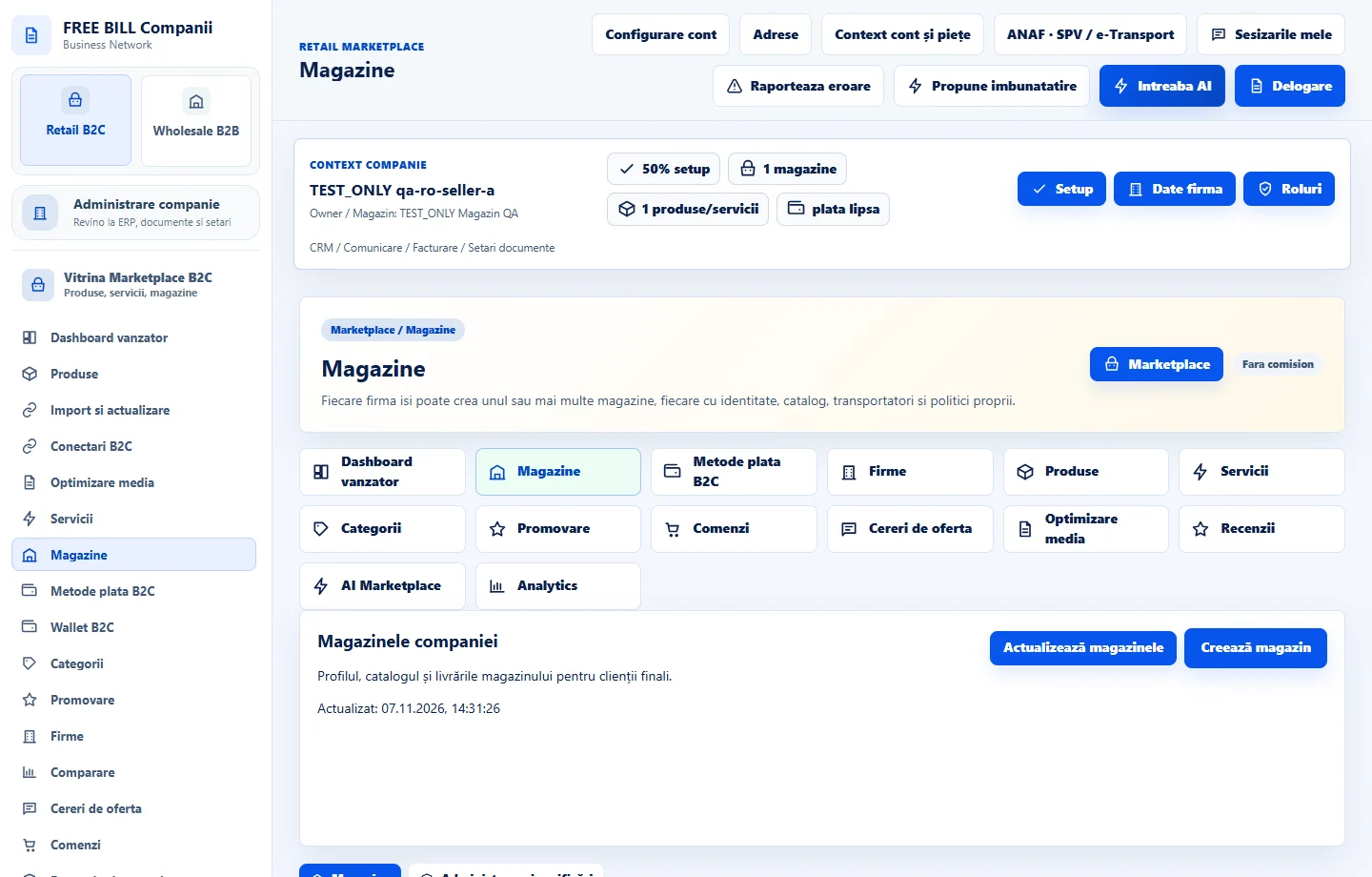
Select the store in «Magazin». Update «Nume magazin», business contact details and description. Check «Slug public» before changing it and share the new address once saved.
Update store policies
Edit «Politica livrare» and «Politica retur» when conditions change. Check the same conditions in «Transport si livrare» and individual offers.
Control visibility
Choose the required «Status public». If you pause the store, review which existing orders still need attention. Save and check the confirmed status.
Open the preview
From the store list, open the storefront and check the description, contact details, catalogue and links to product or service pages. Return to the selected store to correct any issues.
Application interface · Romanian · 1
Check the result
The saved profile and storefront show the details selected for the correct store.
If something is missing
If an offer is missing, open its editor and check publication status, store and availability. If the selector is empty, check the active company.
Availability depends on your role, enabled modules, country and company configuration.
Open in FreeBill Conect