Set up shipping, couriers and collection
Define the destinations, rates and methods available at checkout.
Before you begin
- A B2C store for the active company.
- Your rates, destinations, parcel dimensions and, where needed, courier agreement.
- Who it is for
- companie
- Where to find it
- Transport si livrare
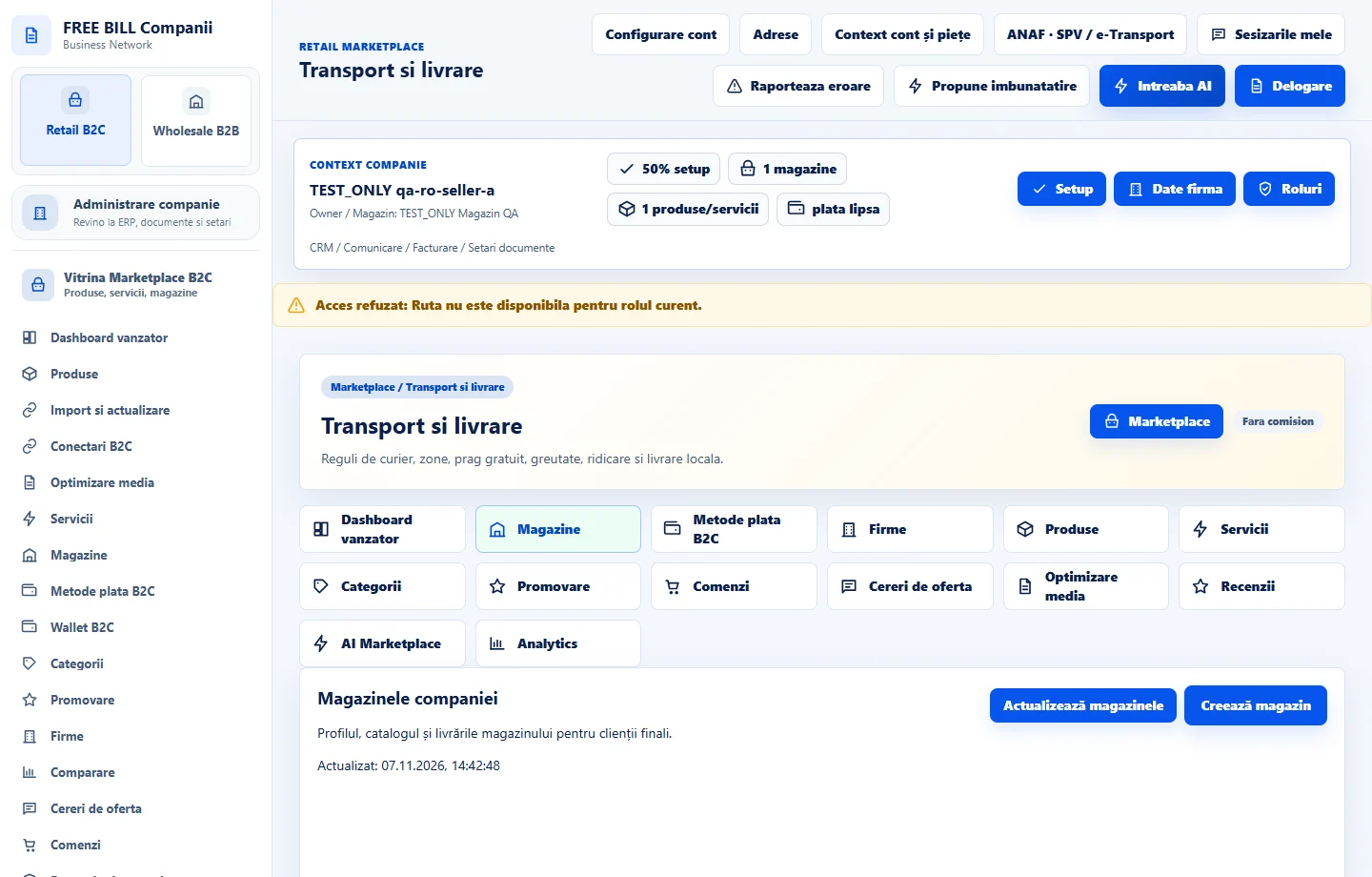
Step by step
Select the store and rule
Open «Transport si livrare» in the store area. Select the store and the B2C rule scope if the form offers it. Create separate rules when the delivery method, service area or rate differs.
Set the method and coverage
Choose the delivery or collection method, country and zone. Select the courier or enter the method name. For collection, enter opening hours and relevant conditions.
Set the rate
Choose an available calculation mode. For a fixed fee, enter the base rate and, where relevant, «Gratuit peste». For calculated rates, enter the applicable weights, dimensions, unit rates and confirmed surcharges.
Check what customers can choose
Review the currency, estimated delivery time, cash-on-delivery conditions and checkout visibility. If integrating a courier, enter «Contract / cont curier» and «Cod serviciu» using the provider's instructions.
Save and test
Select «Salvează livrarea» or «Salveaza livrare», depending on the form. Check the store's rule list. In a test environment, try an eligible address and an excluded one.
Check the result
Confirmed rules describe the methods available for eligible destinations and parcels.
If something is missing
If a method is missing at checkout, check the store, status, visibility, country, zone and parcel limits. API-generated waybills also depend on an authorized company connection.
Availability depends on your role, enabled modules, country and company configuration.
Open in FreeBill Conect