Promote products, services and stores
Create a campaign and follow visibility, costs and results.
Before you begin
- Promotion access, an eligible offer and a budget where required.
- Who it is for
- companie
- Where to find it
- Promovare
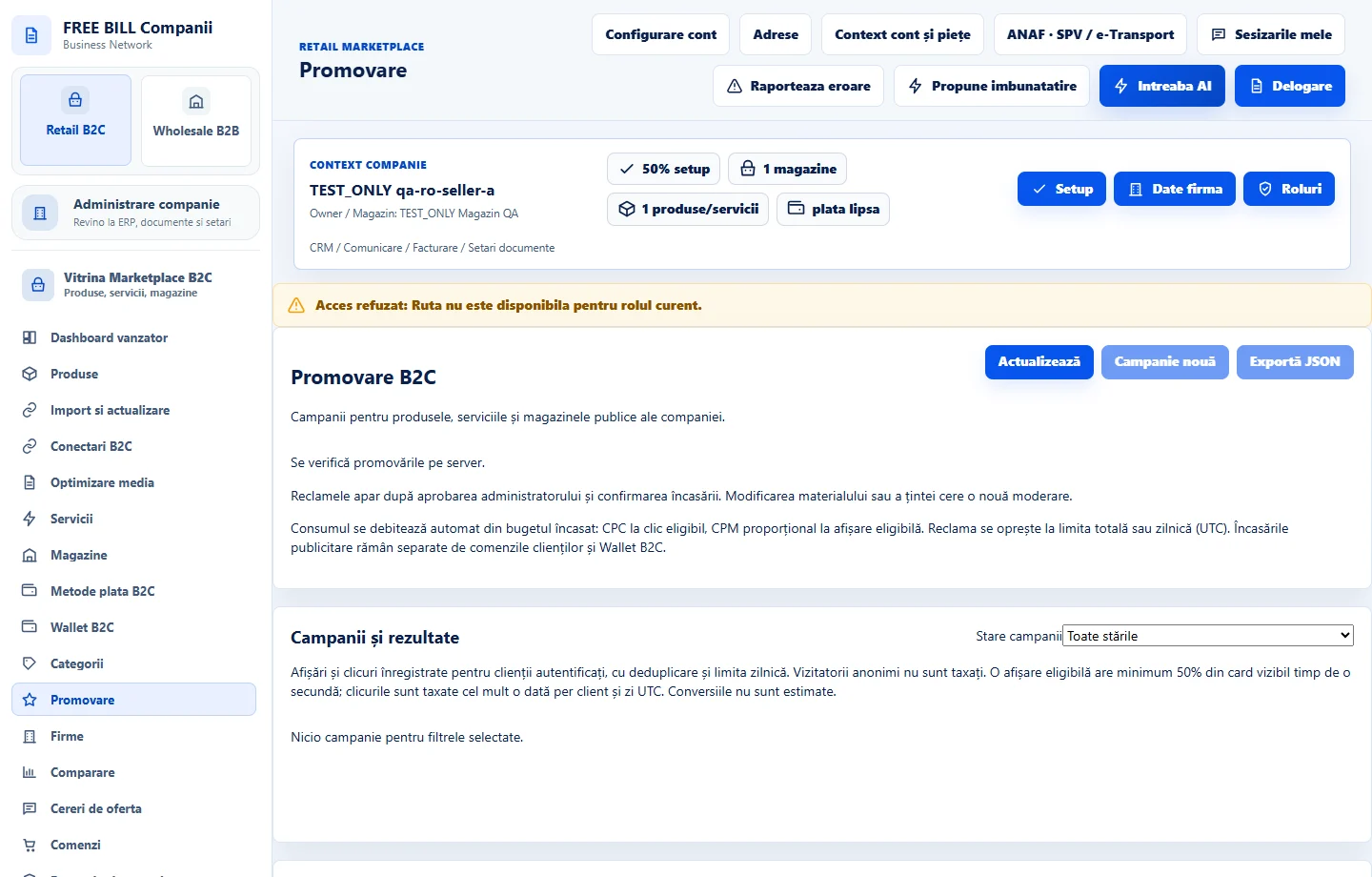
Step by step
Choose what to promote
Open «Promovare» and select a store or offer for the active company. Verify that the destination is public.
Set up the campaign
Enter dates, placement and budget if requested. Check charging terms, currency, limits, media and destination.
Review before launching
Check the preview and approval status. Activate after verifying destination, dates, budget and responsibility.
Track costs and performance
In the campaign or «AI Campaign Analytics B2C», compare impressions, clicks, charges and attributed revenue when confirmed. Use the same company, period and currency.
Manage changes
If the offer or budget changes, review the campaign status and pause or edit where available. Check history before resuming.
Check the result
The campaign has a clear destination, a controllable budget and reviewable results.
If something is missing
If results are missing, check offer publication, campaign status and dates. Compare metrics with the same source and currency.
Availability depends on your role, enabled modules, country and company configuration.
Open in FreeBill Conect