Verify the store and investigate risk signals
Follow the store's verification file, reputation and quality checks.
Before you begin
- A company store and the relevant permission.
- Evidence requested for the verification level you are seeking.
- Who it is for
- companie
- Where to find it
- Verificare vanzator
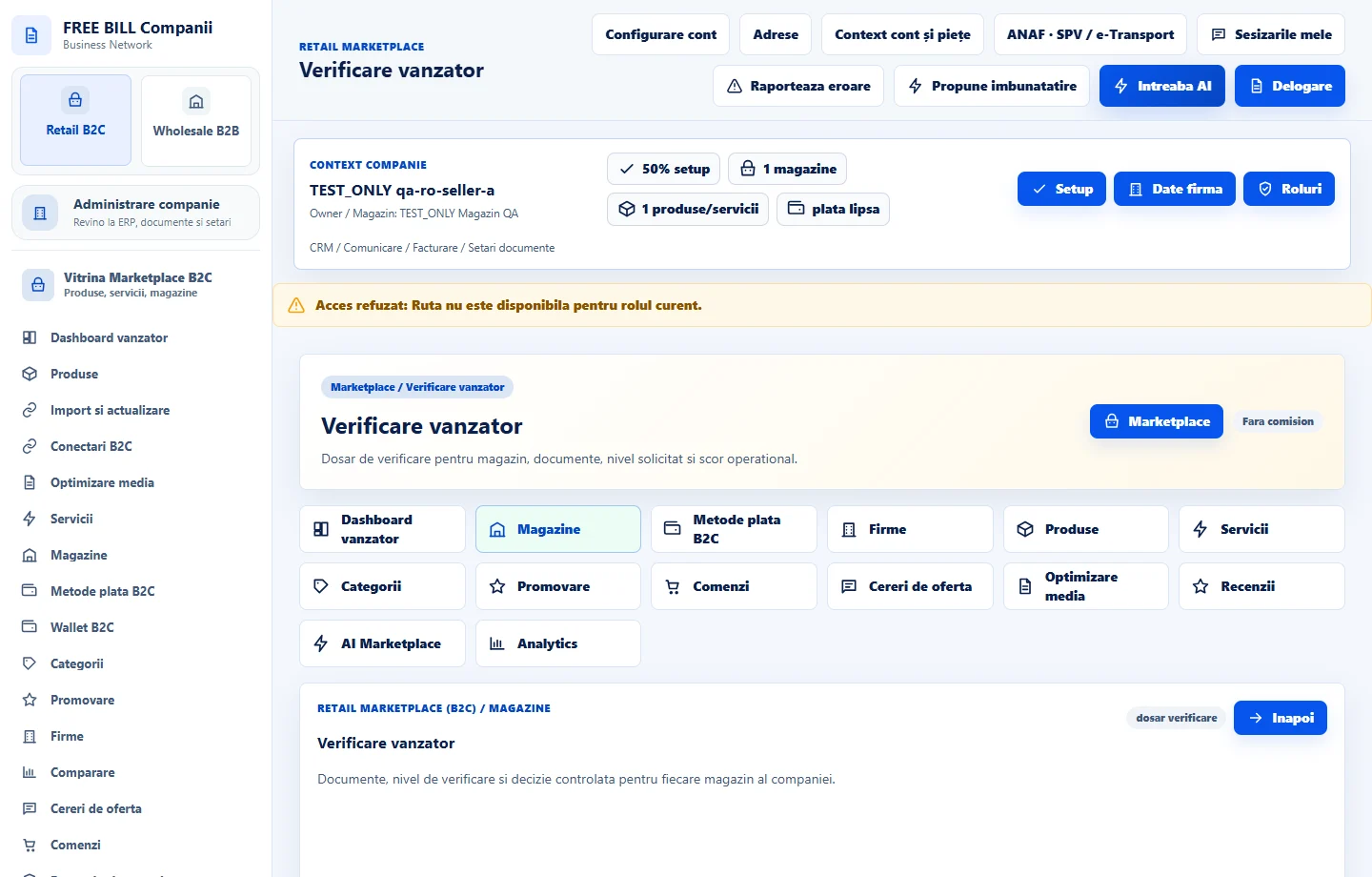
Step by step
Select the store for verification
In «Magazine», open «Administrare și verificări» or «Verificare vanzator» where available. Select the right store's file.
Complete and follow the file
Review requested documents and the target level. Attach evidence in the dedicated form and check status after saving or submitting.
Review reputation and performance
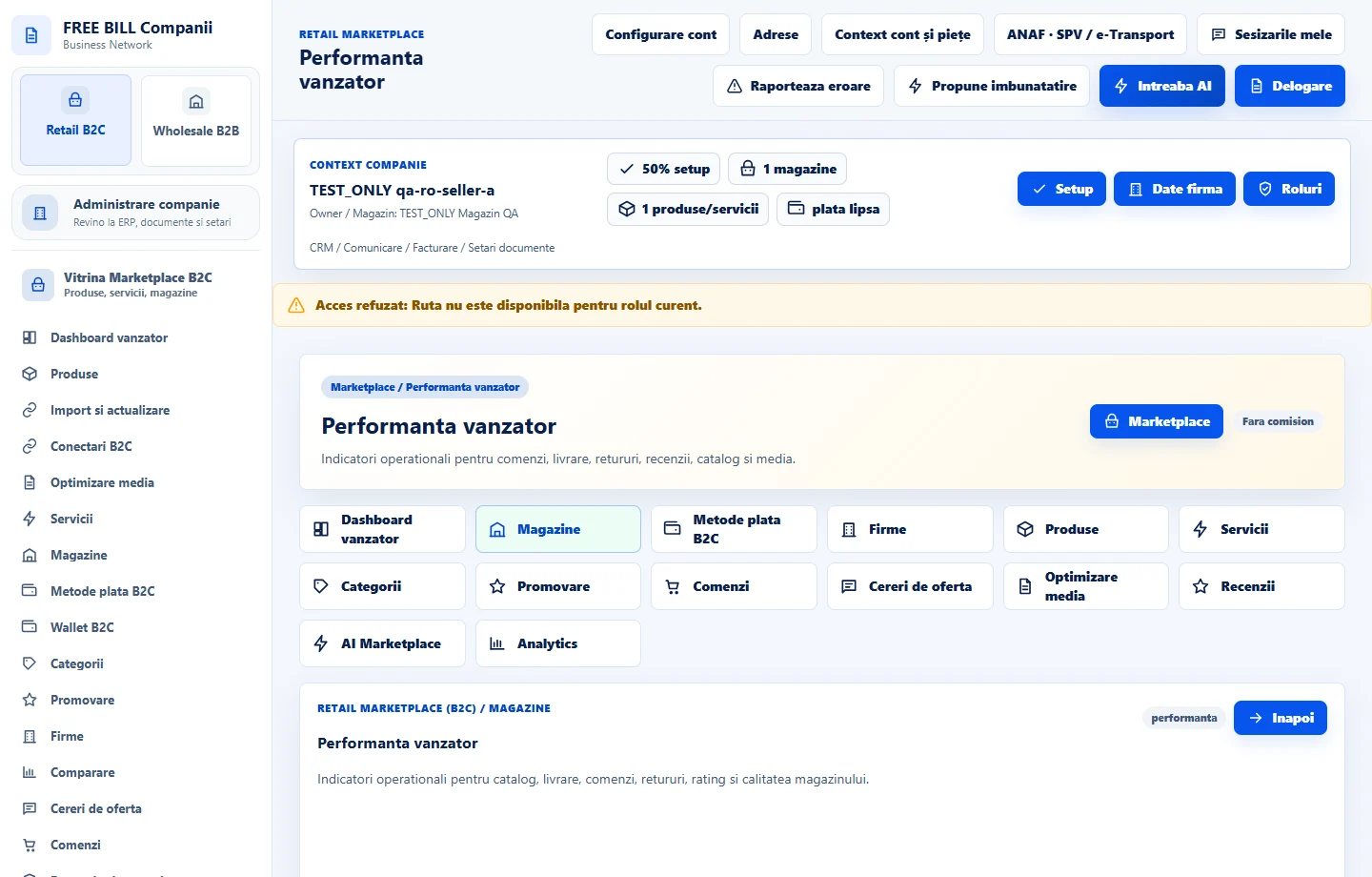
In «Incredere marketplace» and «Performanta vanzator», check the period, orders, deliveries, returns and reviews. Read the conditions behind the indicators.
Investigate listing and risk issues
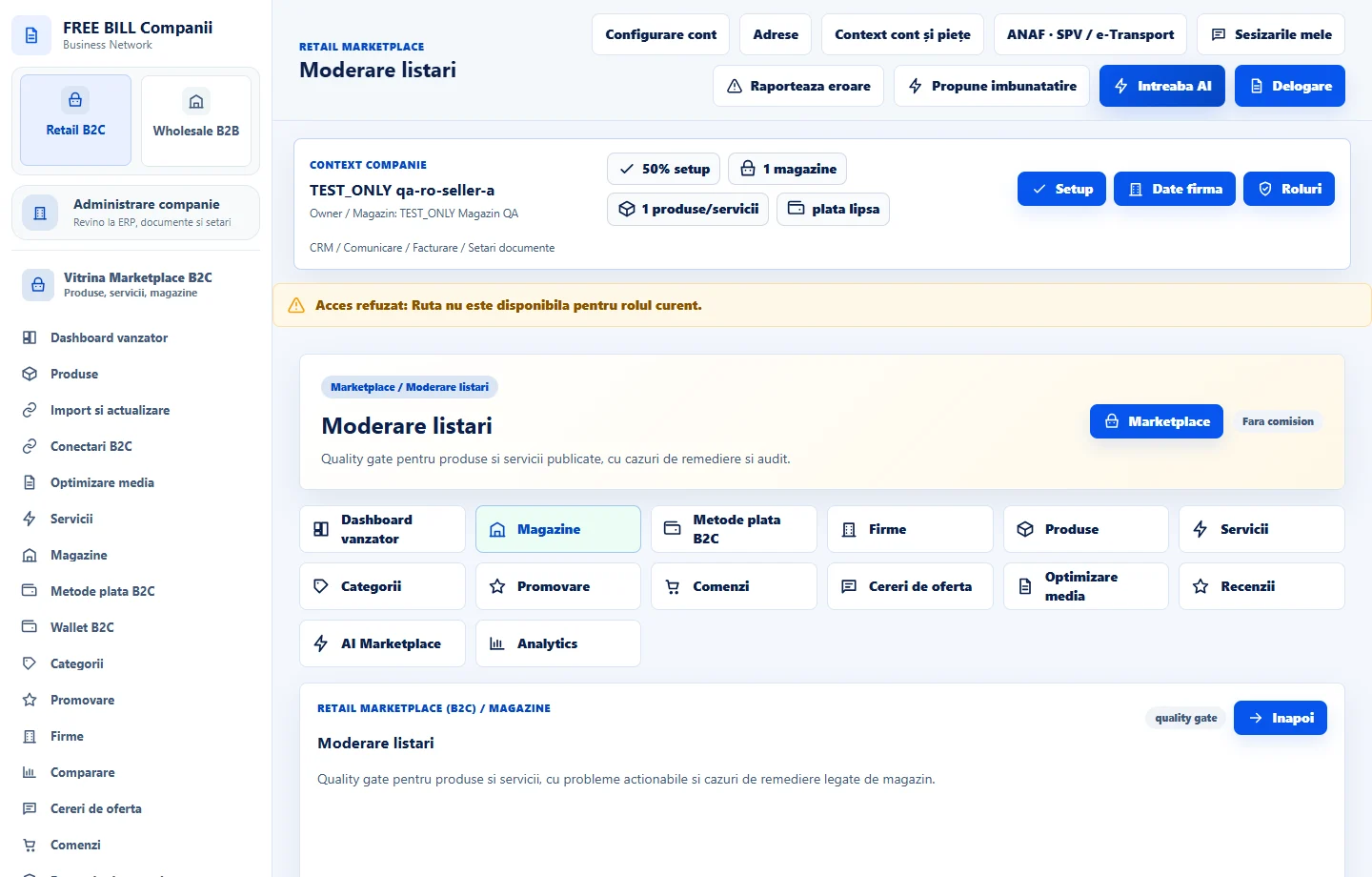
Use «Control risc vanzator», «Moderare listari» and «Trust si risc B2C» to inspect the signal and linked record. Fix the cause in the relevant module.
Confirm the result
Return to the case to review status and explanation. Retain evidence and continue in the correct store if requirements remain.
Application interface · Romanian · 5
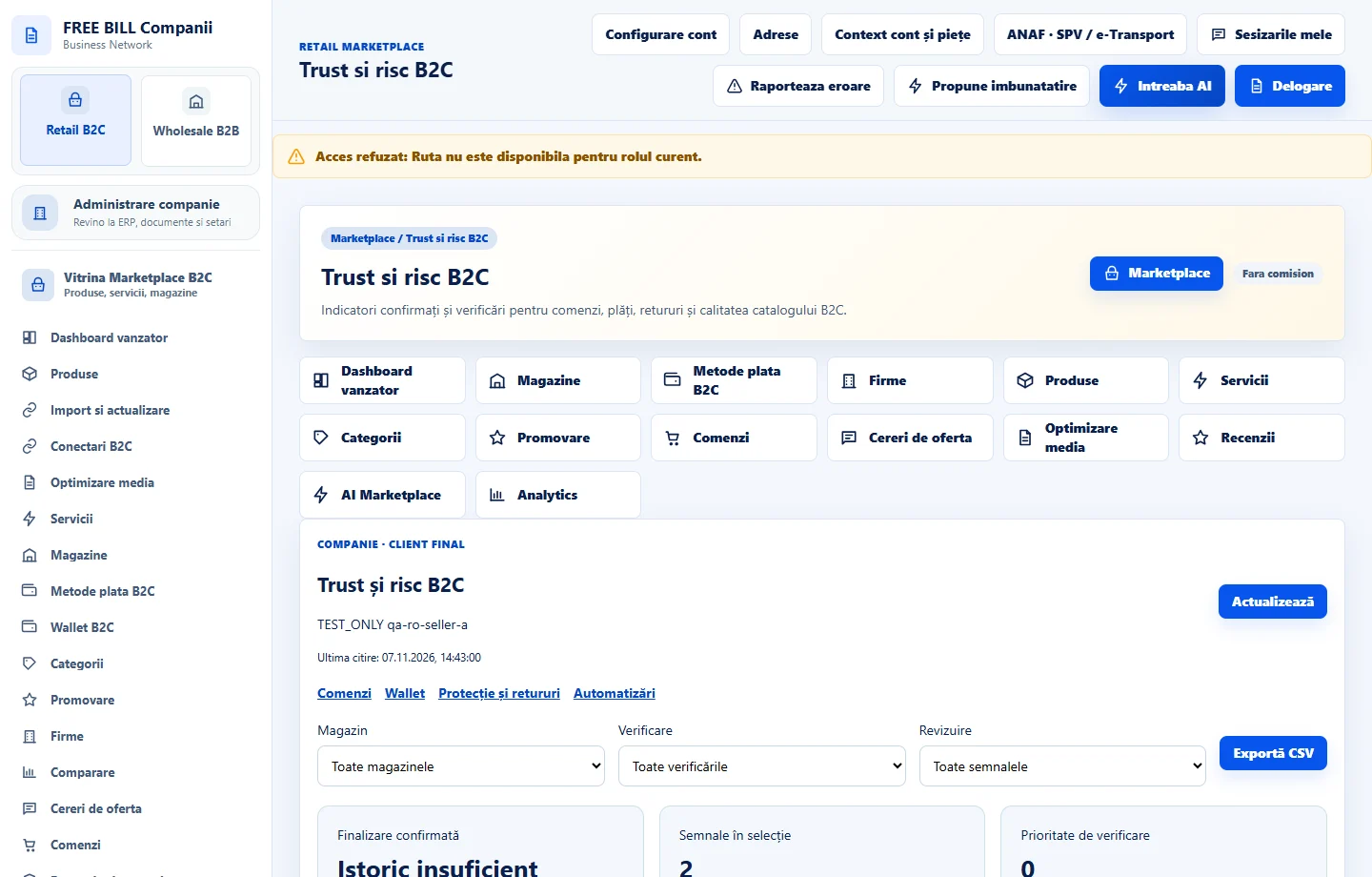
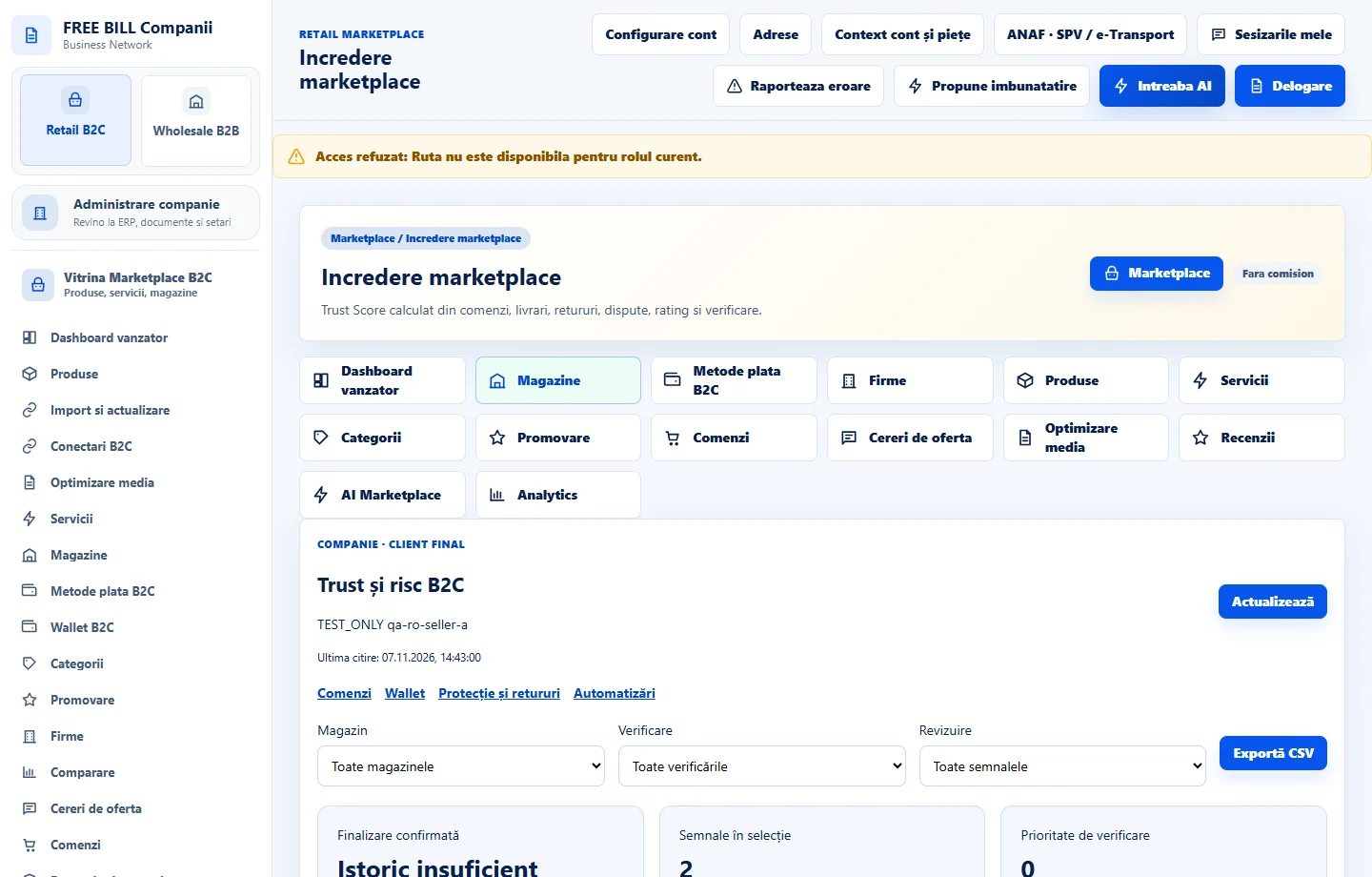
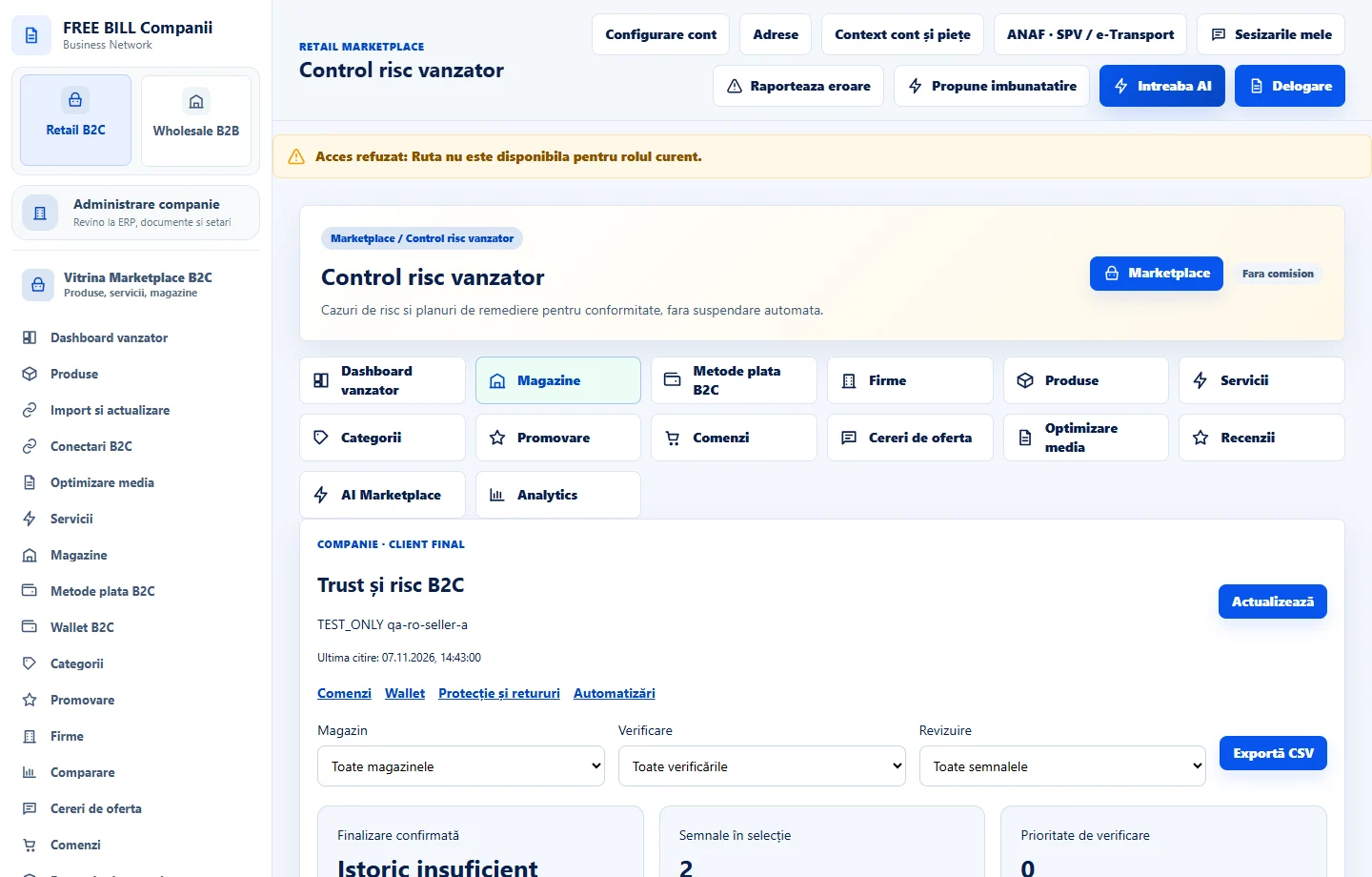
Check the result
The company can track submitted evidence and resolve signals per store.
If something is missing
If an indicator remains open, check the period, synchronized data and linked record.
Availability depends on your role, enabled modules, country and company configuration.
Open in FreeBill Conect