Respond to B2C quote requests
Send a structured proposal and follow the negotiation in the original request.
Before you begin
- Access to B2C requests and permission to respond for the active company.
- Who it is for
- companie
- Where to find it
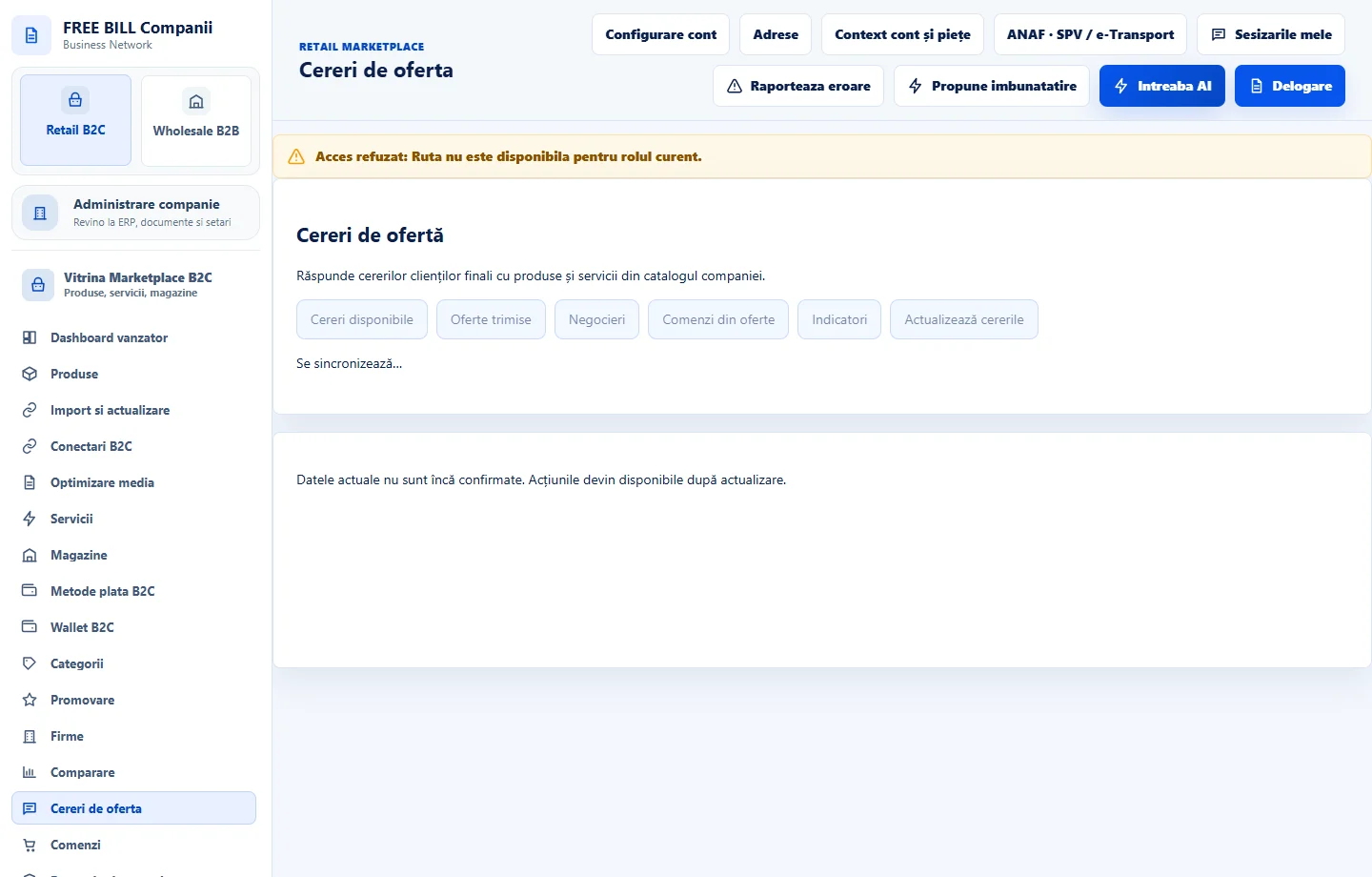
- Cereri de oferta
Step by step
Read the request
Open «Cereri de oferta». Check its description, deadline, quantity or service, location and delivery terms.
Prepare the proposal
In «Răspunde cu o ofertă», enter the amounts, currency, timing, terms and message. Check the total and explain what the price includes.
Send the offer
Select «Trimite oferta» and check that it appears in request history. Clarify open points in the request conversation and check the status before sending another response.
Check the outcome
Track the proposal and the buyer's confirmed action. If the request becomes an order, verify the price, quantity and terms in the linked order.
Check the result
The proposal is linked to the original request and can be tracked until a decision.
If something is missing
If submission fails, check request status, currency, totals and permission. If the server has not responded, check history before submitting again.
Availability depends on your role, enabled modules, country and company configuration.
Open in FreeBill Conect