Handle B2C returns and disputes
Resolve the commercial case and track any correcting document and refund separately.
Before you begin
- A company order with an eligible return request or issue.
- Permission to resolve the case and access to order, shipping and payment details.
- Who it is for
- companie
- Where to find it
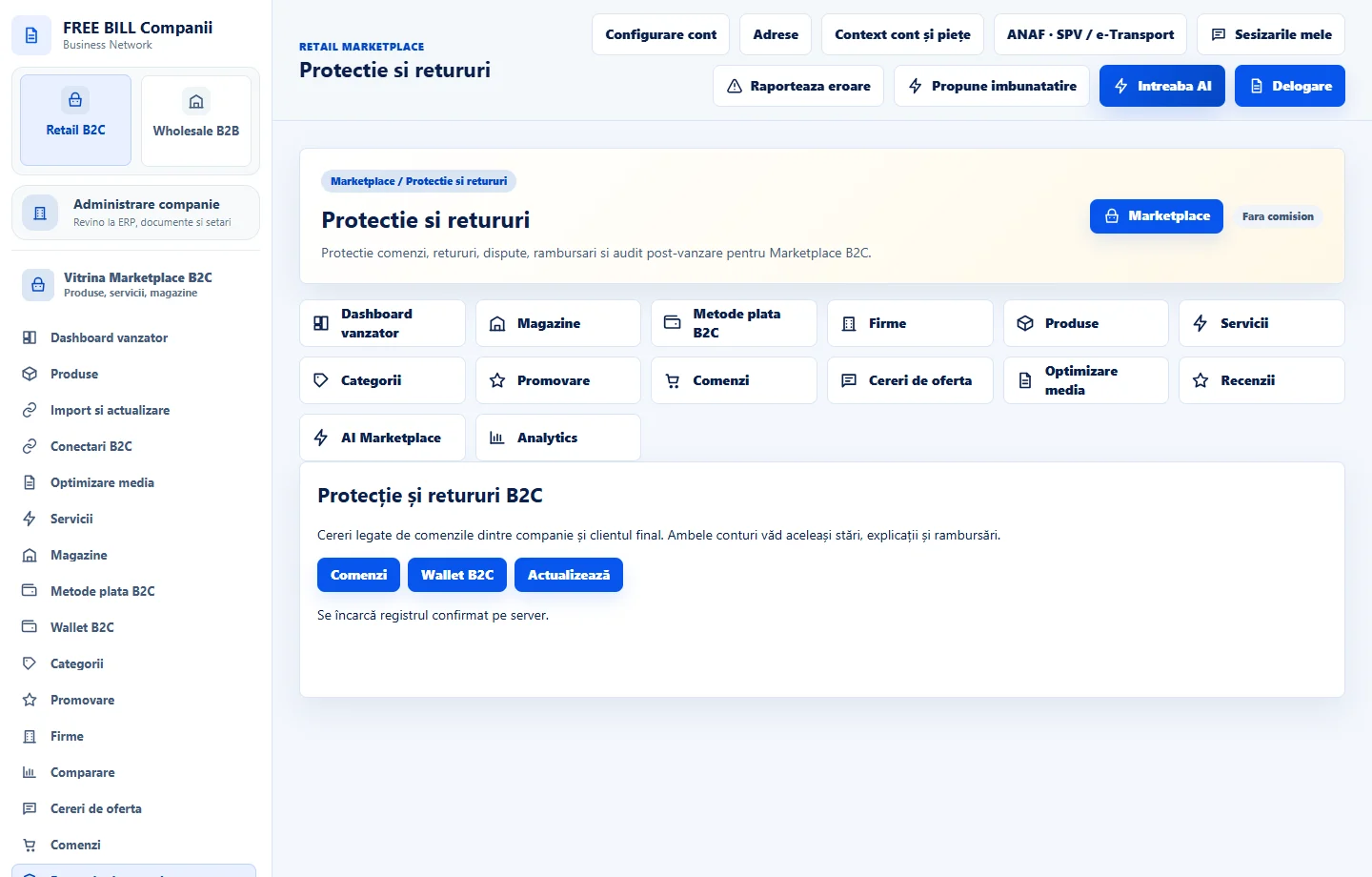
- Protectie si retururi
Step by step
Find the request
Open «Protectie si retururi». Choose the store or case, then check the order number, line items and reason. Review the history, messages and available evidence.
Check products and quantities
Compare returned items with the order. For a partial return, identify the relevant quantities, prices and any delivery cost. Record the findings for the buyer and company.
Save the decision
In «Rezultatul verificării», choose a status such as «Retur acceptat» or «Retur contestat de firmă». Enter the explanation and review available next actions.
Track the refund and correction
If money is due back, open the original order and check «Wallet B2C». If a correcting document is required, use the company's invoicing flow and check its link to the original document.
Close after reconciliation
Verify the decision, confirmed amount, any stock movement and linked document. Review the case history before closing it.
Check the result
The case has a traceable decision, with the refund and correction recorded separately.
If something is missing
If the decision is saved but payment is pending, open the transaction and check amount, method and reference. After a connection interruption, check history before submitting again.
Availability depends on your role, enabled modules, country and company configuration.
Open in FreeBill Conect