Review B2C pricing, stock and margin
Compare the public price with the company's cost, tax and delivery expenses.
Before you begin
- A saved listing and access to catalogue and pricing.
- The internal cost, currency, selling price and applicable tax rate.
- Who it is for
- companie
- Where to find it
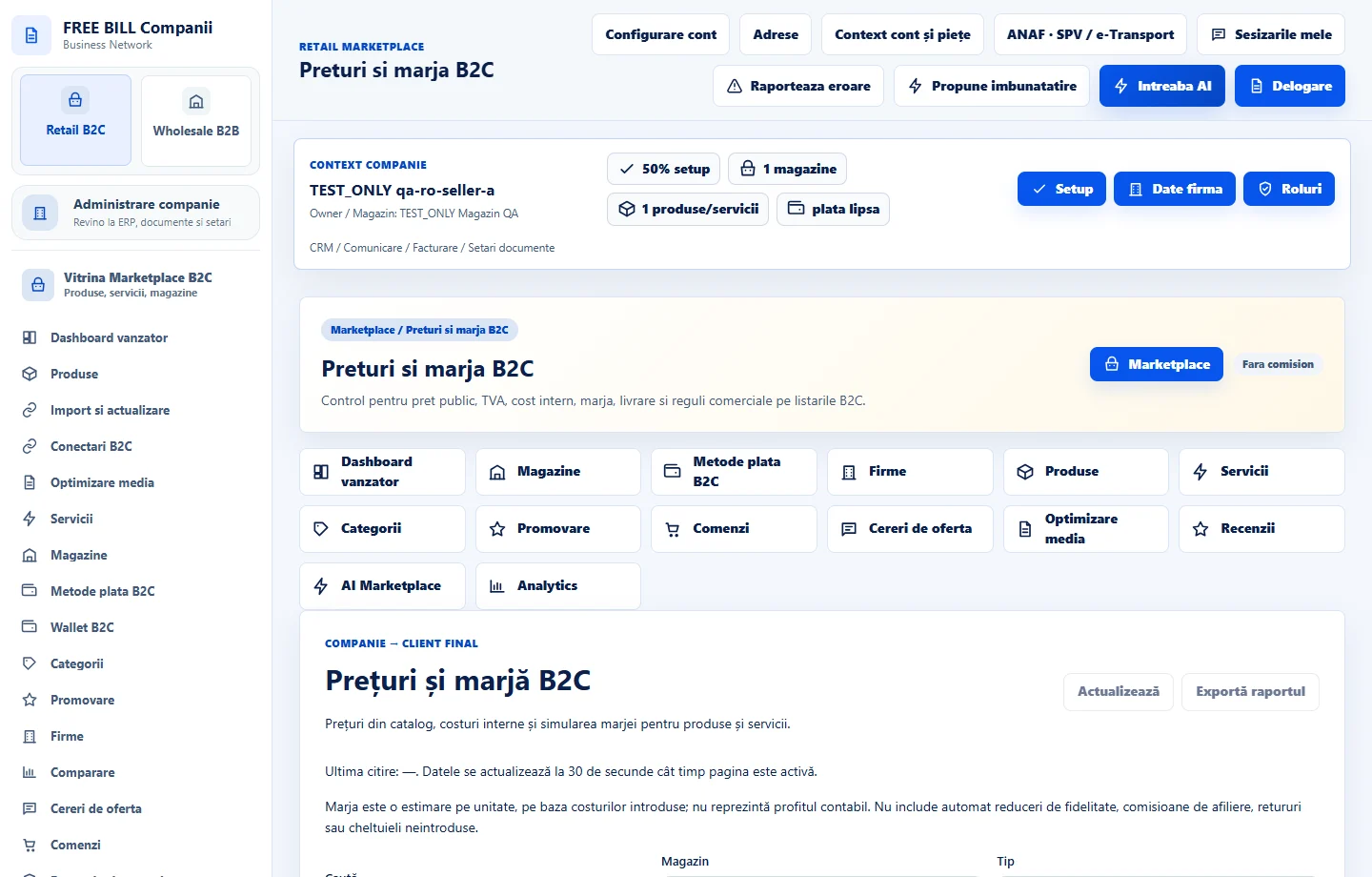
- Preturi si marja B2C
Step by step
Select the correct listing
Open «Preturi si marja B2C» and filter by store or listing. Check that the selected product or service is the one you intend to update.
Review the calculation inputs
Compare the regular, promotional and minimum prices. Enter the internal cost and shipping values if shown. Review tax and currency for the market.
Read the estimated margin
Review the calculation and its explanation. Compare the regular and promotional margins where available. Check whether delivery paid by the business is included.
Check stock availability
Open the same item in «Produse» or «Stoc ERP». Review stock, the minimum threshold and backorders. For imported changes, review differences and import history.
Save and verify the public price
Save in the relevant module, then open the public offer. Check price and availability. Review existing orders using the values recorded when they were placed.
Check the result
The public price and availability match the selected offer, and the company can interpret the margin inputs.
If something is missing
If the margin or total differs, check currency, gross or net pricing, the promotion, shipping cost and the ERP source.
Availability depends on your role, enabled modules, country and company configuration.
Open in FreeBill Conect