Review premium Retail B2C modules
Check the options available for your company and store.
Before you begin
- A company account and access to the sales or billing area where applicable.
- Who it is for
- companie
- Where to find it
- Module premium
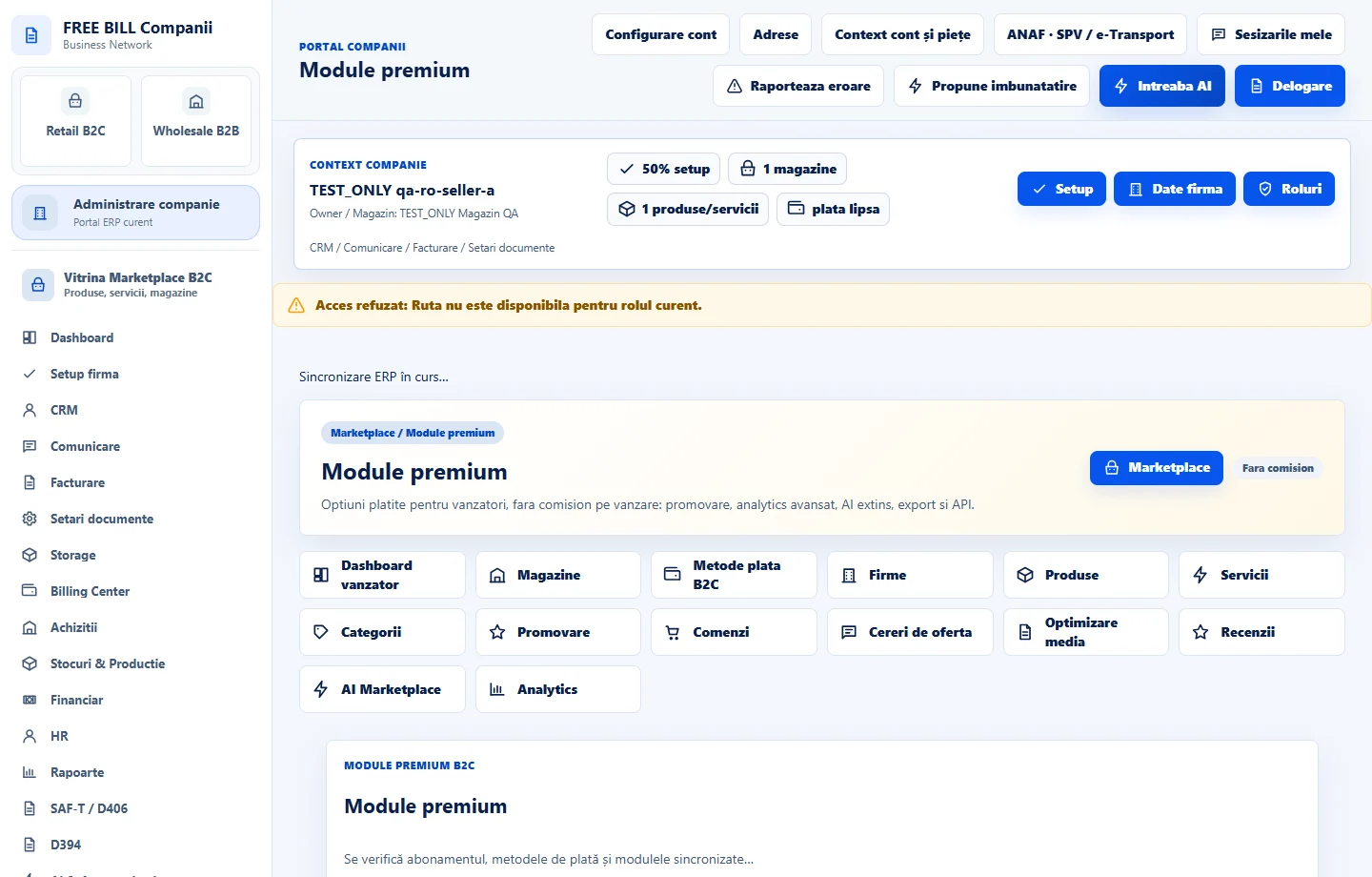
Step by step
Open premium options
In Retail B2C, open «Module premium». Check the company and read the available options.
Check what's included
Compare functions, availability and terms. If an option opens «Billing Center», check plan, currency and period there.
Confirm access
After confirmed activation, return to the module and verify your access and plan status.
Check the result
You can identify available options and their status.
If something is missing
If billing shows an active option but the module is missing, check company, role and plan confirmation.
Availability depends on your role, enabled modules, country and company configuration.
Open in FreeBill Conect