Process a B2C product order
Follow an order from acceptance through delivery or collection to completion.
Before you begin
- An order for a store in the active company and order processing access.
- Shipping or collection details and the payment method chosen for the order.
- Who it is for
- companie
- Where to find it
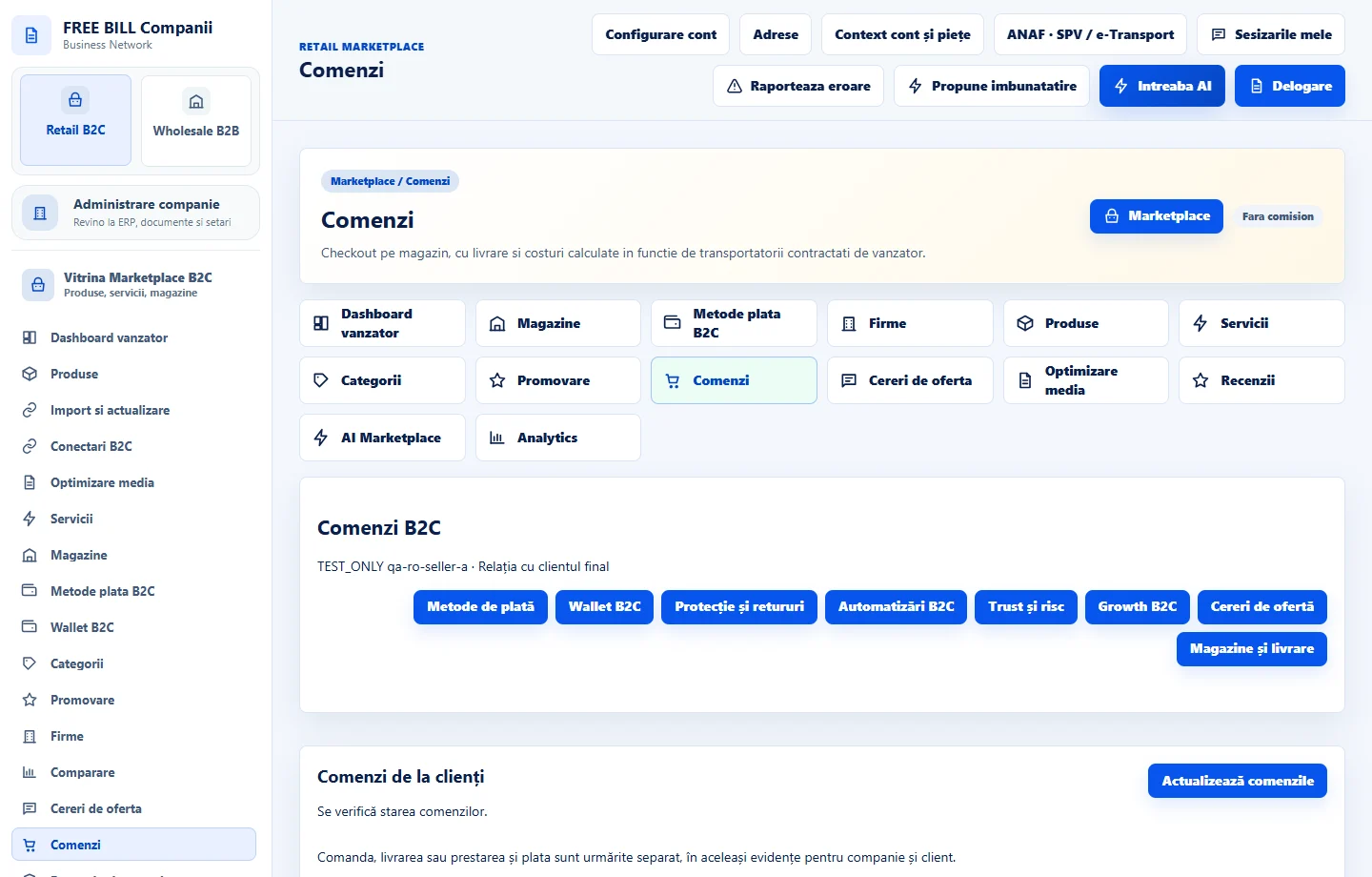
- Comenzi
Step by step
Find the incoming order
Open «Comenzi» in Retail B2C and choose the store. Find the order by number. Check items, quantities, total, currency, payment method, outstanding balance and delivery option.
Accept the order
After checking availability, select «Acceptă comanda» if available. If information is missing, open «Mesaje despre comandă» and clarify it before changing status.
Process payment and check the document
For online payments, check the processor confirmation. For a manual payment, use «Înregistrează încasarea manuală» once you have evidence. Open the linked document in the invoicing area available to your role.
Prepare shipping or collection
For shipping, enter the courier and required tracking information, then confirm dispatch. For collection, select «Pregătește pentru ridicare» and tell the customer where and when to collect.
Check the buyer's confirmation
After delivery, use «Marchează livrată» where applicable. The buyer confirms receipt or collection separately. Review all lines before using «Finalizează comanda».
Handle exceptions from the original order
If cancellation is available, check payment status before using «Anulează comanda». If goods have shipped or payment has been taken, follow the appropriate return or refund flow and keep documents linked to the original order.
Check the result
The order history records acceptance, collection of payment and handover of goods.
If something is missing
If an action is missing, check your role, order and delivery status, and any service items. After a connection error, reload the status before repeating an action.
Availability depends on your role, enabled modules, country and company configuration.
Open in FreeBill Conect