Discuss offers and orders with customers
Keep each conversation linked to the right product, service or order.
Before you begin
- Messaging access for the relevant store.
- Who it is for
- companie
- Where to find it
- Mesaje
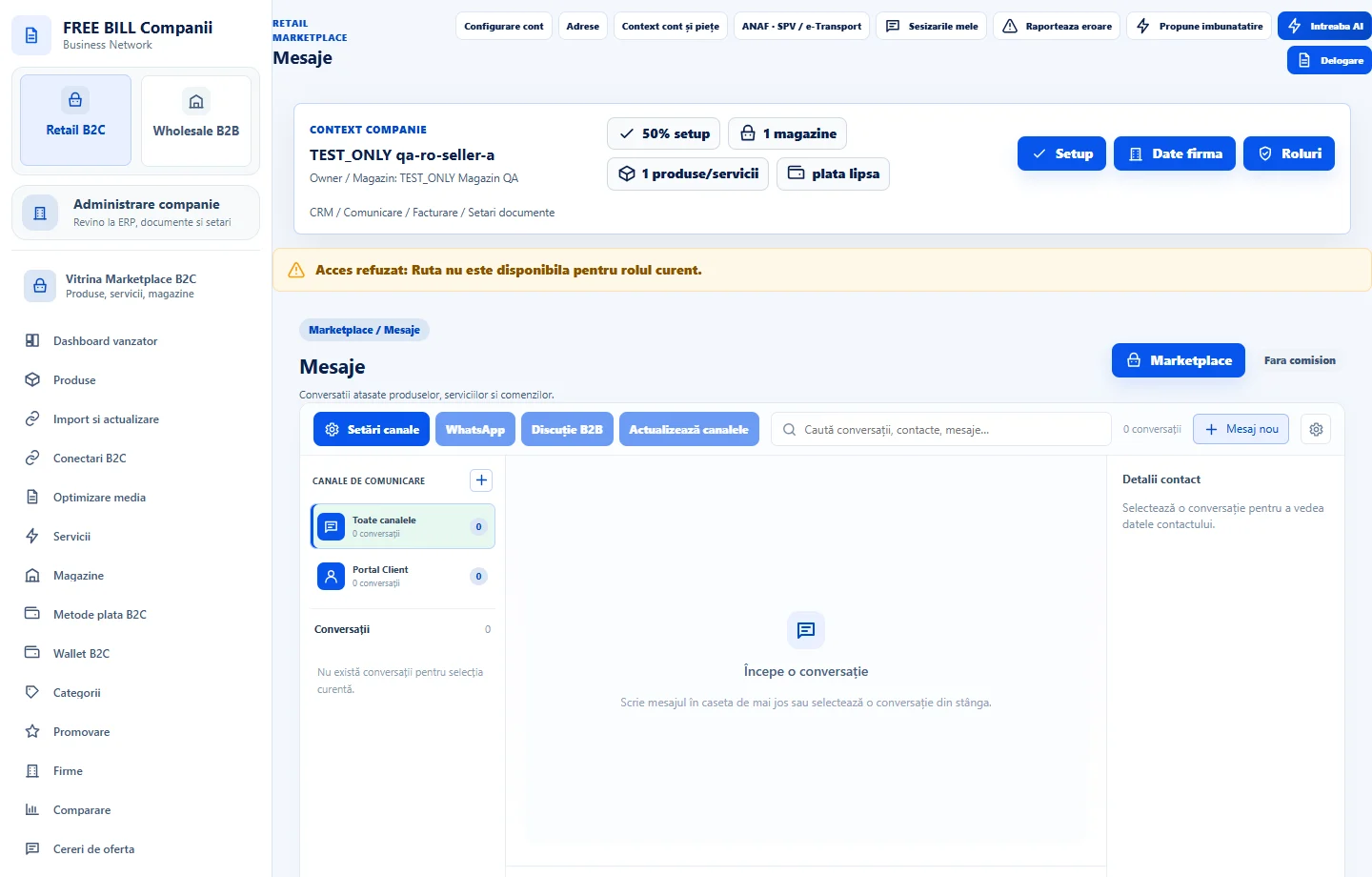
Step by step
Choose the conversation
Search in «Mesaje» or open «Mesaje despre comandă» from the order. Check the store, customer and order reference before replying.
Write and send a message
Reply in the existing thread for the same topic. Share only what the customer needs. If attachments are supported, verify the document and recipient first.
Follow up
Check that the message appears in the thread. For changes to payment, delivery or return, also use the order action intended for that change.
Review external channel access
If your company uses external channels, check in «Comunicare» that the channel is connected and enabled for the active company.
Check the result
The conversation stays linked to the relevant transaction.
If something is missing
Search by order reference or open the conversation from the order. Check company, channel and permission if access still fails.
Availability depends on your role, enabled modules, country and company configuration.
Open in FreeBill Conect