Upload and review images and videos
Manage catalogue media and check processing status.
Before you begin
- Marketplace edit access and owned or authorized media.
- Who it is for
- companie
- Where to find it
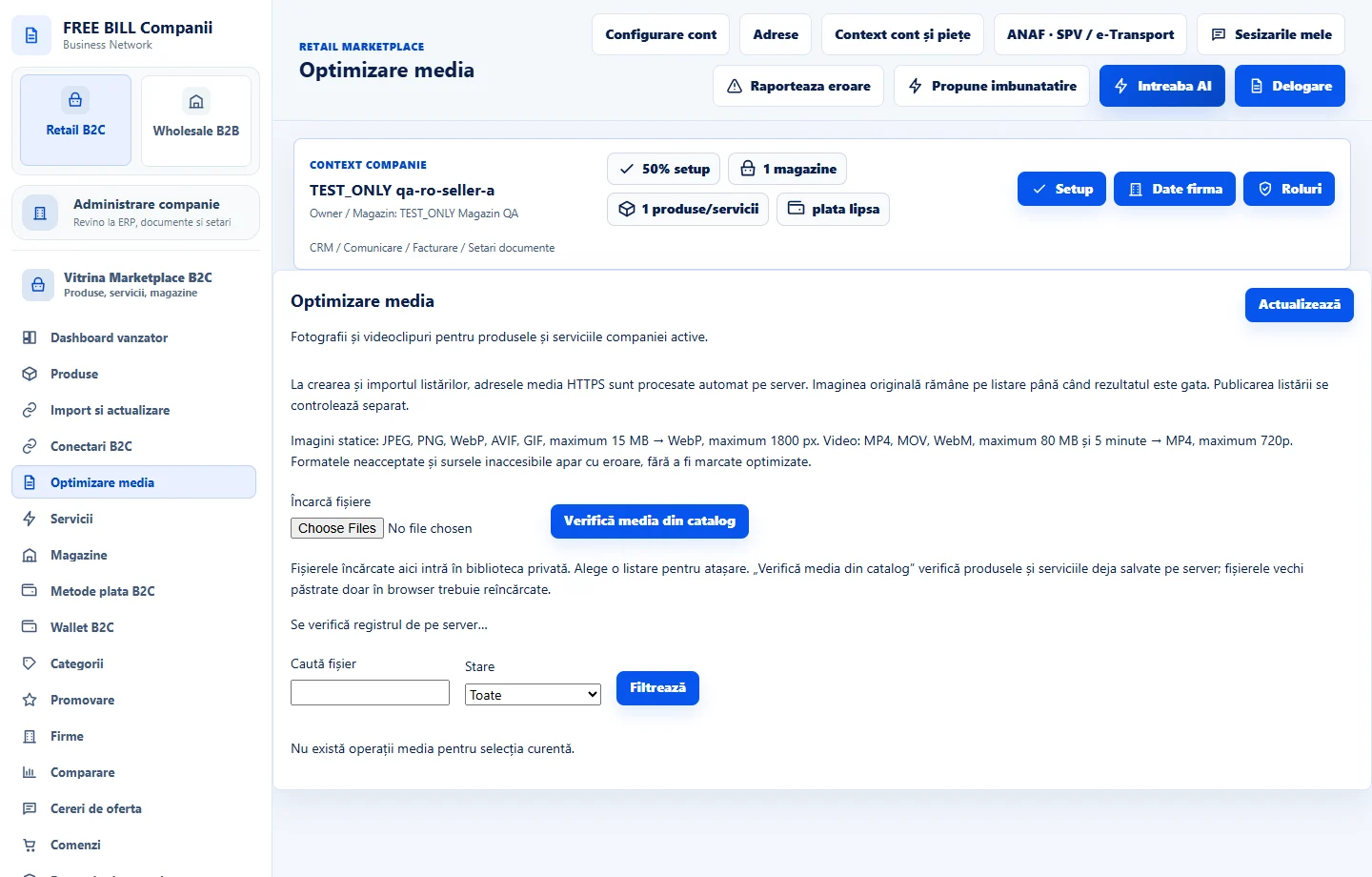
- Optimizare media
Step by step
Attach media to the offer
Open the product or service editor. Use «Incarca imagine» or «Incarca video» and review attachments before saving.
Open «Optimizare media»
In Retail B2C, review images and videos for the active company. Use «Actualizează» to refresh status and open the offer to replace a file.
Check processing
Review the status, preview and main image. Images may be converted to WebP and videos may continue processing after upload. Replace rejected files with a supported, legible version.
Review accessibility and the storefront
Add an image description where requested and check the public main image and gallery. For video, check that essential information is also available in text.
Check the result
Media is attached to the correct offer and its processing status can be checked.
If something is missing
If upload is rejected, check format, file size and quota. Refresh the status before uploading a second copy of a file still in progress.
Availability depends on your role, enabled modules, country and company configuration.
Open in FreeBill Conect