Review the public storefront for your store and offers
Follow a visitor's path and verify what appears after publication.
Before you begin
- To review your own company, at least one store or offer eligible for publication in the intended market.
- Who it is for
- companie
- Where to find it
- Marketplace
Step by step
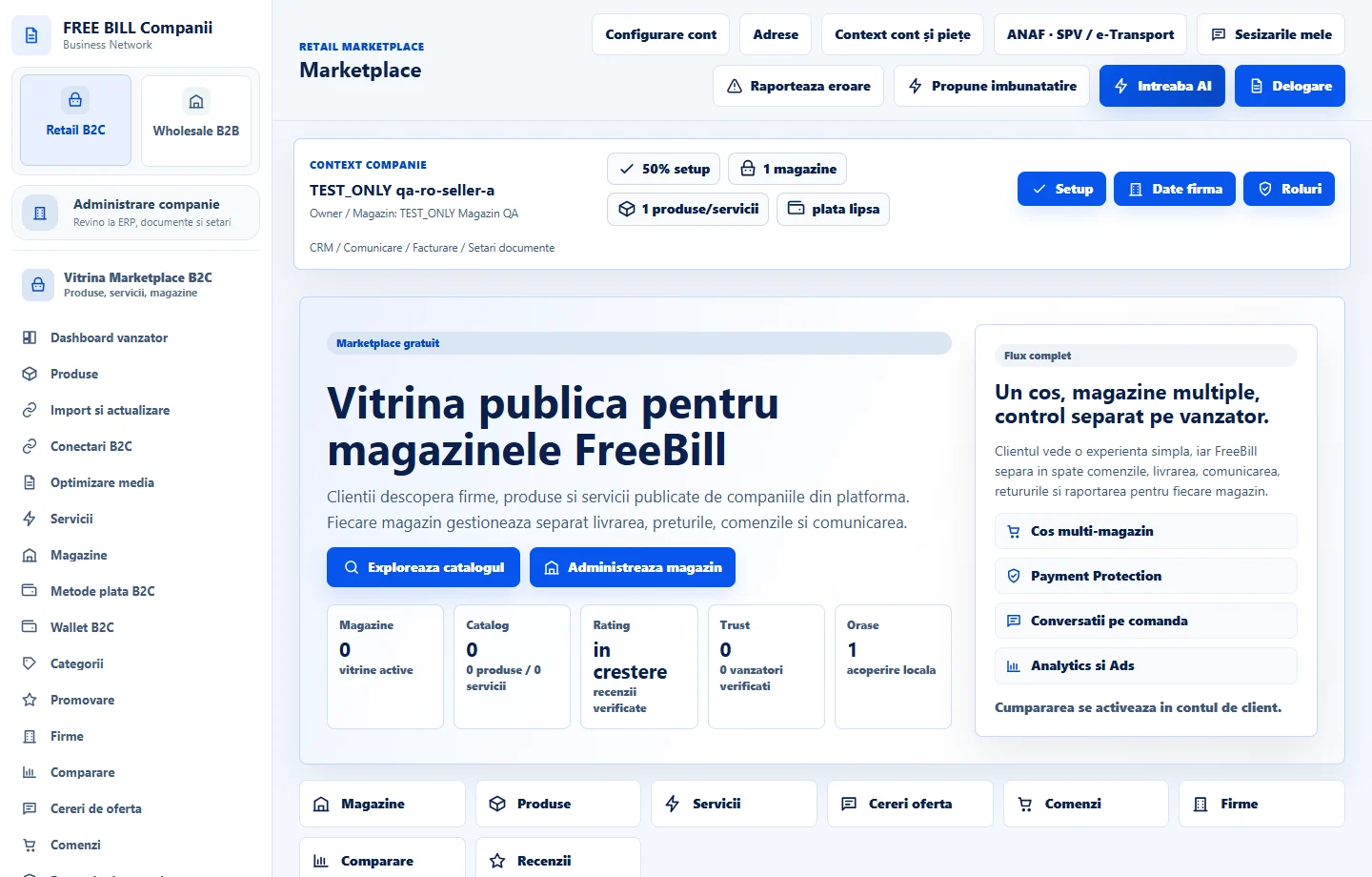
Open the public storefront from the company account
In «Retail B2C», select «Vitrina publica». To see a visitor's experience, open the same address in a private browser window.
Search for an offer
In «Caută produse, servicii sau furnizori...», enter the offer or store name and select «Caută». Check results using «Toate categoriile» or the «Produse», «Servicii» and «Furnizori» pages.
Check the offer and store pages
Open the offer and check its title, photos, price, currency and displayed terms. Follow the store link and compare contact details and catalogue with company records.
Make corrections in the source module
If information differs, return to «Magazinele companiei», «Produse» or «Servicii» in Retail B2C. Check publication status, market, category and store. Save and repeat the storefront search.
Check the result
You can confirm what a visitor sees and identify the company record to correct.
If something is missing
If an offer is missing, clear filters and check market and publication status for both store and listing. Use customer-role workflows for purchases or favourites.
Availability depends on your role, enabled modules, country and company configuration.
Open in FreeBill Conect