Use B2C loyalty, affiliates and sales attribution
Set up optional growth tools and review their results.
Before you begin
- Marketplace edit permission and an eligible company offer.
- Who it is for
- companie
- Where to find it
- Growth B2C
Step by step
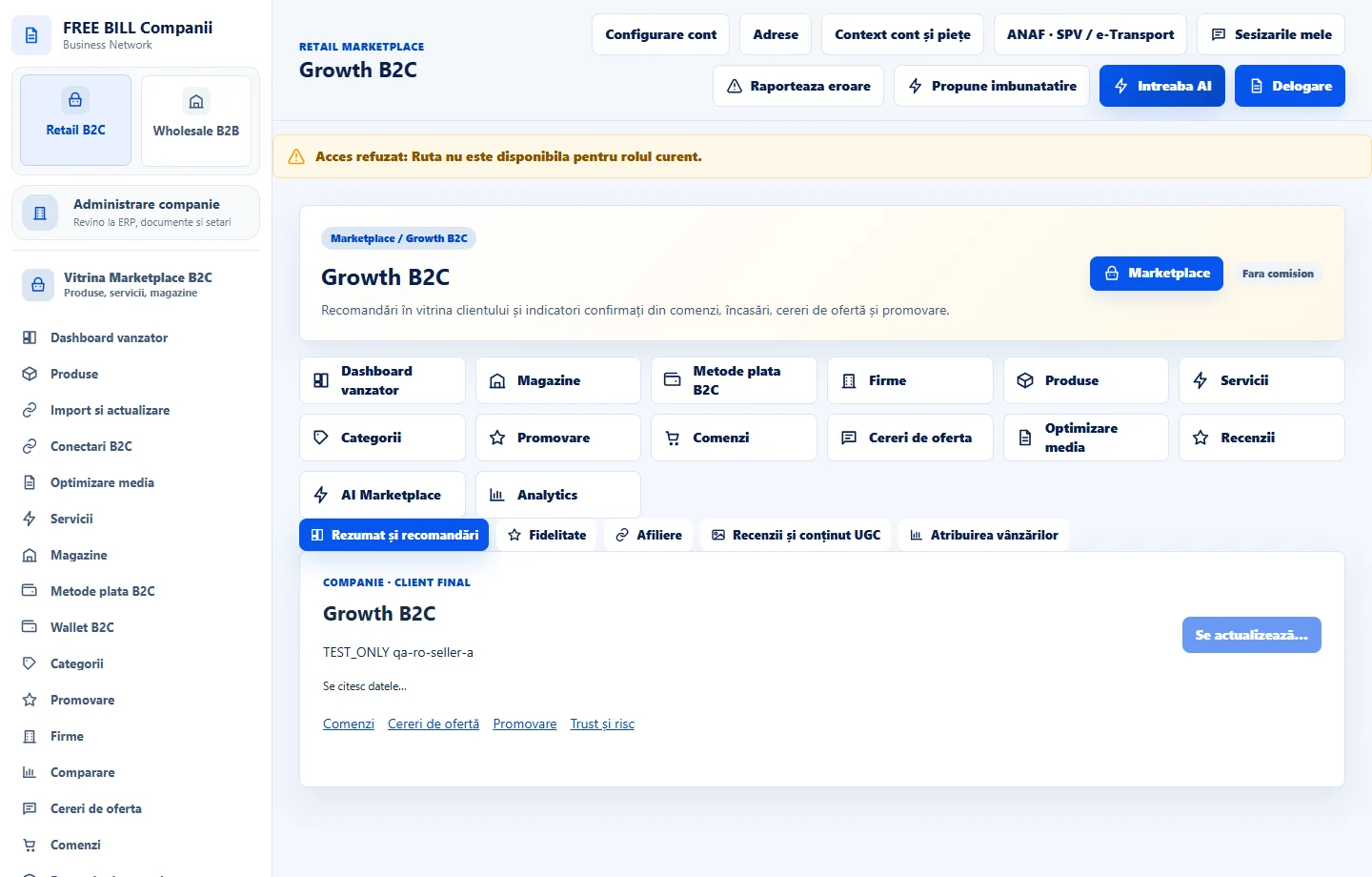
Review the Growth B2C overview
Open «Growth B2C» and «Rezumat și recomandări». Select the company and check the order, request and promotion data sources.
Set up loyalty
In «Fidelitate», check eligible listings, criteria and programme status. Save and confirm the choice, then verify the displayed status.
Review affiliation
In «Afiliere», configure the offer and the terms shown where applicable. Check the invitation and participant status before interpreting commission figures.
Review customer content and attribution
In «Recenzii și conținut UGC», inspect media and decisions. In «Atribuirea vânzărilor», review the links between clicks, offers and confirmed orders.
Check the impact on the store
Compare against orders and payments for the same period. Treat events without a confirmed order link separately.
Check the result
Optional programmes and attribution show their status and results in the active company's context.
If something is missing
If an offer is missing, check publication and programme criteria. If events are missing, check selection and source.
Availability depends on your role, enabled modules, country and company configuration.
Open in FreeBill Conect