Compare B2C offers in the company account
Review public offer details in a comparison list scoped to the company.
Before you begin
- A company account, the company selected and Retail B2C access.
- Public offers in the available catalogue.
- Who it is for
- companie
- Where to find it
- Comparare
Step by step
Open the comparison
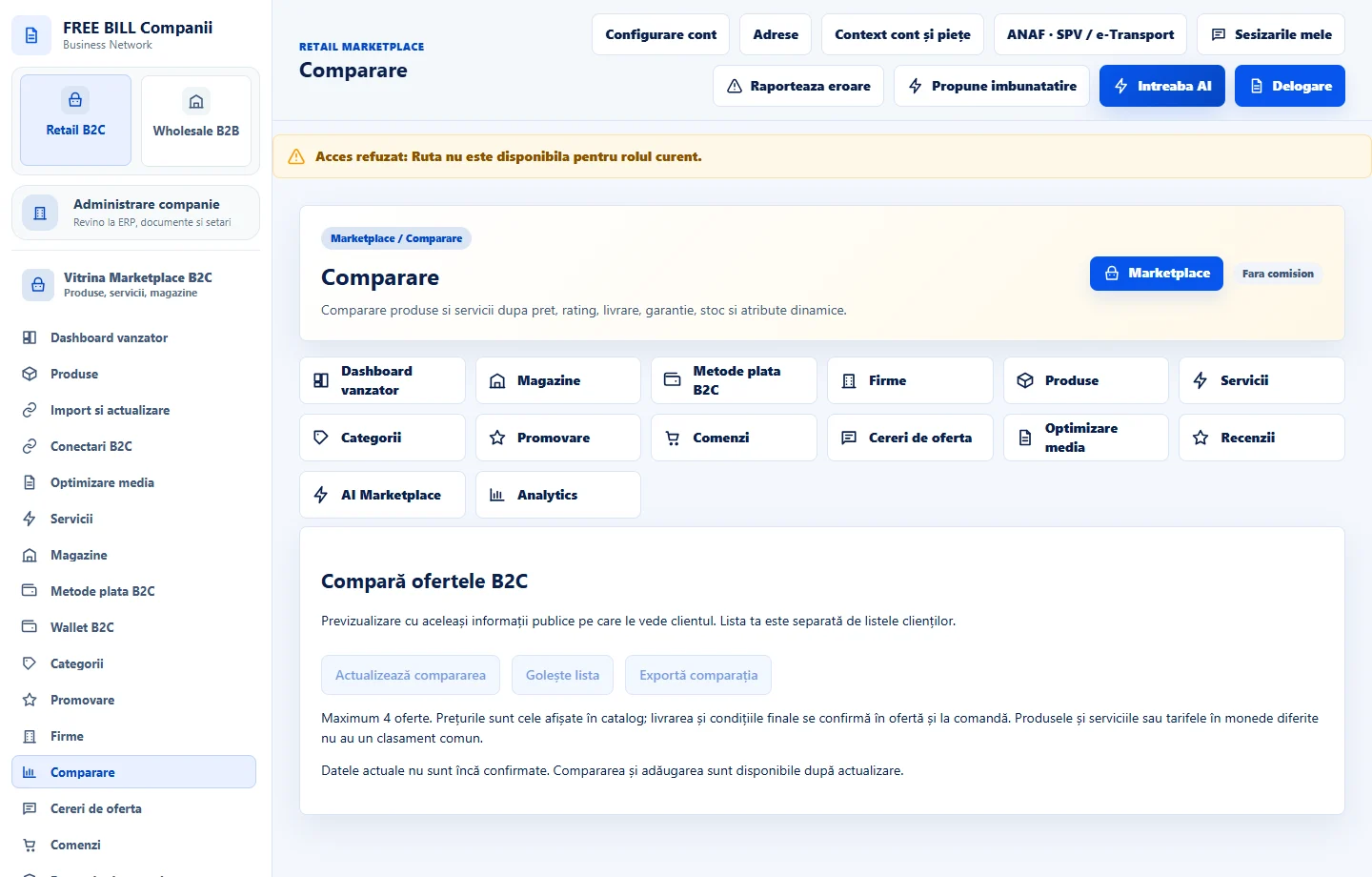
From the Marketplace storefront or the available Retail B2C link, open «Comparare». Check the explanation about previewing offers in the company account.
Find and add offers
In «Caută oferte», enter a product, service, company or store name. Filter by «Tip» and «Categorie». Use «Adaugă la comparare» for up to four offers.
Read comparable data
Review displayed price, availability and features. Compare similar products or services in the same currency. Use «Vezi oferta» for full delivery and purchasing terms.
Keep or clear the list
Use «Actualizează compararea» for current information. Use «Elimină» to remove an offer, «Golește lista» to clear the selection or «Exportă comparația» for a copy.
Check the result
You can compare public offer information and export the selection in the active company context.
If something is missing
If an offer becomes unavailable, refresh the comparison and open the offer page. If you already have four, remove one before adding another.
Availability depends on your role, enabled modules, country and company configuration.
Open in FreeBill Conect