Create and publish a company Marketplace profile
Complete the company's public profile and check its stores and offers.
Before you begin
- A company account, the company selected and Marketplace edit access.
- Commercial information and images the company can publish.
- Who it is for
- companie
- Where to find it
- Firme
Step by step
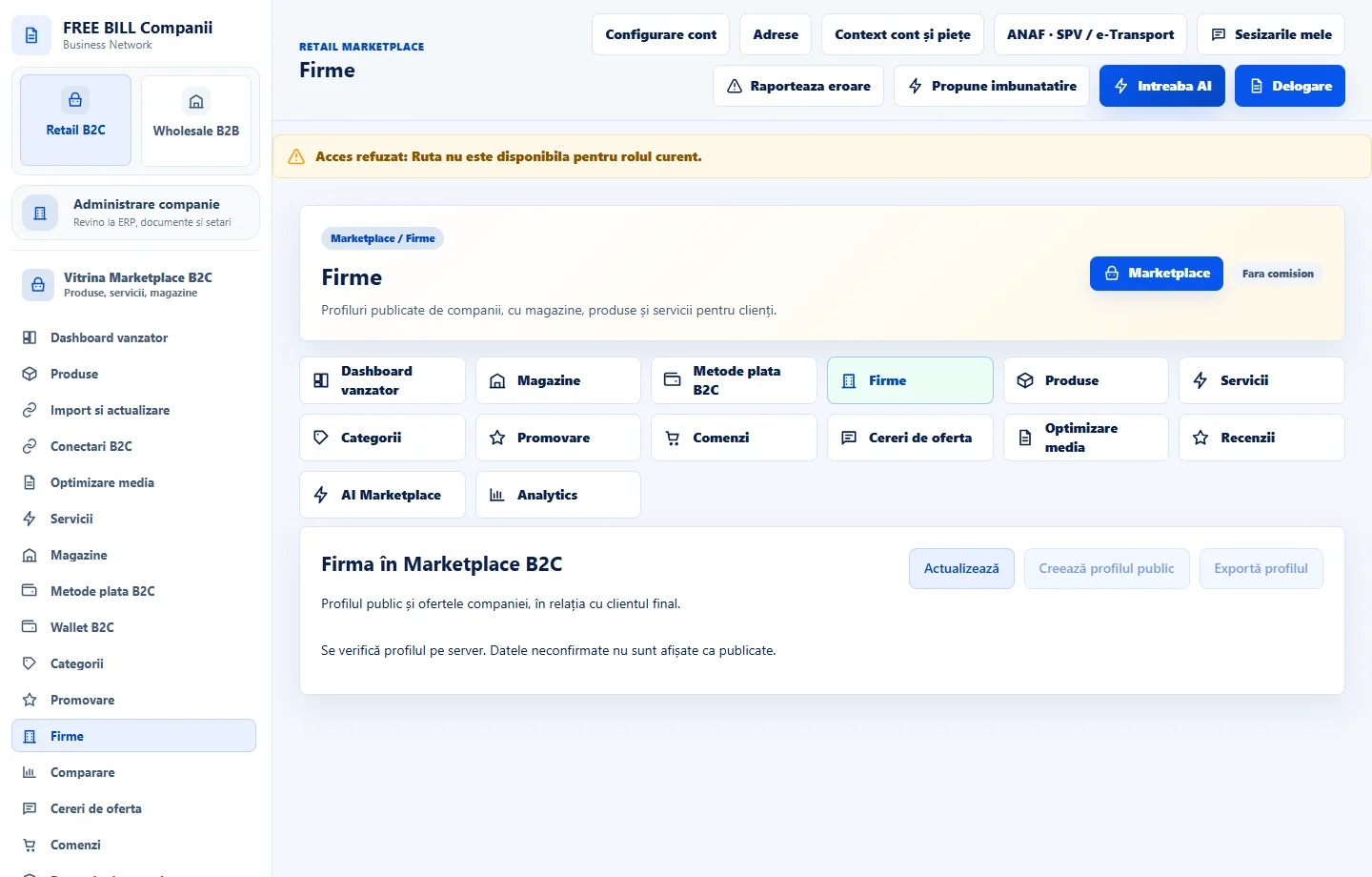
Open «Firme» in Retail B2C
Go to «Firma în Marketplace B2C». Check the server status and choose «Creează profilul public» or «Editează profilul».
Complete the public information
Use «Completează din Date firmă» to start from company records. Check the legal and trading names, registration details, business activity, public address, phone and email. Add the website, image URLs and search metadata where useful.
Save the profile and review company offers
Select «Salvează profilul». In «Magazinele și ofertele acestei firme», check stores, products and services. Follow the management links to correct an offer in its editor.
Publish and check as a visitor
After reviewing the information, select «Publică profilul». Use «Vezi pagina firmei ca un client» to check the public address, presentation, contact details and store links.
Export or withdraw the profile as needed
Use «Exportă profilul» for a copy. To withdraw it, use «Retrage profilul public» and check status. Store and offer visibility is managed in their own screens.
Check the result
The public profile can be reviewed as a visitor, while status and history remain available in the company account.
If something is missing
If publication is unavailable, check permissions, synchronization and whether the profile was saved. If a listing is missing, check its store and offer separately.
Availability depends on your role, enabled modules, country and company configuration.
Open in FreeBill Conect