Prepare and approve a Command Center plan
Turn a commercial request into a plan you can review.
Before you begin
- Access to Command Center and to the target module.
- Who it is for
- companie
- Where to find it
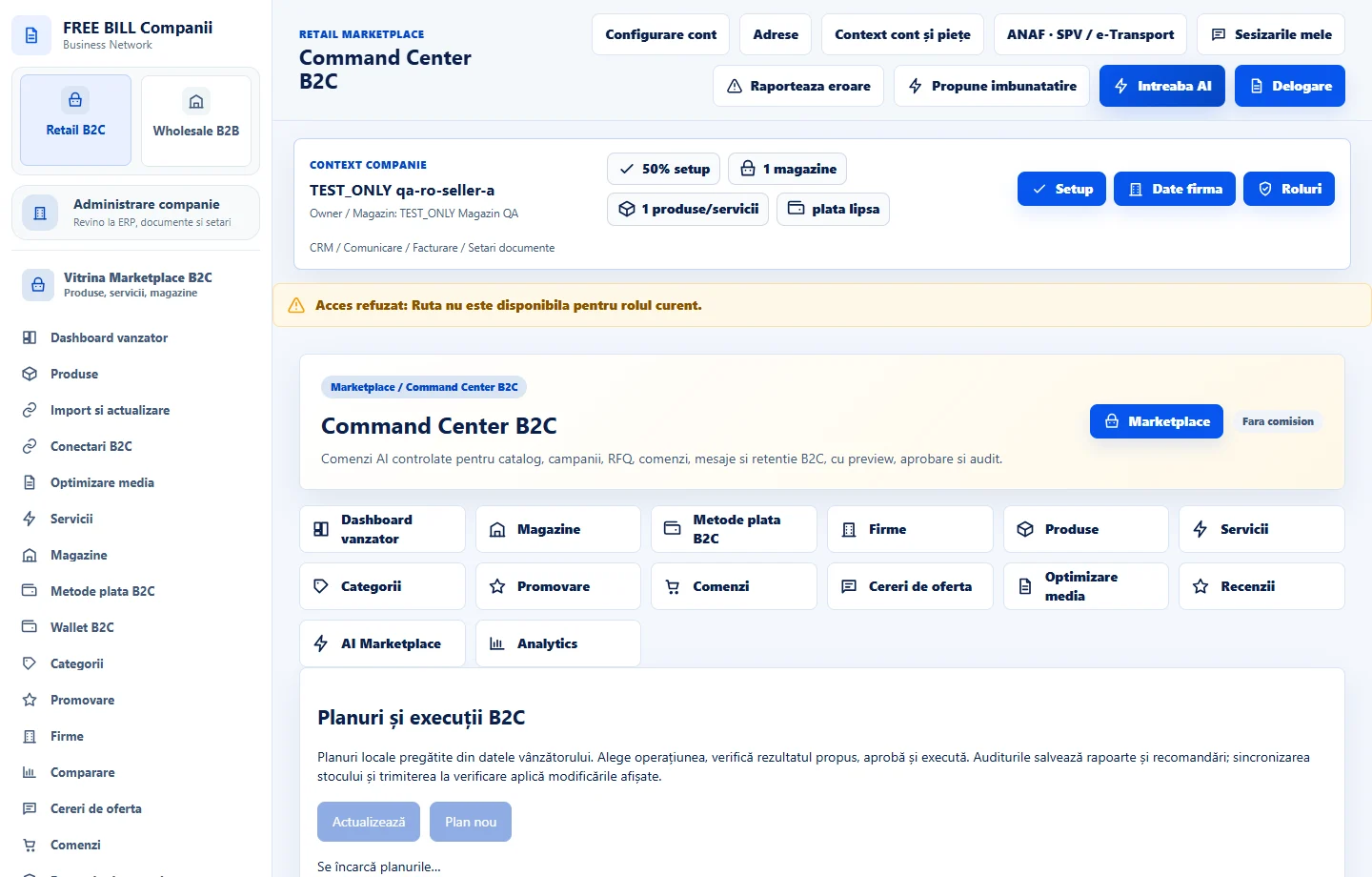
- Command Center B2C
Step by step
Set an objective
Open «Command Center B2C» and choose a catalogue, campaign, quote, order, message or retention task.
Review the plan
Choose the source. Check steps, affected records and impact on the store. Adjust the scope if it differs from the request.
Approve and verify
Confirm only the reviewed plan. Compare the result and audit trail against the source record.
Check the result
The company can review the plan and its outcome in history.
If something is missing
If rejected, check source, permission and approval. If a response is delayed, check history.
Availability depends on your role, enabled modules, country and company configuration.
Open in FreeBill Conect