Configure automation and review B2C launch checks
Review rules for availability, orders, payments, returns and synchronization.
Before you begin
- Automation editing permission and a configured store.
- Who it is for
- companie
- Where to find it
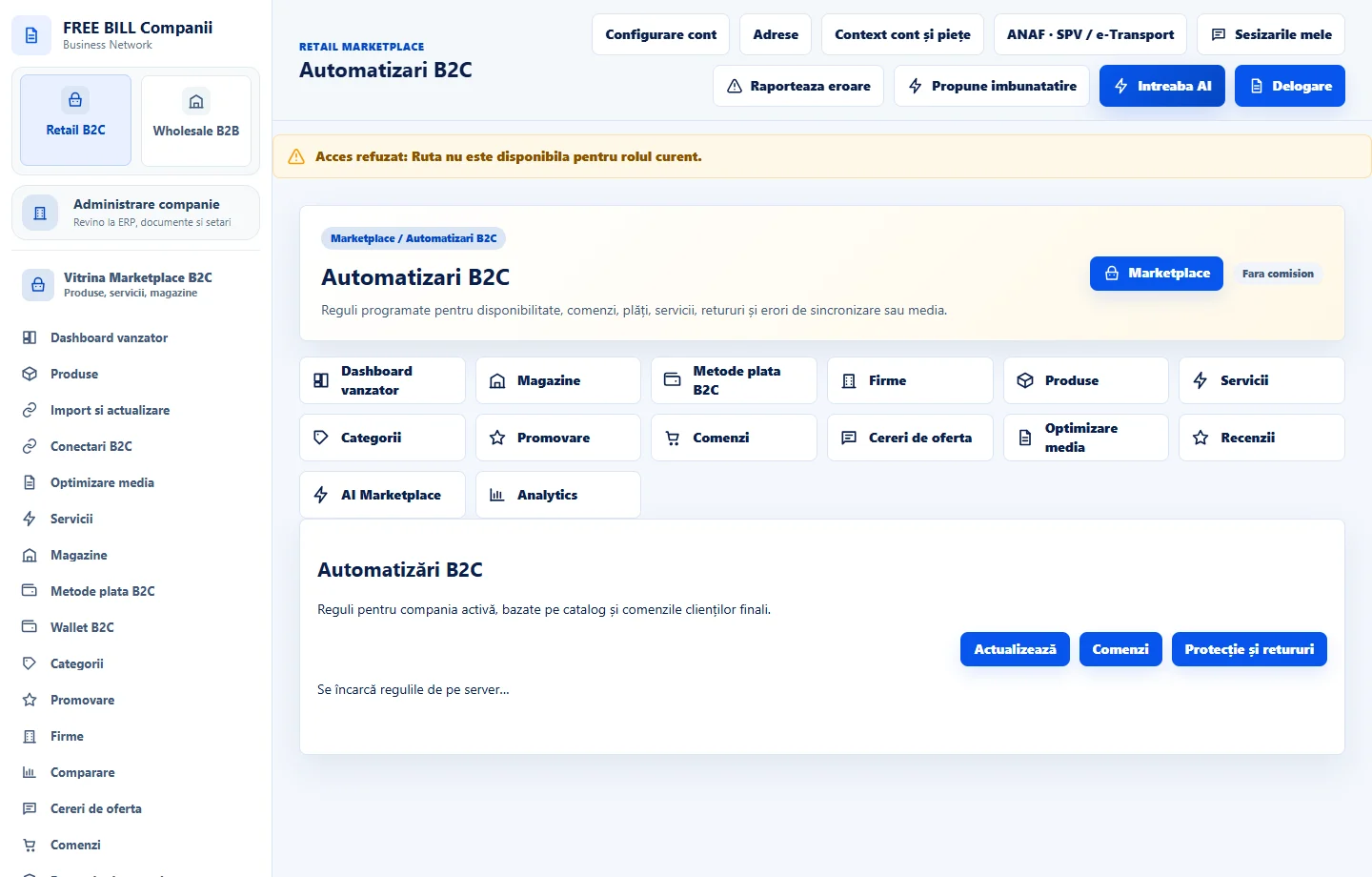
- Automatizari B2C
Step by step
Review the rules
Open «Automatizari B2C». Choose the store and read the conditions for availability, orders, payments, services, returns or synchronization.
Configure and track a rule
Enter the scope, condition and status. After saving, check the server response and execution or error history.
Investigate exceptions
Open the order, offer or integration named in the error. Correct the issue at its source and check status before trying again.
Run final checks
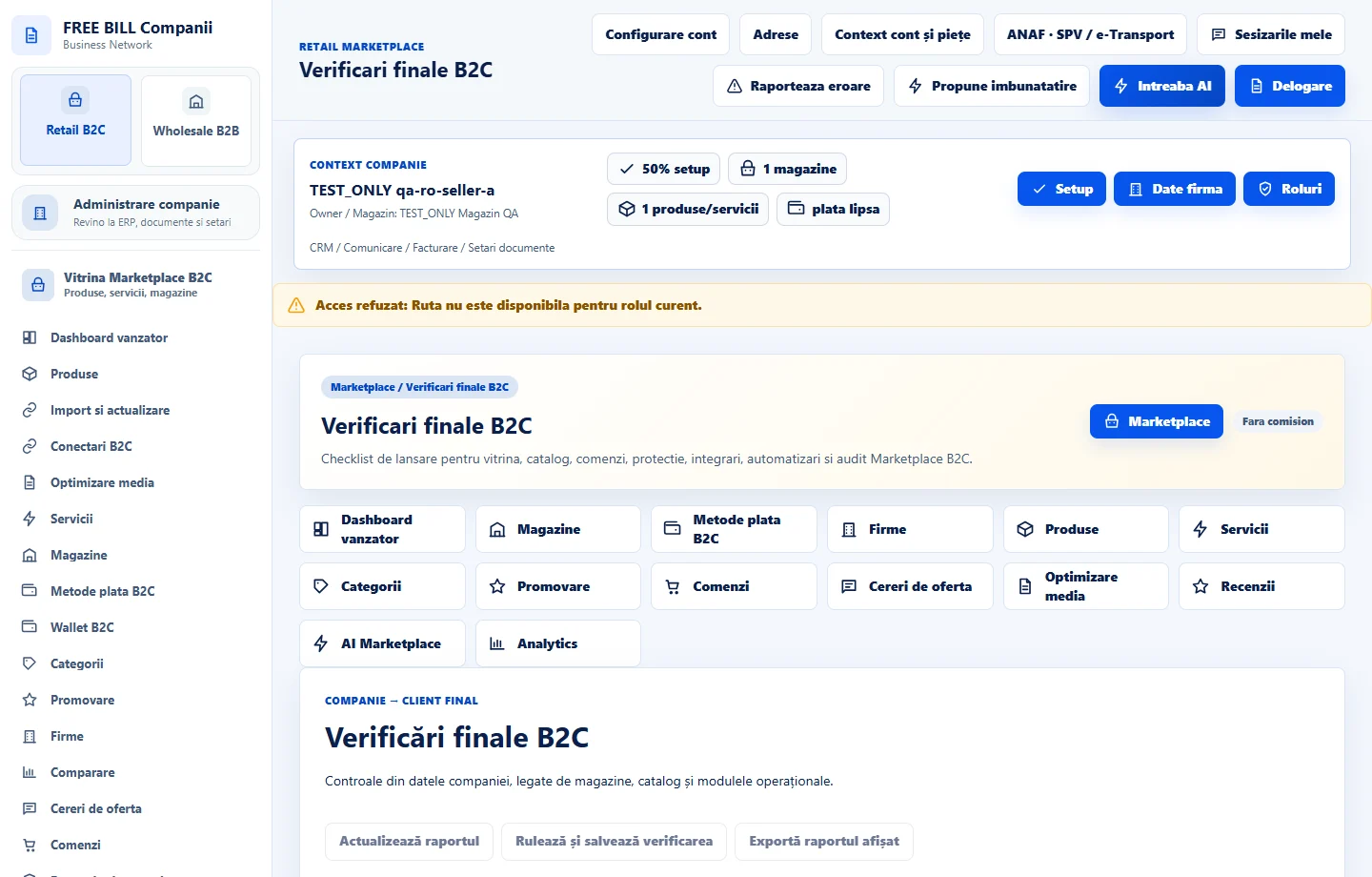
In «Verificari finale B2C», review store, catalogue, delivery, payments, returns, integrations and audit. Open each blocked check.
Test the flow in a test environment
Review the public page, a test order and related register results using authorized test accounts. Check providers and target markets separately.
Application interface · Romanian · 1
Check the result
You can track confirmed rules and open launch checks.
If something is missing
For blocked checks, review the source and required evidence. Refresh the checklist after fixing the problem.
Availability depends on your role, enabled modules, country and company configuration.
Open in FreeBill Conect