Interpret Retail B2C reports
Compare orders, payments, catalogue, reviews and campaigns in the same reporting context.
Before you begin
- Company report access and data for the selected period.
- Who it is for
- companie
- Where to find it
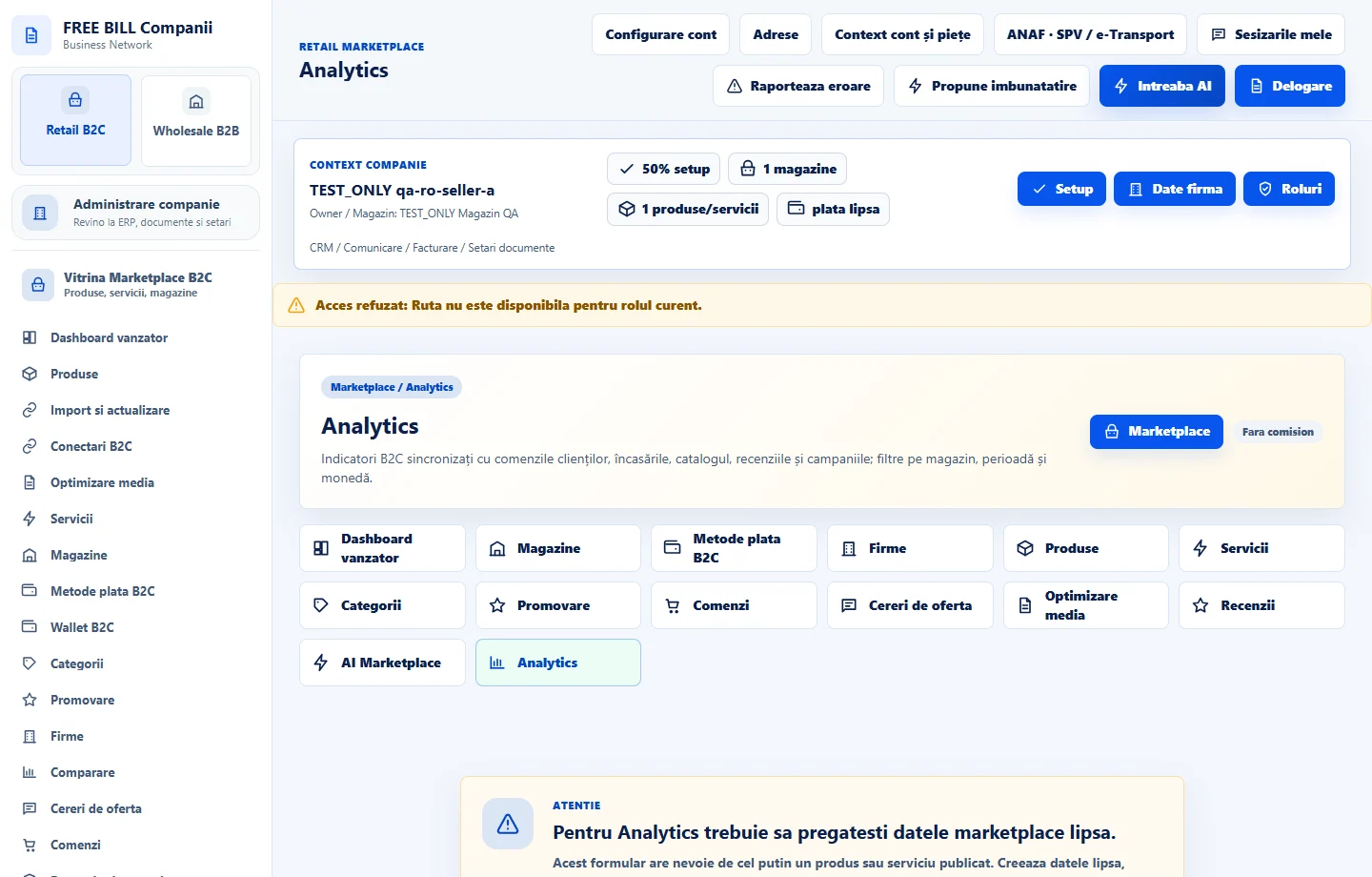
- Analytics
Step by step
Choose the reporting context
Open «Analytics». Select company, store, period and currency where available. Keep the same filters when comparing reports.
Compare commercial records
Review orders, confirmed value and receipts. Compare totals against «Comenzi» and «Wallet B2C» for the same interval.
Review promotion and catalogue
Check visible offers, catalogue issues and reviews. Compare campaign costs and attributed results when sources and currency match.
Investigate differences
Open the linked record and check update time, filters and included statuses. If export is available, download the selection for verification.
Check the result
Report figures can be reconciled with records from their source modules.
If something is missing
If an indicator is empty, check the period and eligibility. Review unconfirmed or partially loaded data separately.
Availability depends on your role, enabled modules, country and company configuration.
Open in FreeBill Conect