Use AI Marketplace for catalogue and support work
Draft descriptions, translations or suggested replies.
Before you begin
- Module access. External generation uses the company's authorized AI connection.
- Who it is for
- companie
- Where to find it
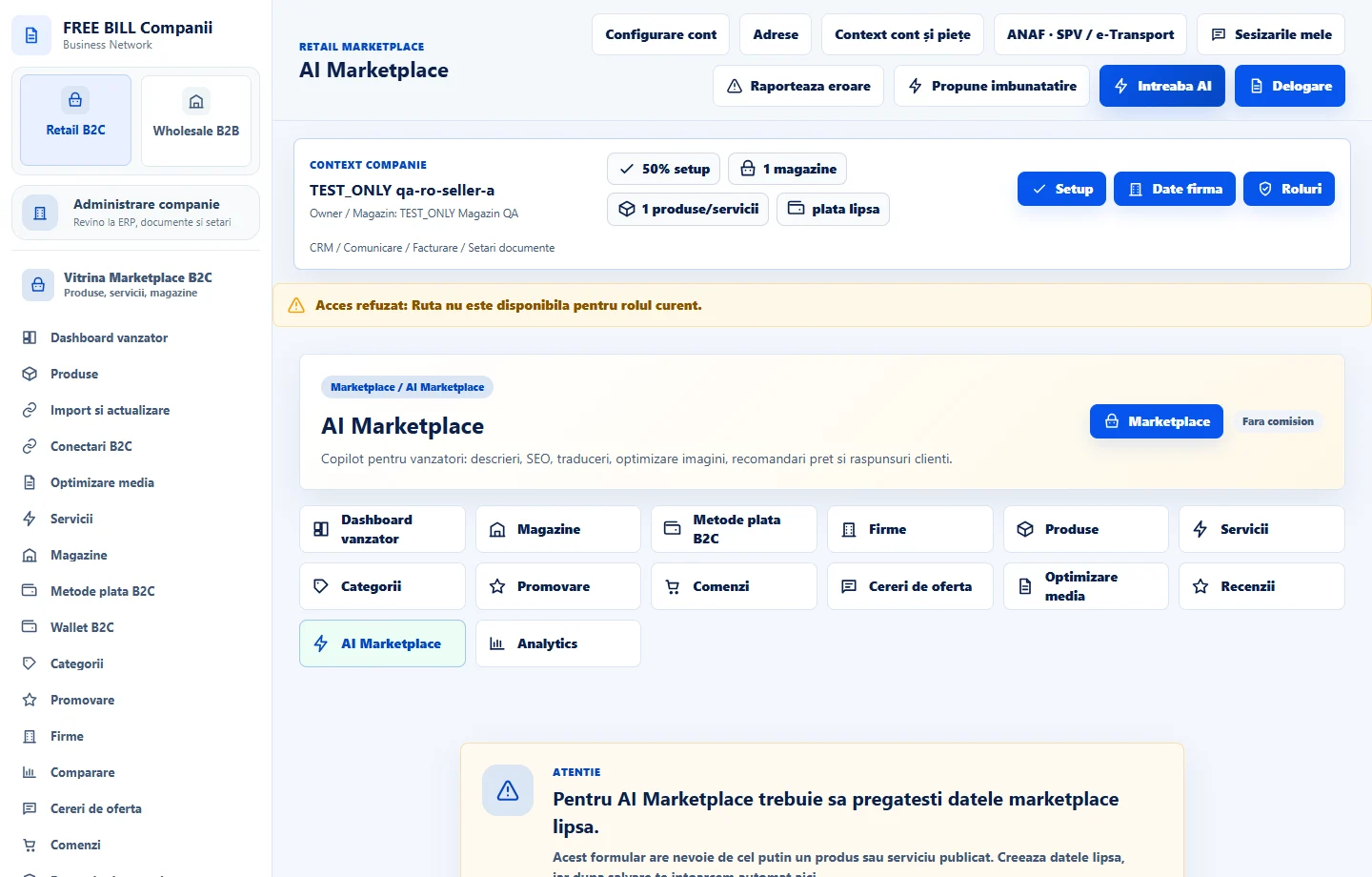
- AI Marketplace
Step by step
Open «AI Marketplace»
Choose the company, store and task source, such as an offer or conversation.
Define the task and its context
Request a description, translation or reply. Check the information being sent and choose the company's active connection when using a provider.
Review the result
Verify prices, dates, compatibility and guarantees. Apply the reviewed text in the offer editor or conversation.
Check the result
The result is ready to apply after review.
If something is missing
If the provider fails to respond, check permissions, the company key, model and quota.
Availability depends on your role, enabled modules, country and company configuration.
Open in FreeBill Conect