Schedule and verify a social post
Publish an approved package to the company's authorized account.
Before you begin
- An approved package, publishing permission and a company connection to the selected channel.
- Who it is for
- companie
- Where to find it
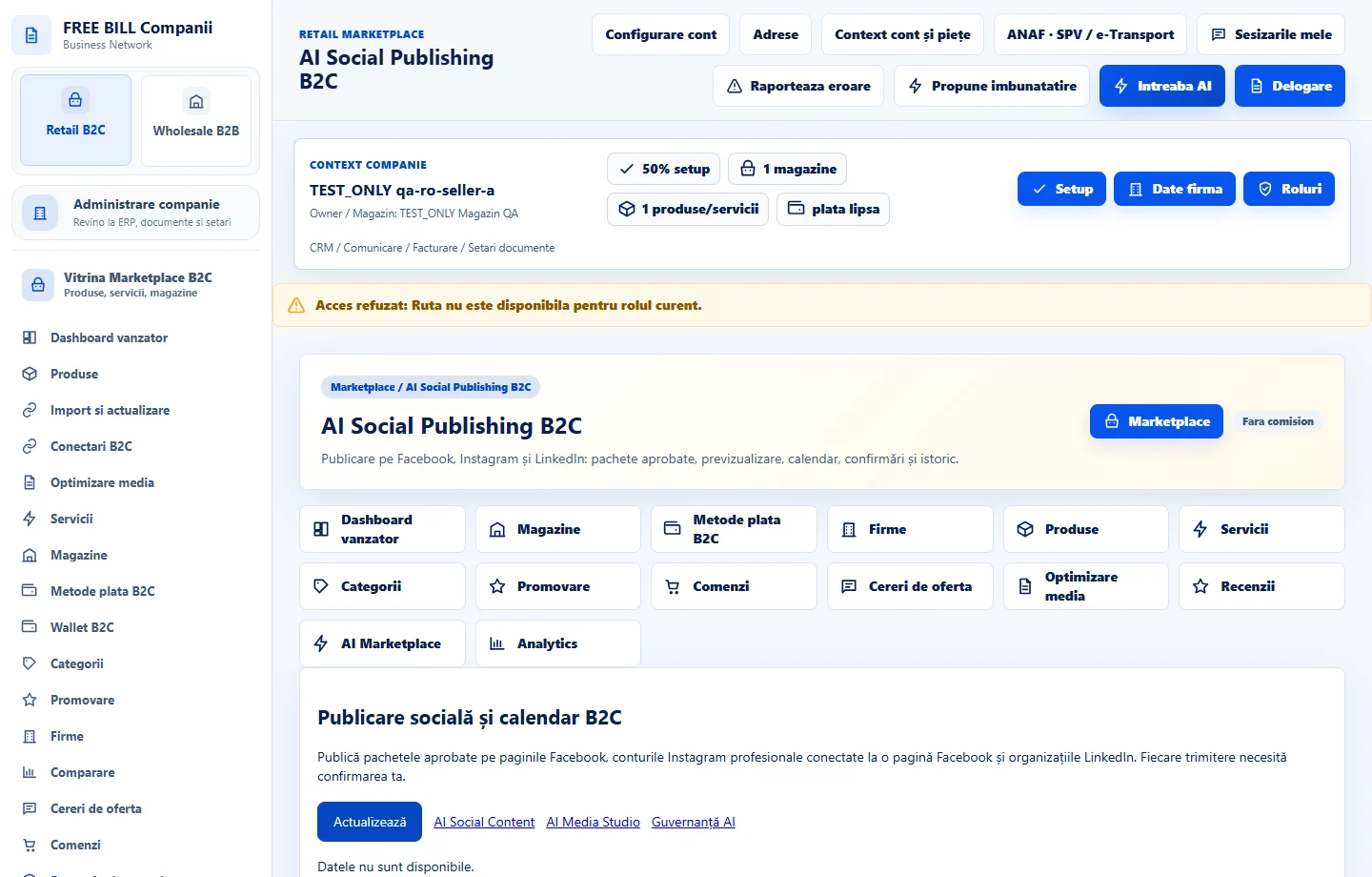
- AI Social Publishing B2C
Step by step
Choose the package and account
Open «AI Social Publishing B2C». Verify the destination store, channel and account.
Review calendar and preview
Check text, image, public address and schedule. Check the time zone, then confirm the available action.
Verify the channel result
Review history and confirmation. If the provider supplies an external reference, use it to check the post.
Check the result
The calendar and history show status on the selected channel.
If something is missing
For rejections, check access, format and package. If the response is delayed, check history before retrying.
Availability depends on your role, enabled modules, country and company configuration.
Open in FreeBill Conect