Prepare social posts and commercial tutorials
Create materials from an offer and submit them for approval.
Before you begin
- An eligible offer, studio access and rights to the materials.
- Who it is for
- companie
- Where to find it
- AI Social Content B2C
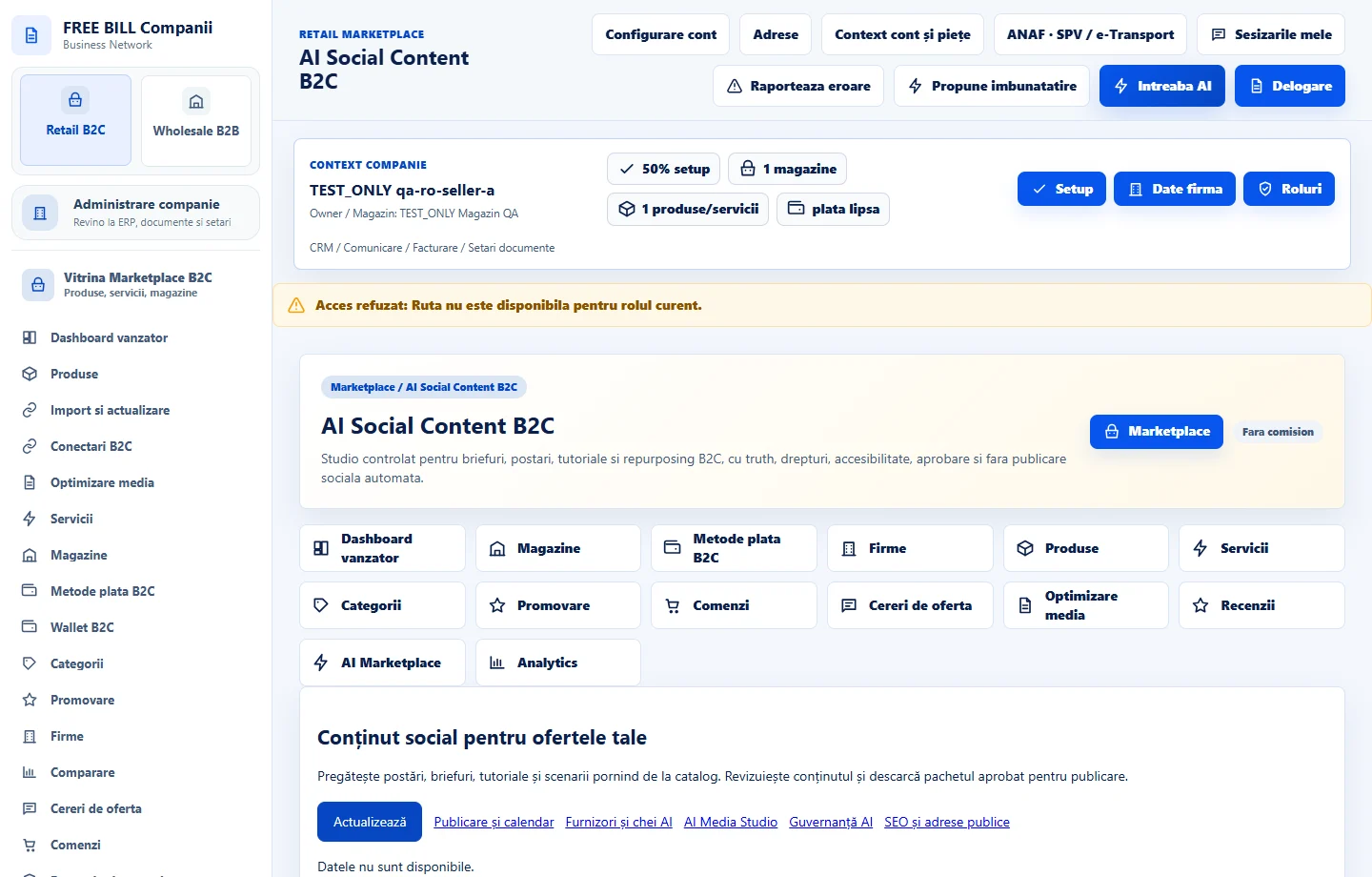
Step by step
Choose the offer and purpose
Open «AI Social Content B2C». Select the product, service or store and the kind of material.
Prepare and review content
Add copy, media, the public address and accessibility descriptions. If using external AI, check which data goes to the provider.
Approve and continue to publishing
Check rights and claims before approval. Open «Publicare și calendar» to choose the channel and schedule.
Check the result
The approved content package is ready for the publishing workflow.
If something is missing
If rejected, check draft status, rights and the public address.
Availability depends on your role, enabled modules, country and company configuration.
Open in FreeBill Conect