Prepare and validate a commercial draft with AI
Check data, duplicates and commercial claims before publication.
Before you begin
- Studio and catalogue access. External generation uses the company's authorized connection.
- Who it is for
- companie
- Where to find it
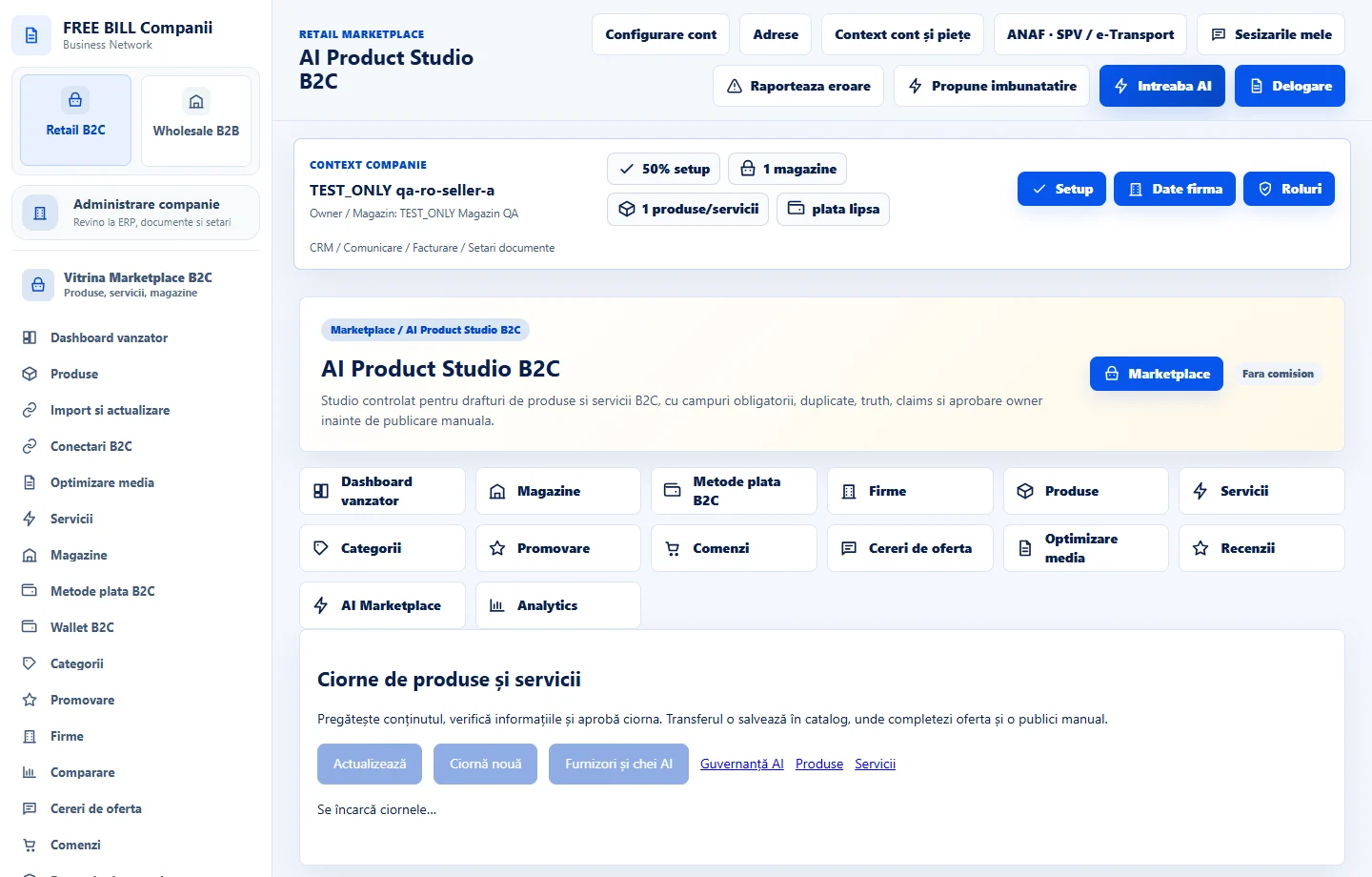
- AI Product Studio B2C
Step by step
Choose a product or service
Open «AI Product Studio B2C». In «Ciorne de produse și servicii», choose the source and type for the store.
Prepare and review the content
Complete required fields. Check title, description, attributes, category and possible duplicates. Correct unsupported claims.
Approve and apply in the editor
After authorized review, use the draft in the offer editor. Check the preview and set publication status manually.
Check the result
The reviewed draft can be used in the regular offer editor.
If something is missing
If validation fails, review the flagged field or claim. Check for duplicates before creating another offer.
Availability depends on your role, enabled modules, country and company configuration.
Open in FreeBill Conect