Prepare newsletters and customer messages
Choose eligible recipients and check the sender and unsubscribe flow.
Before you begin
- Module access, a configured sender and an eligible segment.
- Who it is for
- companie
- Where to find it
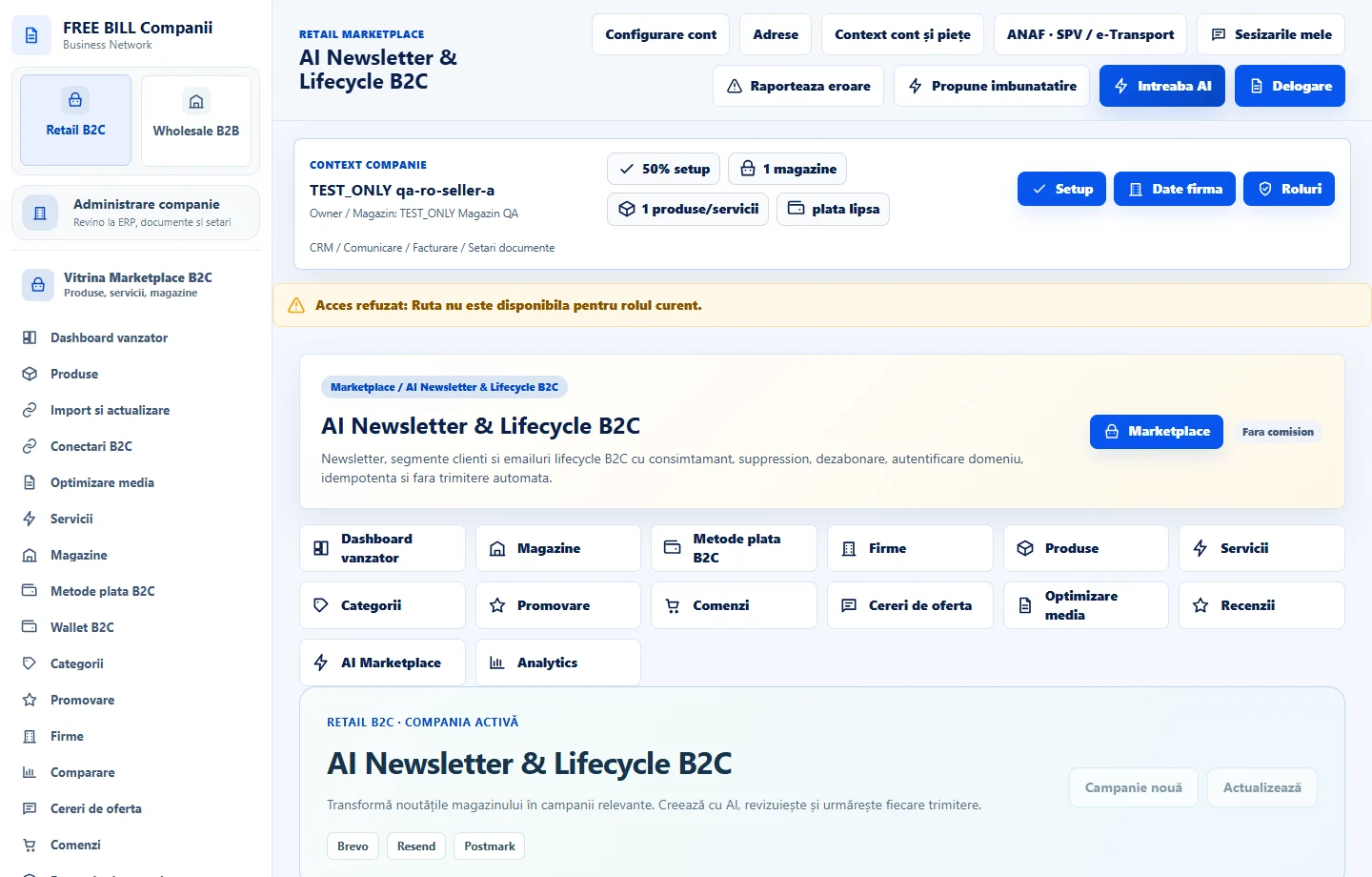
- AI Newsletter & Lifecycle B2C
Step by step
Choose sender and segment
In «AI Newsletter & Lifecycle B2C», select the source, sender and segment. Check consent records and excluded recipients.
Prepare and review the message
Enter the subject and body. For external AI, choose the company connection and confirm generation. Review the offer, language and address.
Review before confirming
Check domain authentication, unsubscribe and preview. Use a test send if available. Confirm the action and review its history.
Check the result
The message has an identified sender and a reviewed segment.
If something is missing
If the segment is empty or sending is blocked, check source, consent, unsubscribe and sender settings.
Availability depends on your role, enabled modules, country and company configuration.
Open in FreeBill Conect