Generate and approve offer media
Prepare catalogue images or video and track approvals.
Before you begin
- Access, an identified source and rights to use the materials.
- Who it is for
- companie
- Where to find it
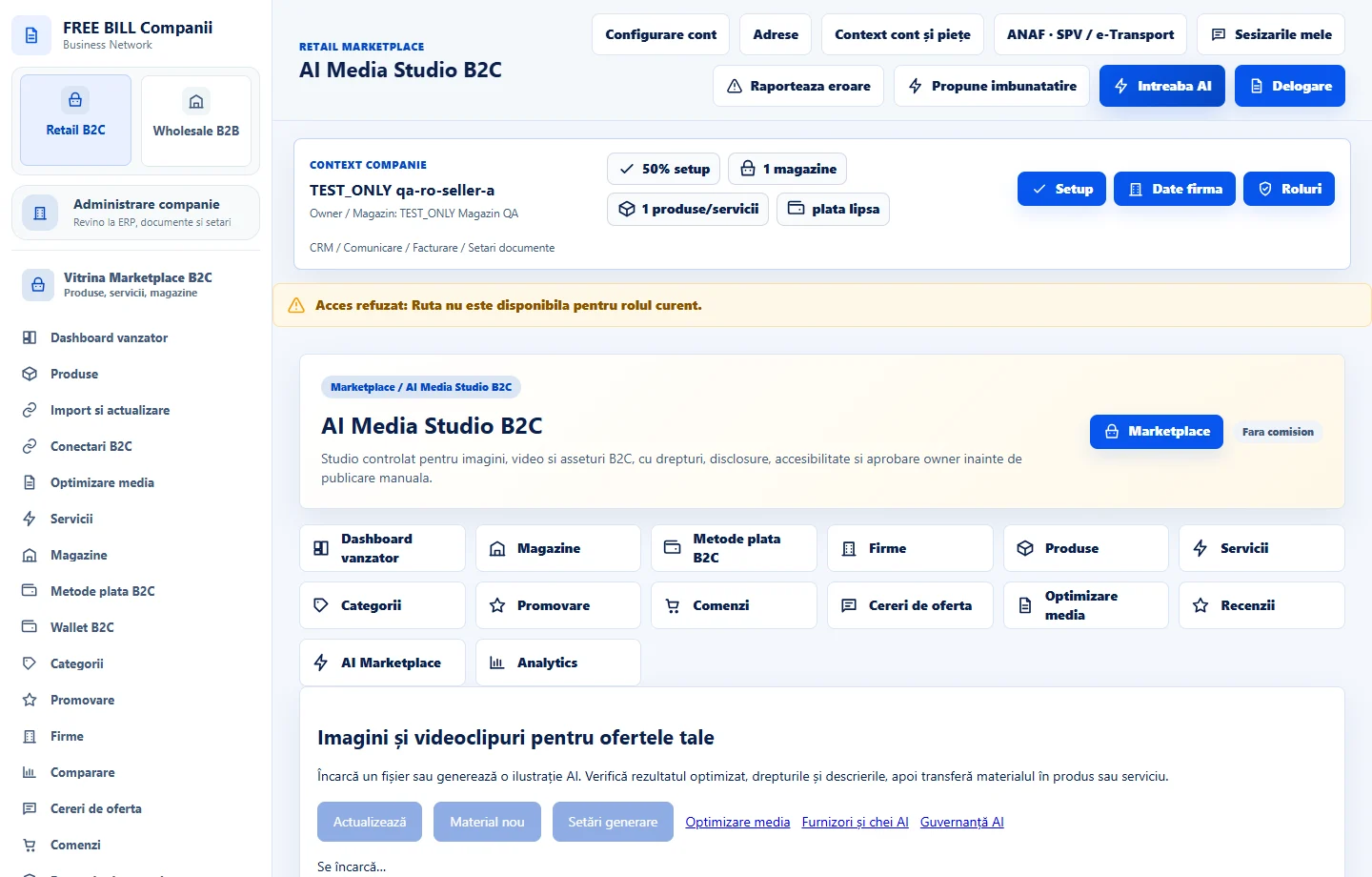
- AI Media Studio B2C
Step by step
Open «AI Media Studio B2C»
Choose the offer and source material. Define the purpose and check what will be sent if you use the company's AI connection.
Check the material
Preview the image or video. Review usage rights, generated-content disclosure, accessibility and accuracy against the offer.
Approve and attach
After approval, select the media in the offer editor. Check the main image and gallery order in the storefront.
Check the result
The material can be traced from draft to offer.
If something is missing
If media is missing, check processing, approval and the link to the offer.
Availability depends on your role, enabled modules, country and company configuration.
Open in FreeBill Conect