Compare campaign results and attribution
Review email, social and advertising results by store and currency.
Before you begin
- Company report access and activity in selected sources.
- Who it is for
- companie
- Where to find it
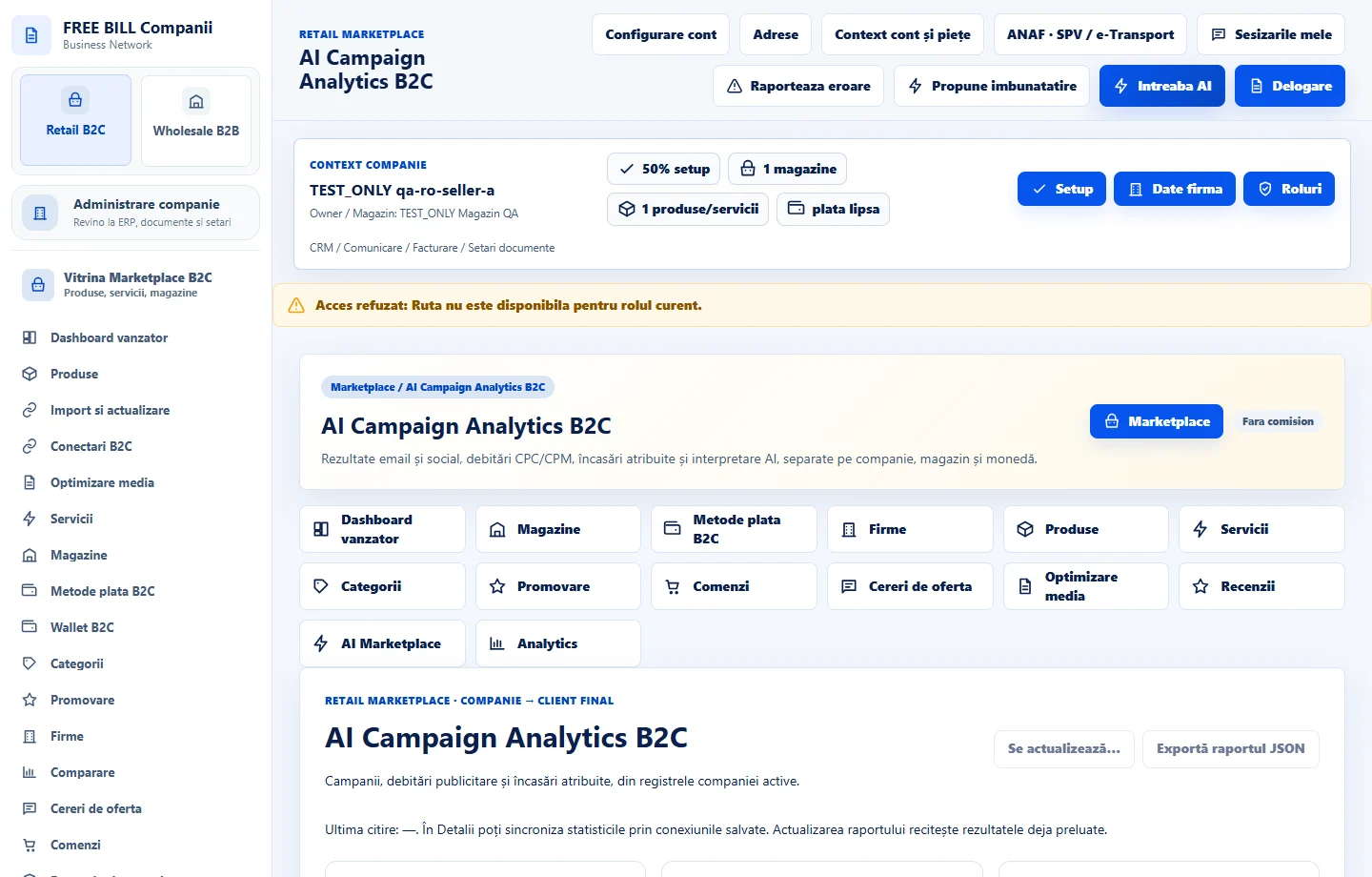
- AI Campaign Analytics B2C
Step by step
Choose the reporting context
Open «AI Campaign Analytics B2C». Select the store, dates and currency and check the data sources.
Compare indicators
Separate visibility, CPC or CPM charges and attributed revenue. Open the campaign to check event types and references.
Interpret the result
If using AI interpretation, check the selected connection and context being sent. Verify the source figures before changing a budget.
Check the result
You can interpret cost and attributed sales for the selected dates.
If something is missing
If the report is empty, check source, filters and campaign status.
Availability depends on your role, enabled modules, country and company configuration.
Open in FreeBill Conect