Choose a document type and review invoicing settings
Find the working documents, numbering series and settings used to issue, preview and send documents.
Before you begin
- An active company with completed legal and tax details.
- Write access for invoicing and permission to manage document settings if changing templates or series.
- Who it is for
- Invoicing operator or document settings administrator.
- Where to find it
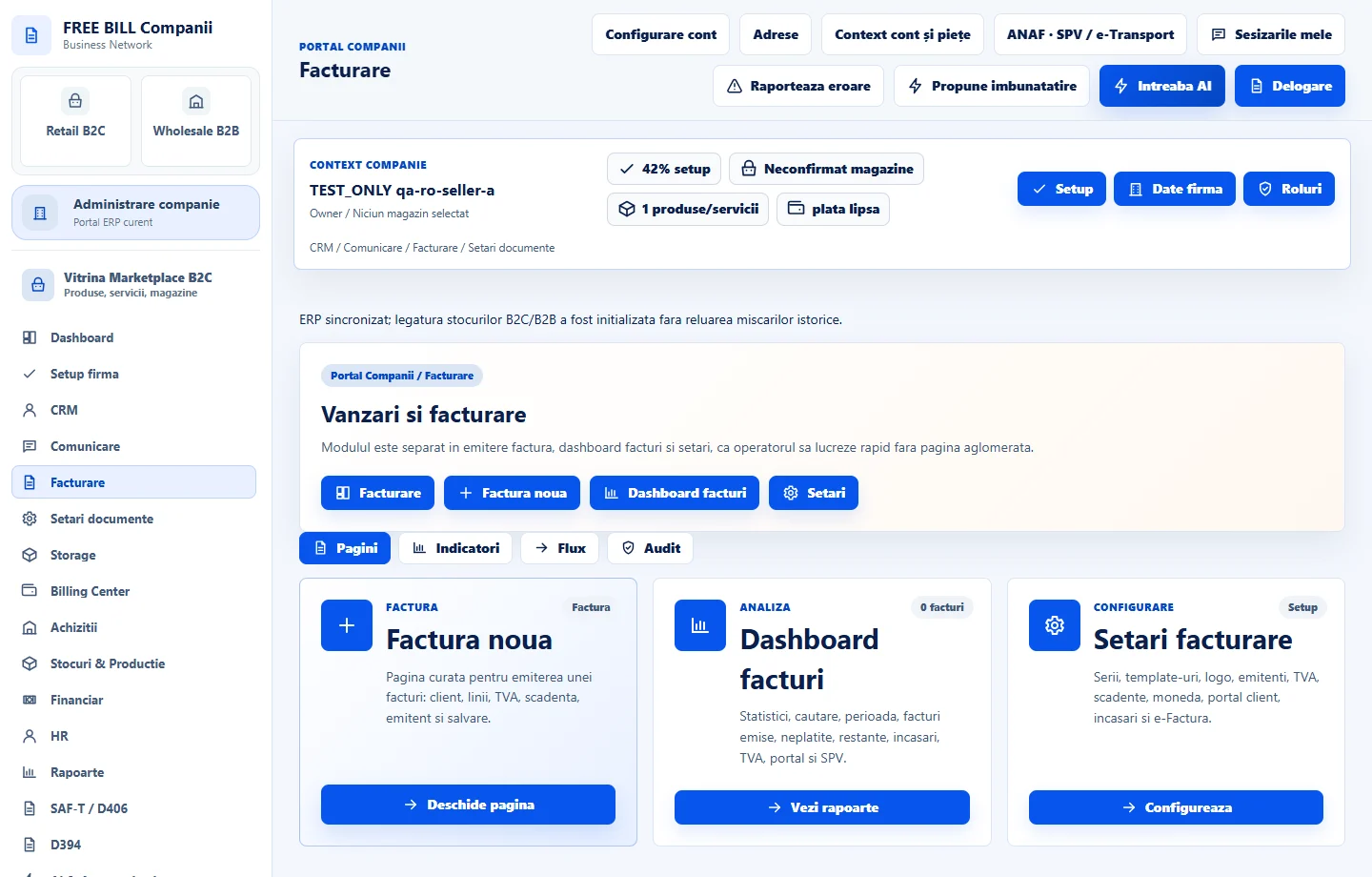
- Vanzari
Step by step
Review «Setări facturare»
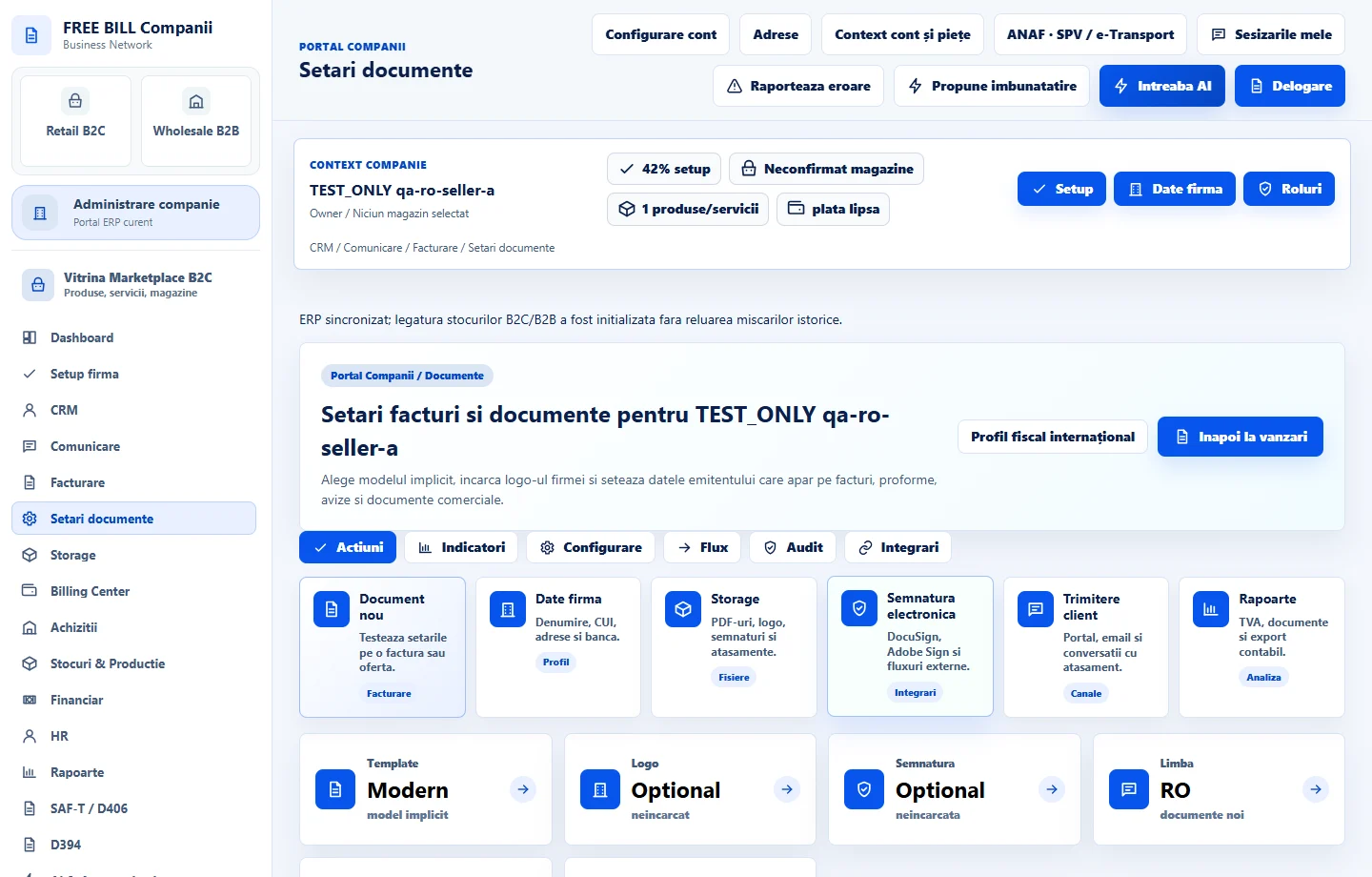
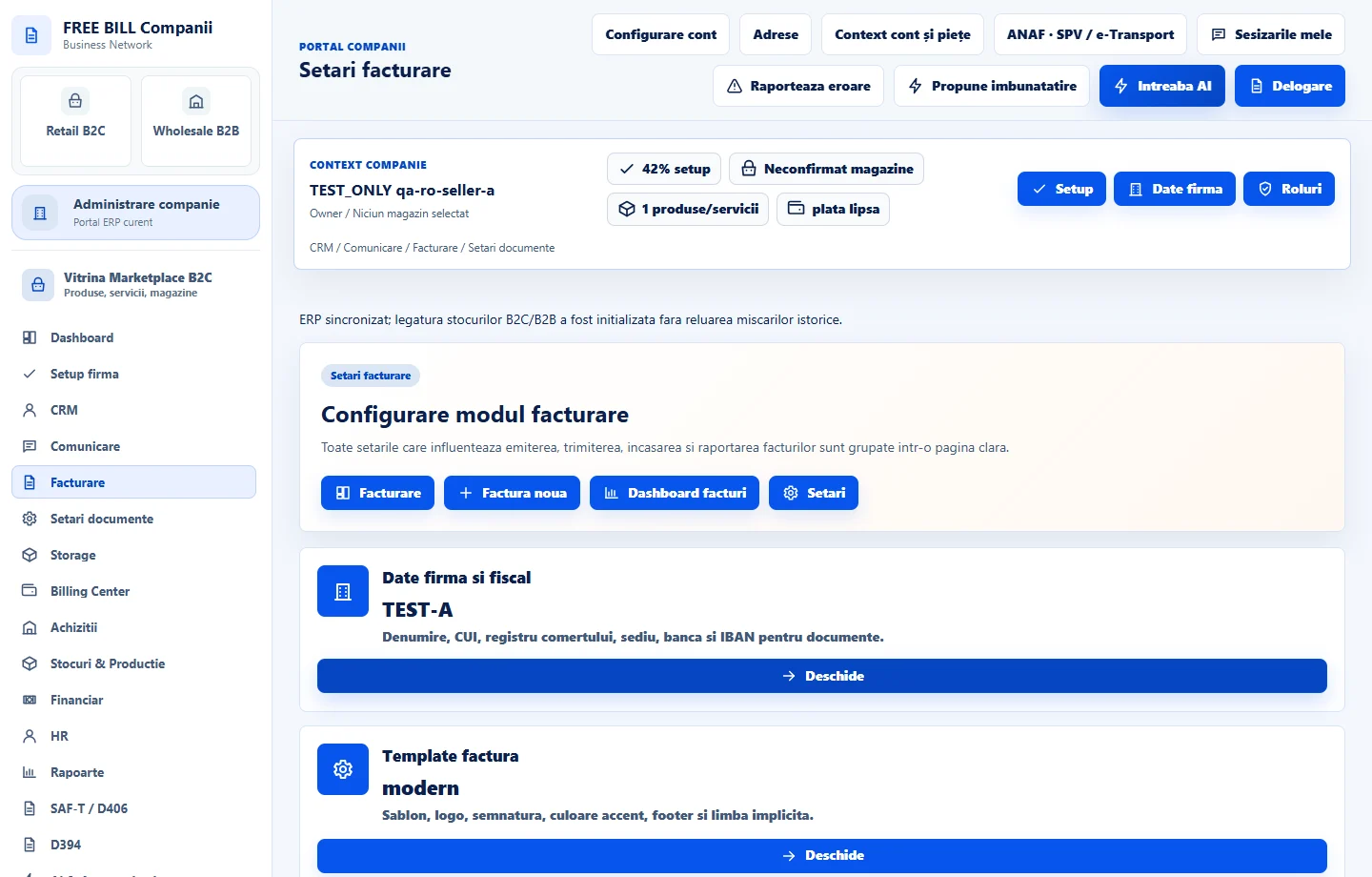
Open «Facturare» → «Setări facturare». Review «Date firmă și fiscal», «Template factură», «Serii și numerotare», «Emitent» and the default currency and language. Use «Deschide» on the relevant card to make changes.
Prepare the right document
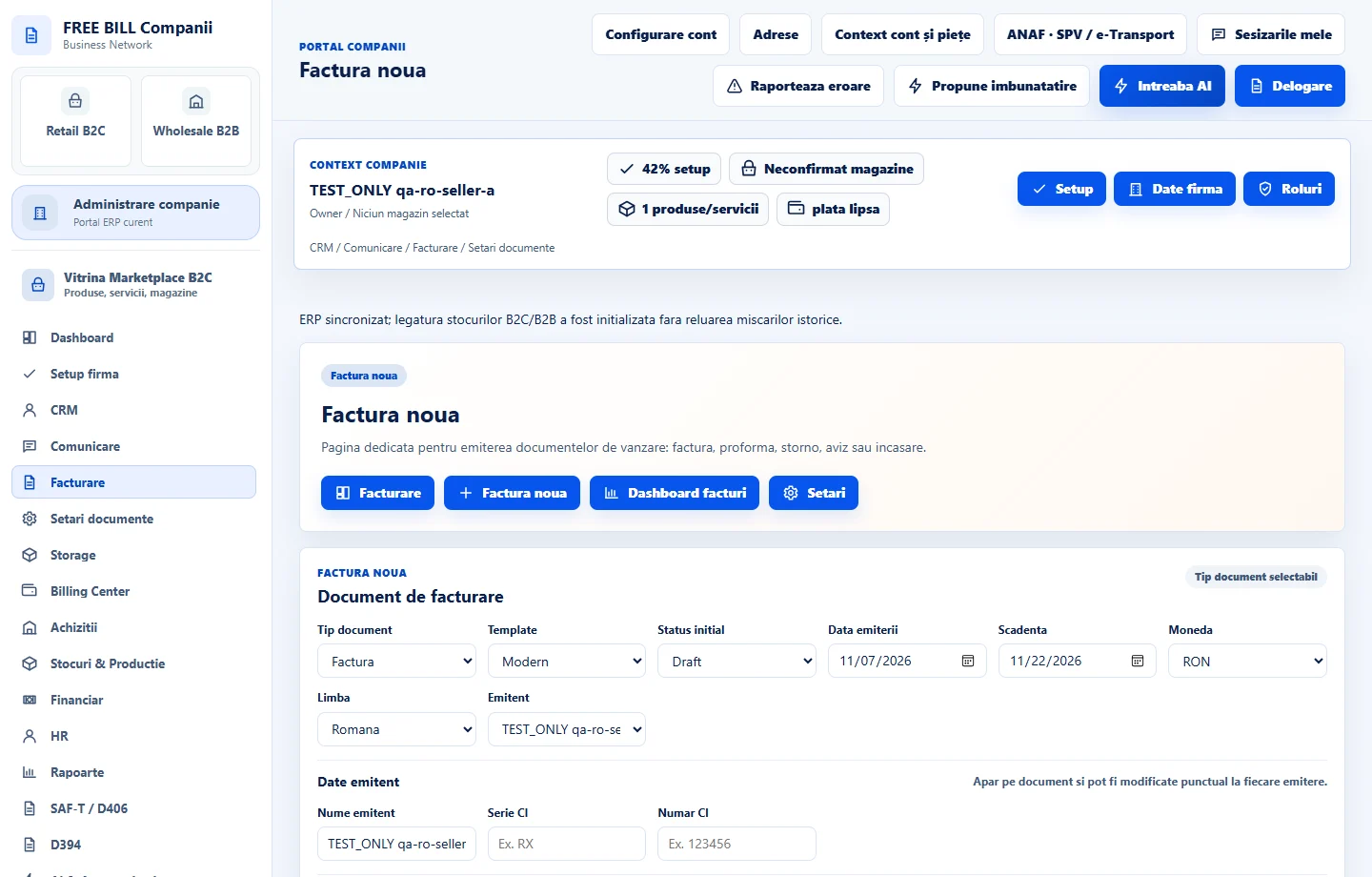
Check which types are available on the issue form. Select «Factură» for invoicing, «Factură proformă» for a pro forma invoice, «Aviz de însoțire» for a delivery note, or the payment receipt type when the operation requires it.
Start in the source module
For a quote based on an opportunity, open the opportunity in «Pipeline CRM» and use the available generation action. In «Facturare», filter by document type before searching for its number.
Review numbering and content before sending
Check the number, date, issuer and customer details, line items and totals. Use the preview and PDF export in the document actions when available.
Check the sending channel
For email, use the send action and review the message and attachment in «Comunicare». For fiscal reporting, open the relevant national workflow from the issued document.
Application interface · Romanian · 3
Check the result
You can find the document by type, number and status. It uses the issuing settings for the active company.
If something is missing
If a document type is missing from the form, check which module creates it and whether your role has access. If the series or template is wrong, review the company settings before issuing the next document.
Availability depends on your role, enabled modules, country and company configuration.
Open in FreeBill Conect