Send, collect payment and correct an issued invoice
Start with the original document and track customer delivery, payment and fiscal correction separately.
Before you begin
- An invoice issued by the active company.
- Customer contact details or proof of payment, depending on the action.
- Who it is for
- Operator with invoicing permissions and access to finance, communications or the fiscal module for the relevant action.
- Where to find it
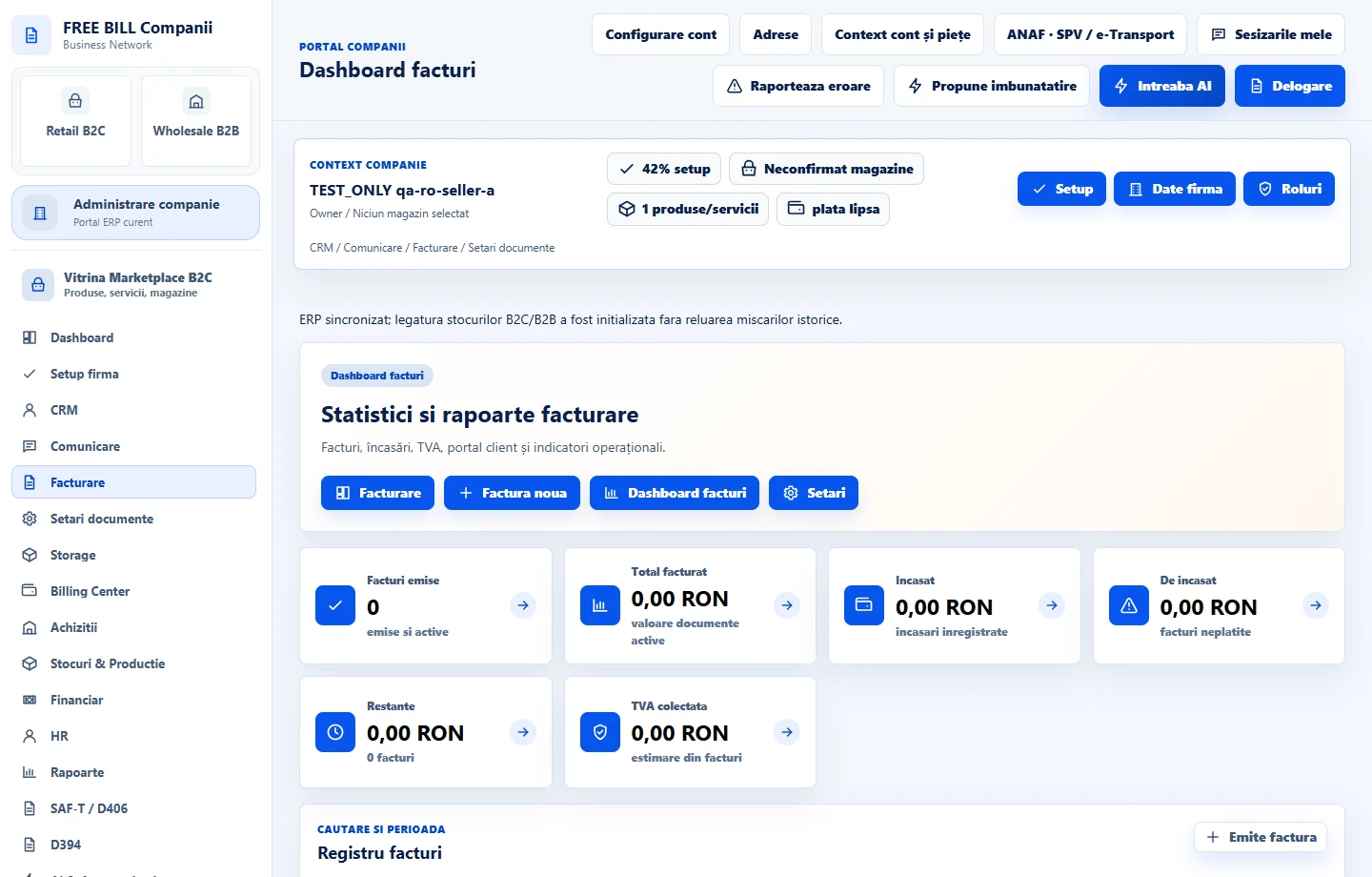
- Dashboard facturi
Step by step
Find the document and check its status
In «Dashboard facturi», filter by number, customer or status. Check the amount paid, remaining balance and fiscal submission status before choosing the next action.
Review the PDF and send the message
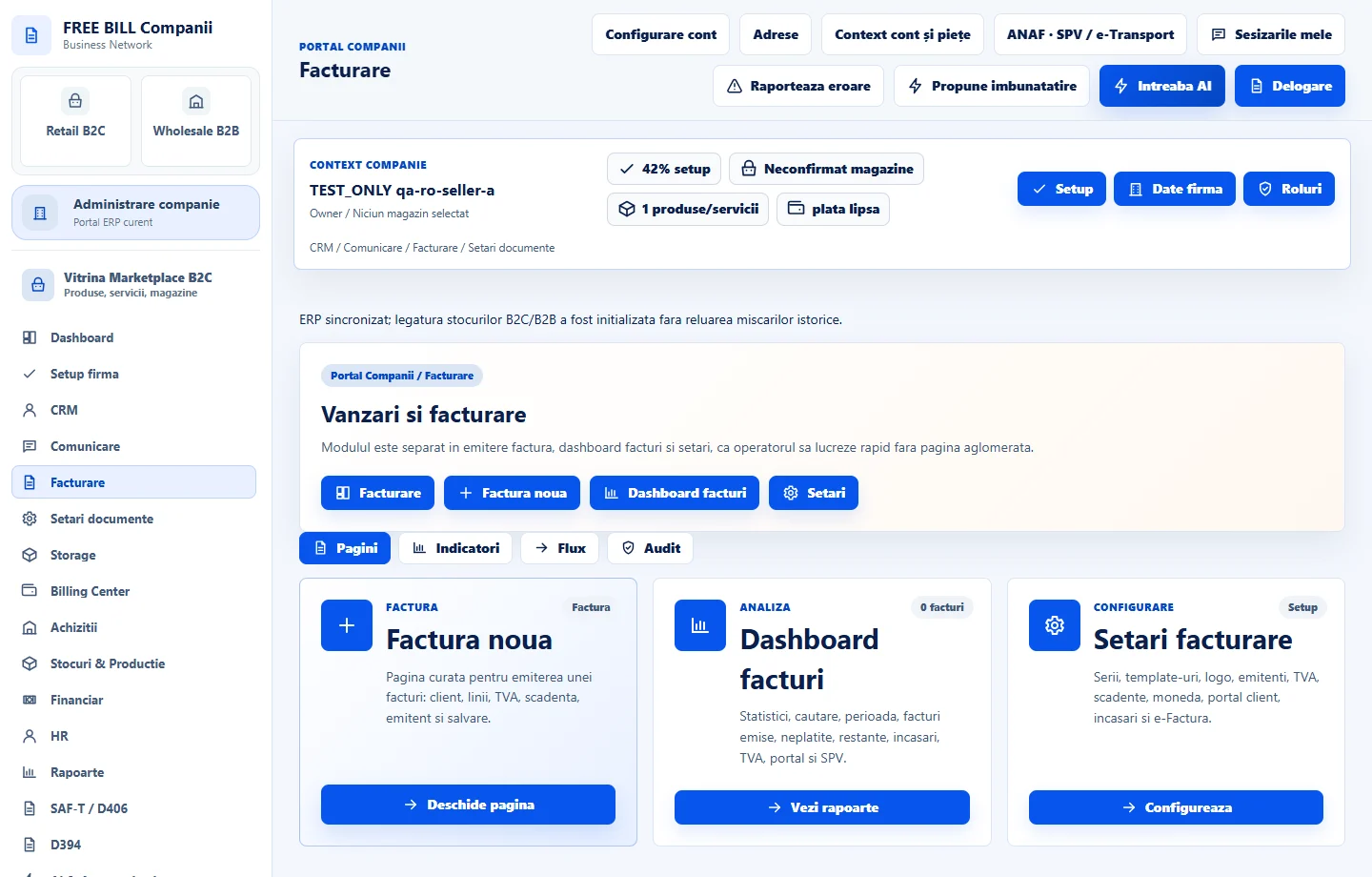
Use the PDF preview or download. The send action prepares a message and attachment in «Comunicare». Check the recipient and document there, then select «Trimite».
Record payment in the relevant workflow
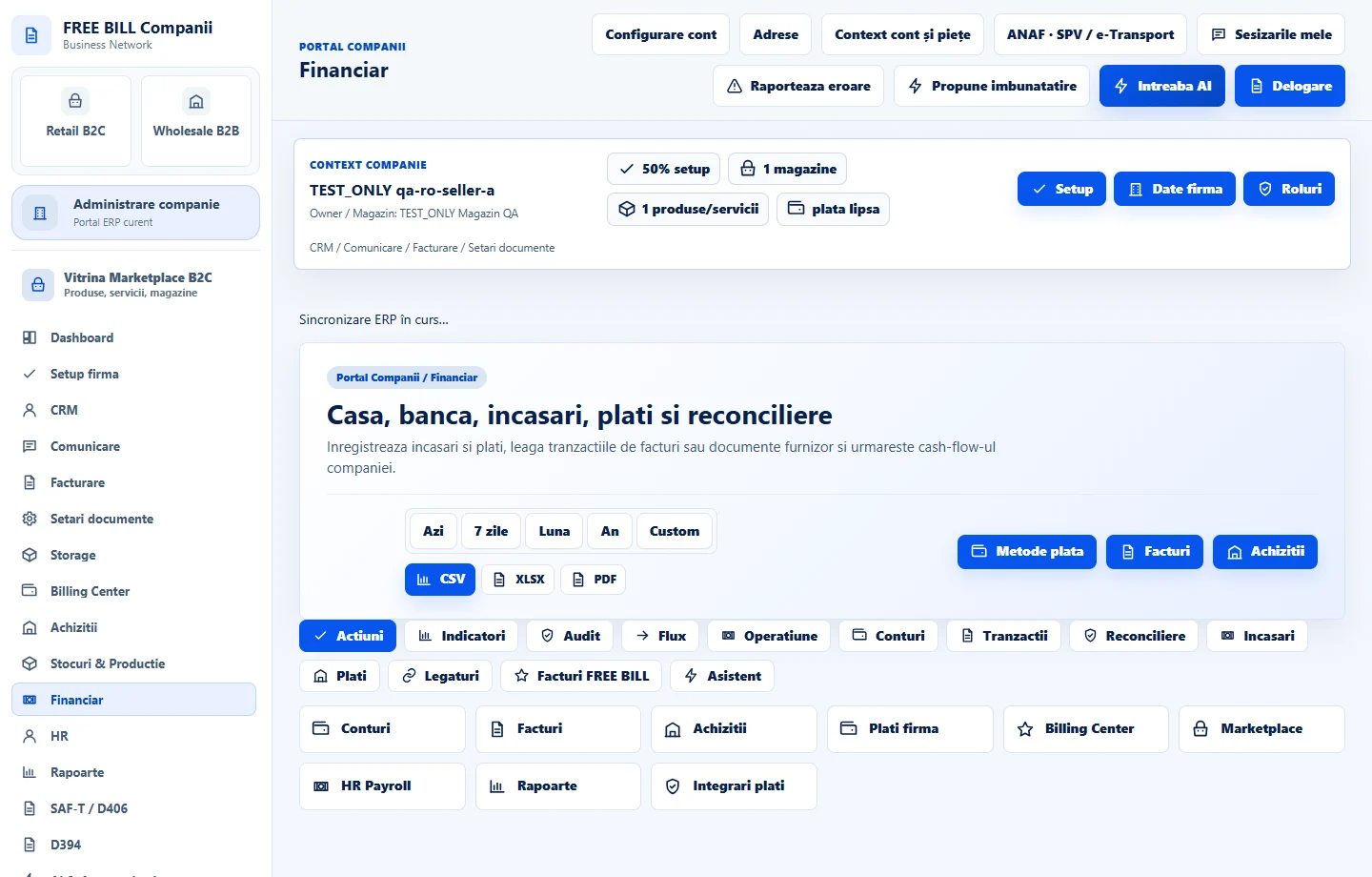
For a manual receipt, use the invoice action or «Financiar» to link the entry to the document. If the invoice directs you to manage payment in the associated order, use that order and check the updated balance.
Choose cancellation or correction based on status
For an invoice with payments or a fiscal submission, check the available correction workflow before continuing. If FreeBill opens a country-specific correction form, check the original reference, items and adjusted amounts.
Recheck documents, balances and reporting
Reopen the original invoice and the correction. Compare the financial difference with the entries in «Financiar», review stock movements if the invoice generated any and check fiscal submission status separately.
Application interface · Romanian · 2
Check the result
Depending on your actions, you can review the document history, payment or outstanding amount and associated correction separately.
If something is missing
If cancellation is refused, check payments, the SPV status and stock movement permissions. If email requires a connection, configure the company channel and prepare the message again from the same document.
Availability depends on your role, enabled modules, country and company configuration.
Open in FreeBill Conect