Find your way around Retail B2C
Locate retail screens and see what needs attention.
Before you begin
- A company account with Marketplace access and the relevant company selected.
- Who it is for
- companie
- Where to find it
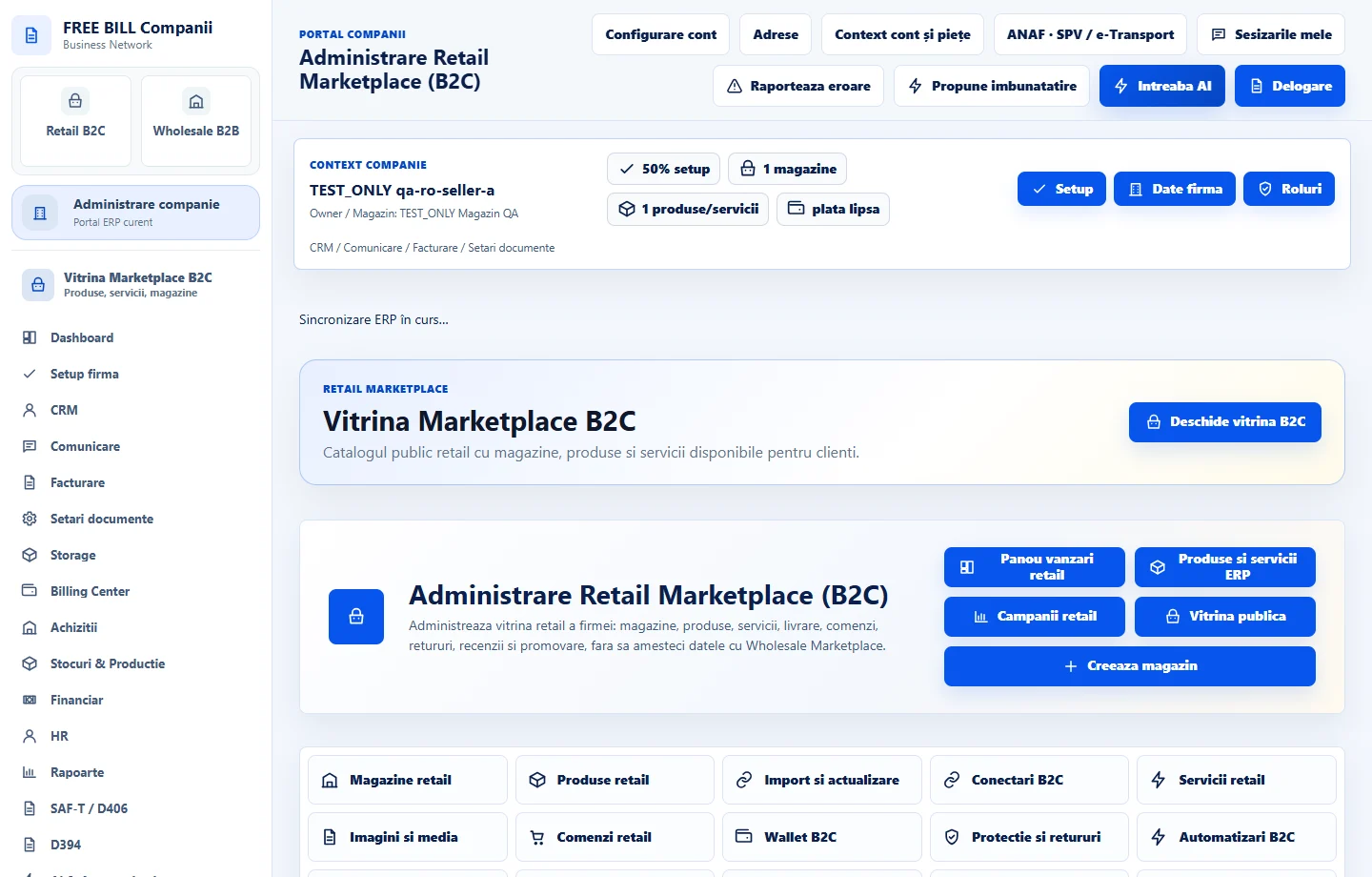
- Administrare Retail Marketplace (B2C)
Step by step
Open «Retail B2C»
Choose the company if you work across multiple businesses. Open «Retail B2C» and use «Magazine retail», «Produse retail» or «Servicii retail» for catalogue work.
Review current activity
In «Dashboard vanzator», check active stores, listings, new orders and delivery rules. Open the related module for details.
Choose an operations screen
Use «Comenzi retail» for processing, «Wallet B2C» for money and «Protectie si retururi» for after-sales cases. «Facturare» and «Stoc ERP» open company operations.
Review public information
Open «Vitrina publica». Compare the storefront profile, offers and visible statuses with the company records.
Application interface · Romanian · 1
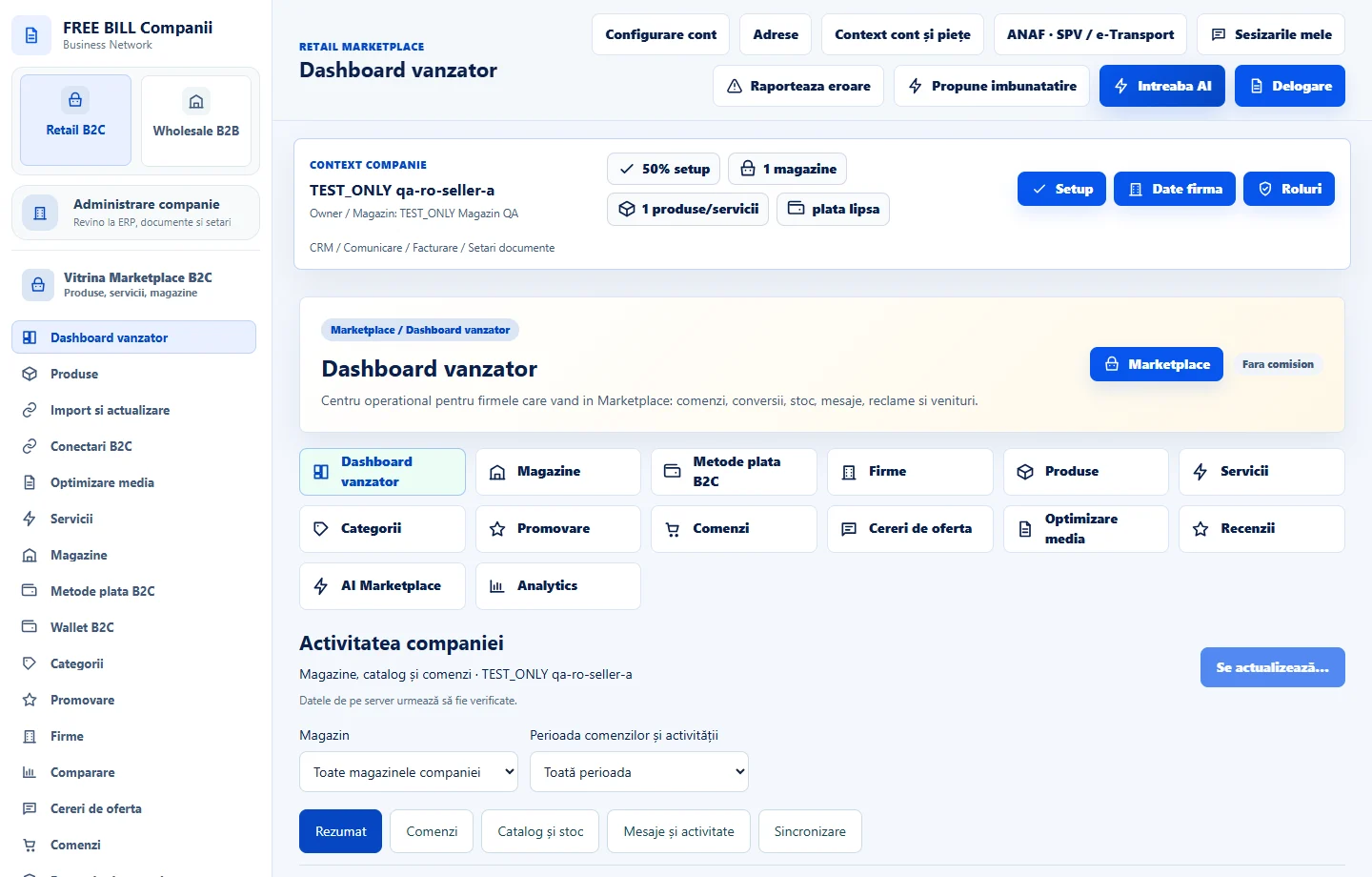
Check the result
You can find the operations screens for the selected store.
If something is missing
If a module is missing, check the active company and your Marketplace permissions.
Availability depends on your role, enabled modules, country and company configuration.
Open in FreeBill Conect