Confirm a service request and complete the work
Track the offer, delivery of the service and buyer confirmation on the same order.
Before you begin
- A company service listing and an associated B2C request or order.
- Permission to respond and process orders for the store.
- Who it is for
- companie
- Where to find it
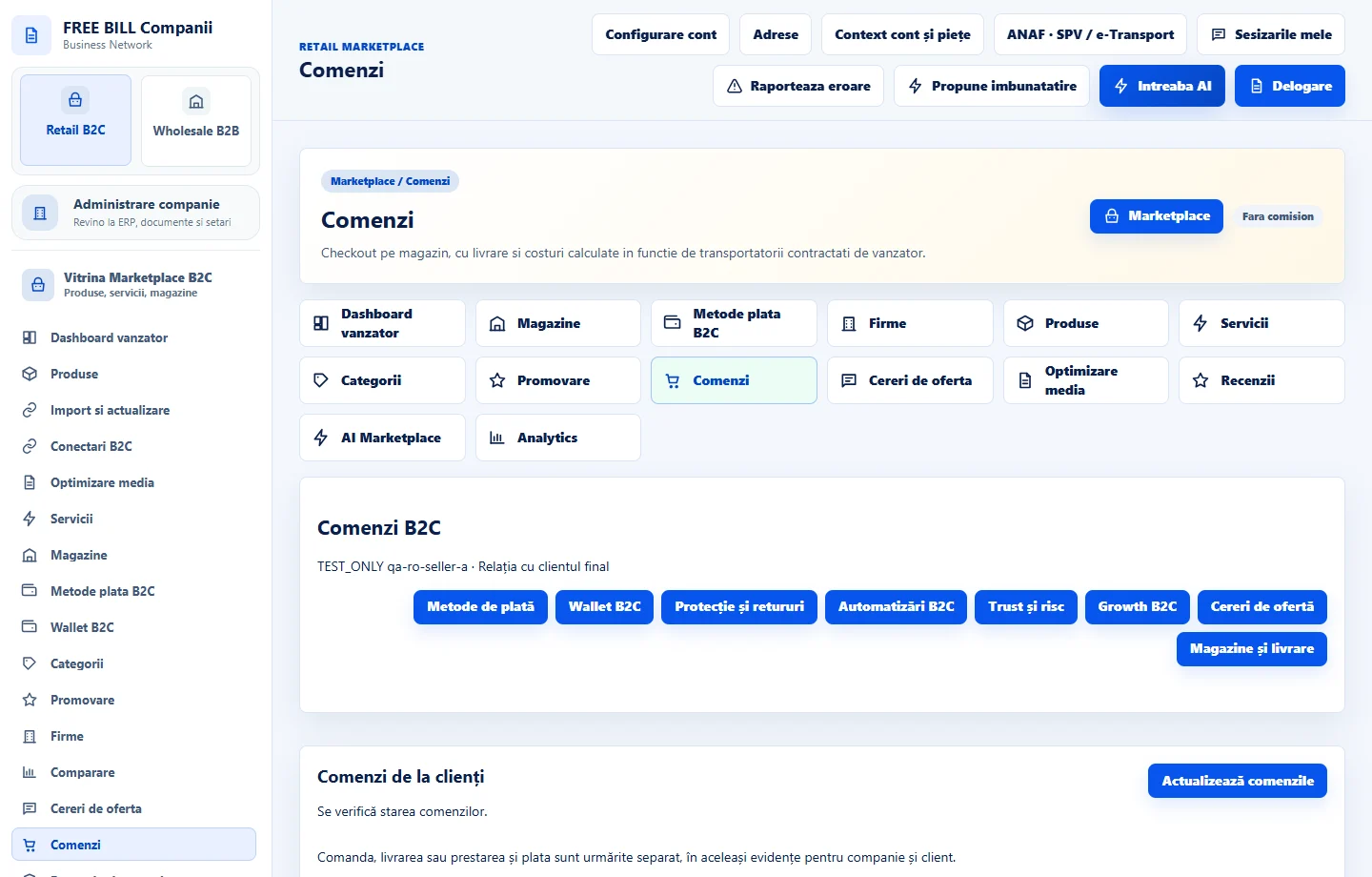
- Comenzi
Step by step
Open the request in «Comenzi»
Select the store and ordered service. Read the request, booking and customer expectations. Use the order conversation if you need clarification.
Confirm the price when it was estimated
If the quote editor is available, enter the final price in the request currency and explain it. Check acceptance and payment status before starting work.
Record the start
On the service line, use «Începe prestarea» when available. Check the selected line if the order contains other services or products.
Send the work for buyer review
Use «Trimite spre verificarea clientului» once the work can be reviewed. The buyer may accept or request a correction. Read the reason and submit again after correcting the issue.
Close the order after confirmation
Check acceptance of all services and, for a mixed order, receipt of all goods. Use «Finalizează comanda» when available and review documents, payment and history.
Check the result
The work stays linked to the order, payment and buyer confirmation.
If something is missing
If the flow cannot begin, check request status, price approval and role. If goods on the same order were not received, check shipping separately.
Availability depends on your role, enabled modules, country and company configuration.
Open in FreeBill Conect