Verify offers in the B2B catalog
Review controlled offers and check what a visitor or partner can see.
Before you begin
- An existing B2B offer and the supplying company selected. Testing partner access requires an approved relationship for the specific store and market.
- Who it is for
- company
- Where to find it
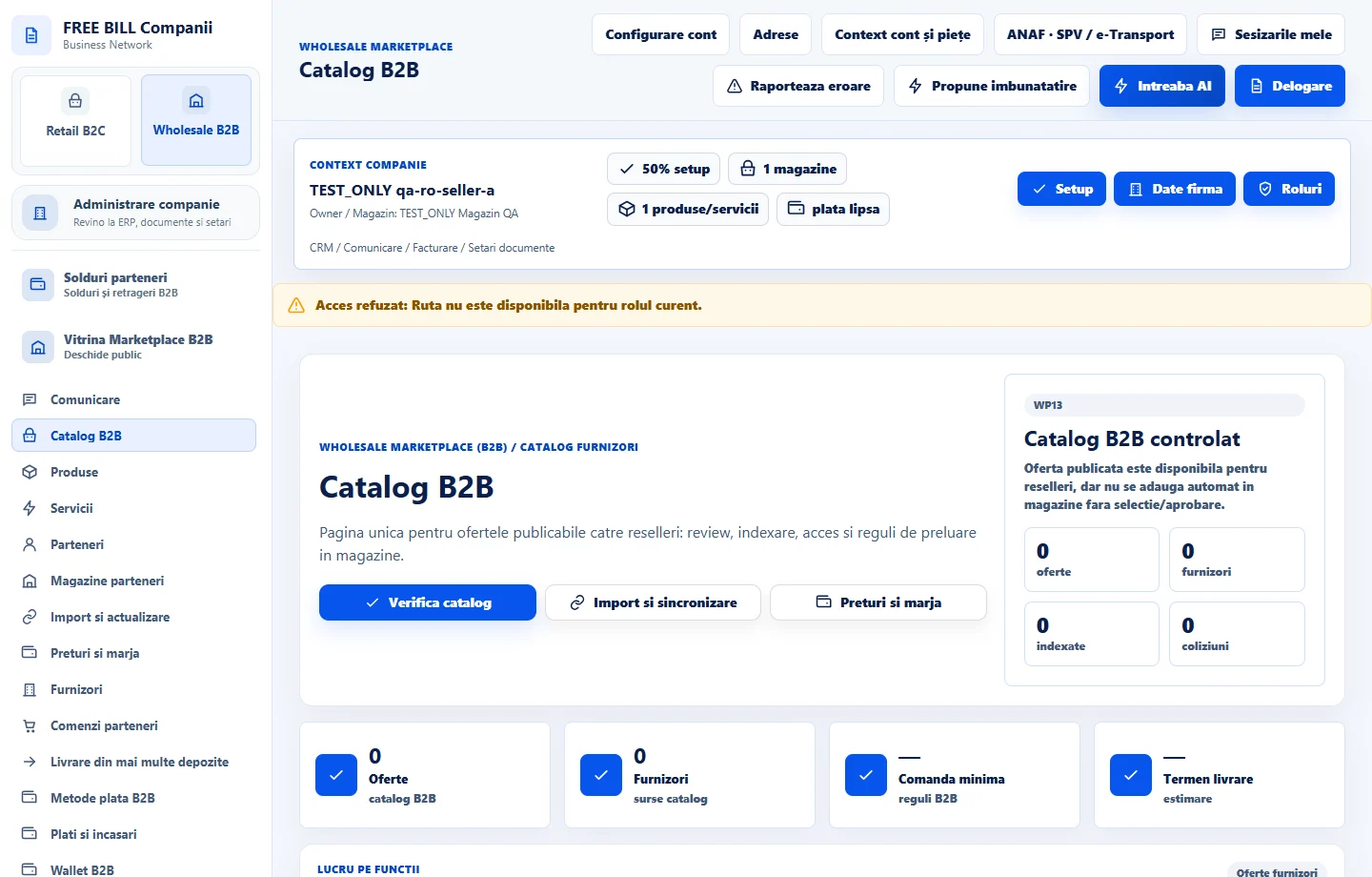
- Catalog B2B
Step by step
Open the catalog
In Wholesale B2B, open «Catalog B2B». Locate the offer, identify the supplier and open the commercial details.
Check purchase terms
Review minimum quantity, unit, currency, availability and lead time. Use «Prețuri și marjă» to inspect the pricing rules or differences.
Compare visibility
Open the B2B storefront and search for the offer by name. Check restricted prices separately with an eligible partner account. A visible listing may still have a protected price.
Return to the source for changes
Open «Produse» or «Servicii» to correct the source and run «Verifica catalog» again after publishing.
Check the result
The offer and its access requirements have been checked.
If something is missing
If the offer is missing, check publication, status, the supplier store and market. For a hidden price, also check the partner approval.
Availability depends on your role, enabled modules, country and company configuration.
Open in FreeBill Conect