Import and verify your B2B catalog synchronization
Check the links between a catalog source, its offers and synchronization operations.
Before you begin
- The company context, catalog source and approved access to the catalog you use.
- Who it is for
- company
- Where to find it
- Import si actualizare
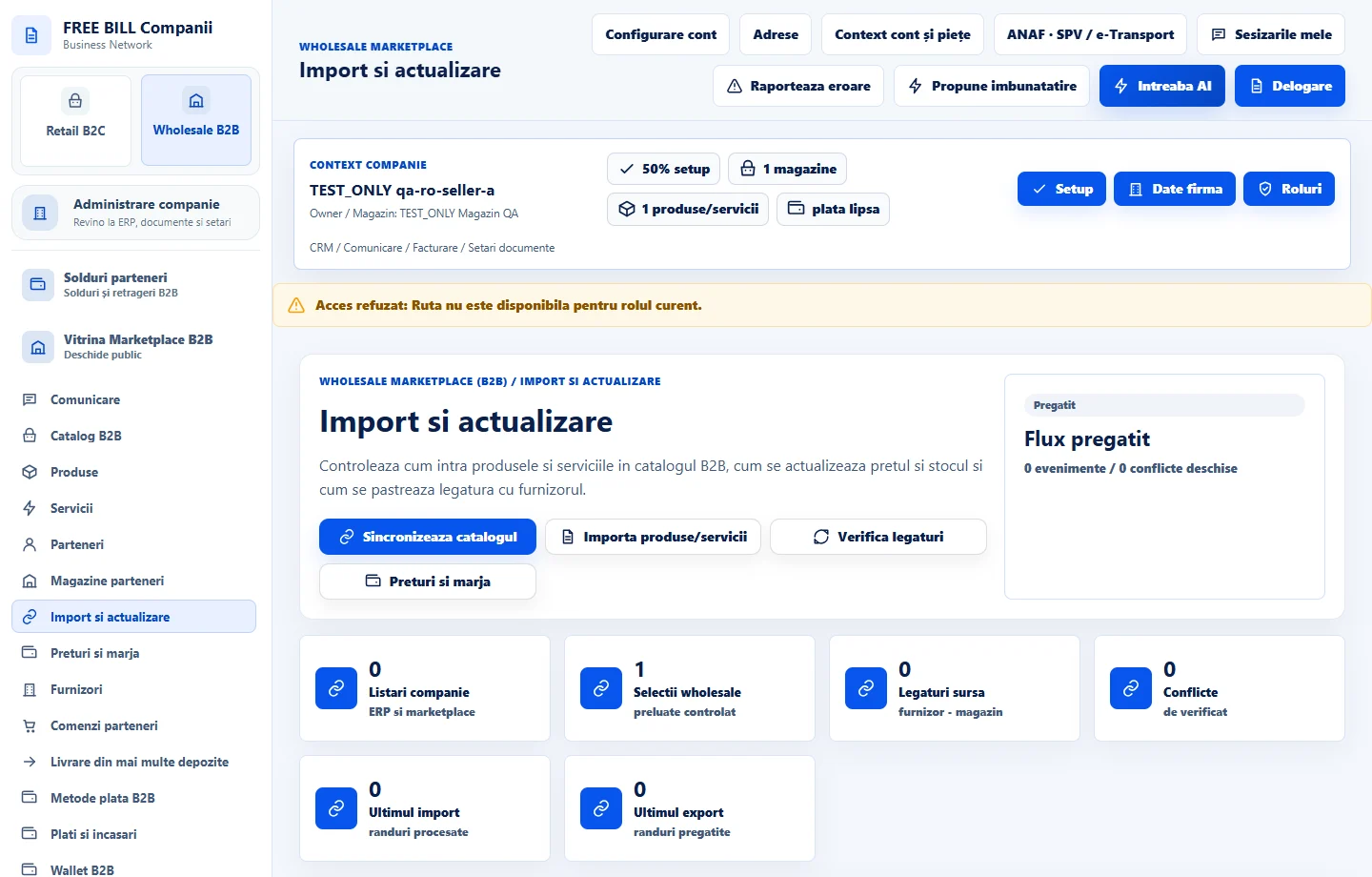
Step by step
Start with the source
In «Import si actualizare», choose «Verifica legaturi». Identify the source, store and status before importing.
Import items for review
Choose «Importa produse/servicii» and review the items, prices, units and stock. Correct identification or classification differences in the relevant source.
Synchronize the catalog
Choose «Sincronizeaza catalogul» and check the result. If you find differences, compare the catalog with «Produse», «Servicii» and «Preturi si marja».
Check a sample after synchronization
Find a known item and verify the stock, minimum quantity, price and status. Review its publication separately.
Check the result
The synchronization result and selected items have been checked before commercial use.
If something is missing
If the source is unavailable, verify the connection before repeating the import. An in-progress transfer may already have recorded some items.
Availability depends on your role, enabled modules, country and company configuration.
Open in FreeBill Conect