Check price and margin for a B2B offer
Compare the supplier cost, reseller price and stock used for the decision.
Before you begin
- A B2B offer you own and the applicable currency and commercial costs.
- Who it is for
- company
- Where to find it
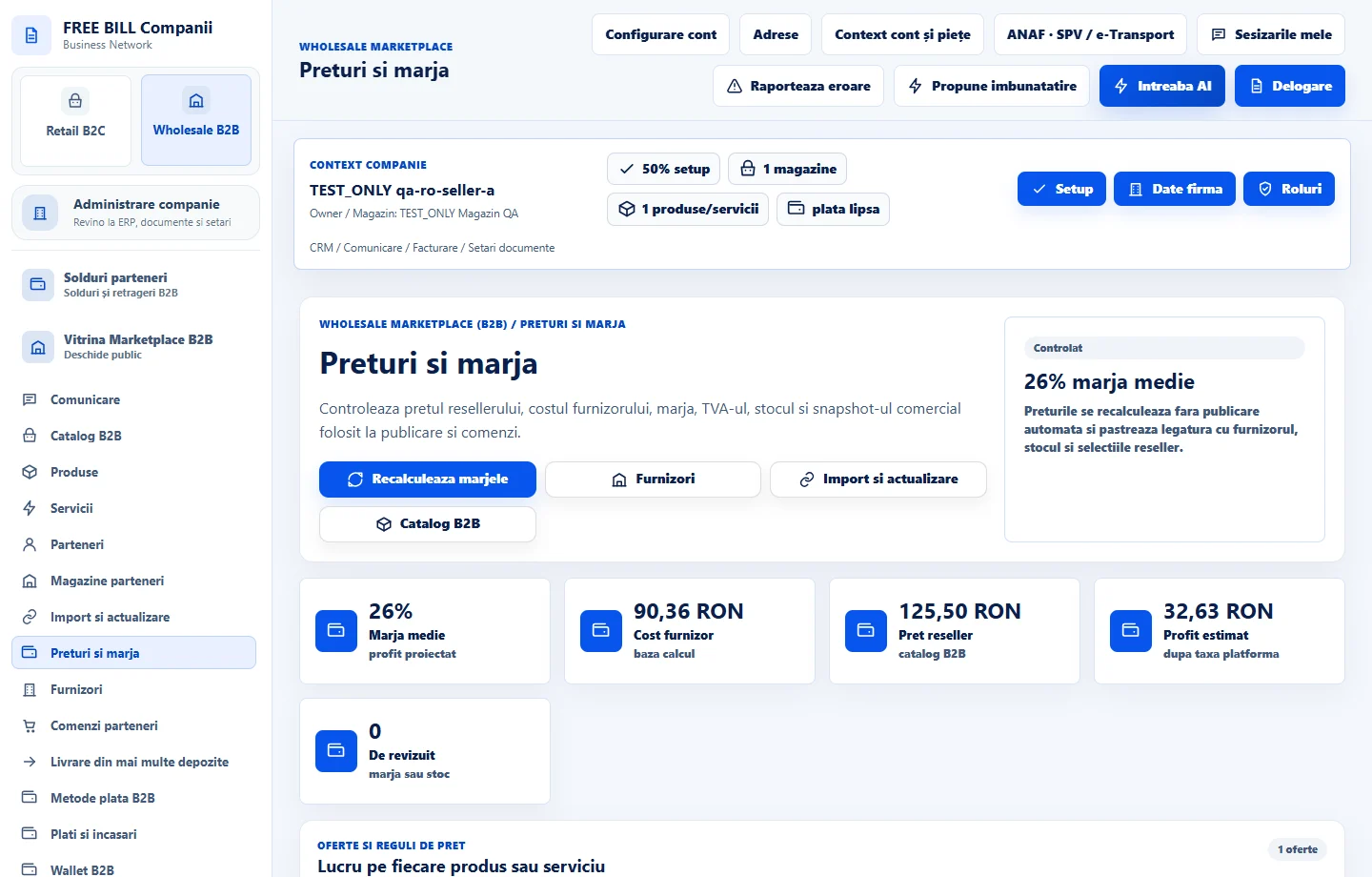
- Preturi si marja
Step by step
Select an offer
In «Preturi si marja», find the product or service by name. Confirm the supplier and currency.
Verify the inputs
Review «Cost furnizor», «Pret reseller», «Profit» and «Stoc/MOQ». Compare delivery terms and related costs with the actual offer data.
Recalculate and review before approving
Use the recalculation action for the selected offer. If the source supports stock synchronization, update it and check the quantity before approving the result.
Check the resulting offer
Compare the values in «Catalog B2B» and check quantity tiers or partner-specific prices separately where available.
Check the result
The margin has been checked against the commercial data for the selected offer.
If something is missing
An unconfirmed cost or stock level requires checking the source. Use «Profitabilitate» to review margins after returns.
Availability depends on your role, enabled modules, country and company configuration.
Open in FreeBill Conect