Check B2B Wallet and recorded movements
Review balances for reseller relationships and identify operations that need reconciliation.
Before you begin
- The company and partner identified, and access to B2B financial records.
- Who it is for
- company
- Where to find it
- Wallet B2B
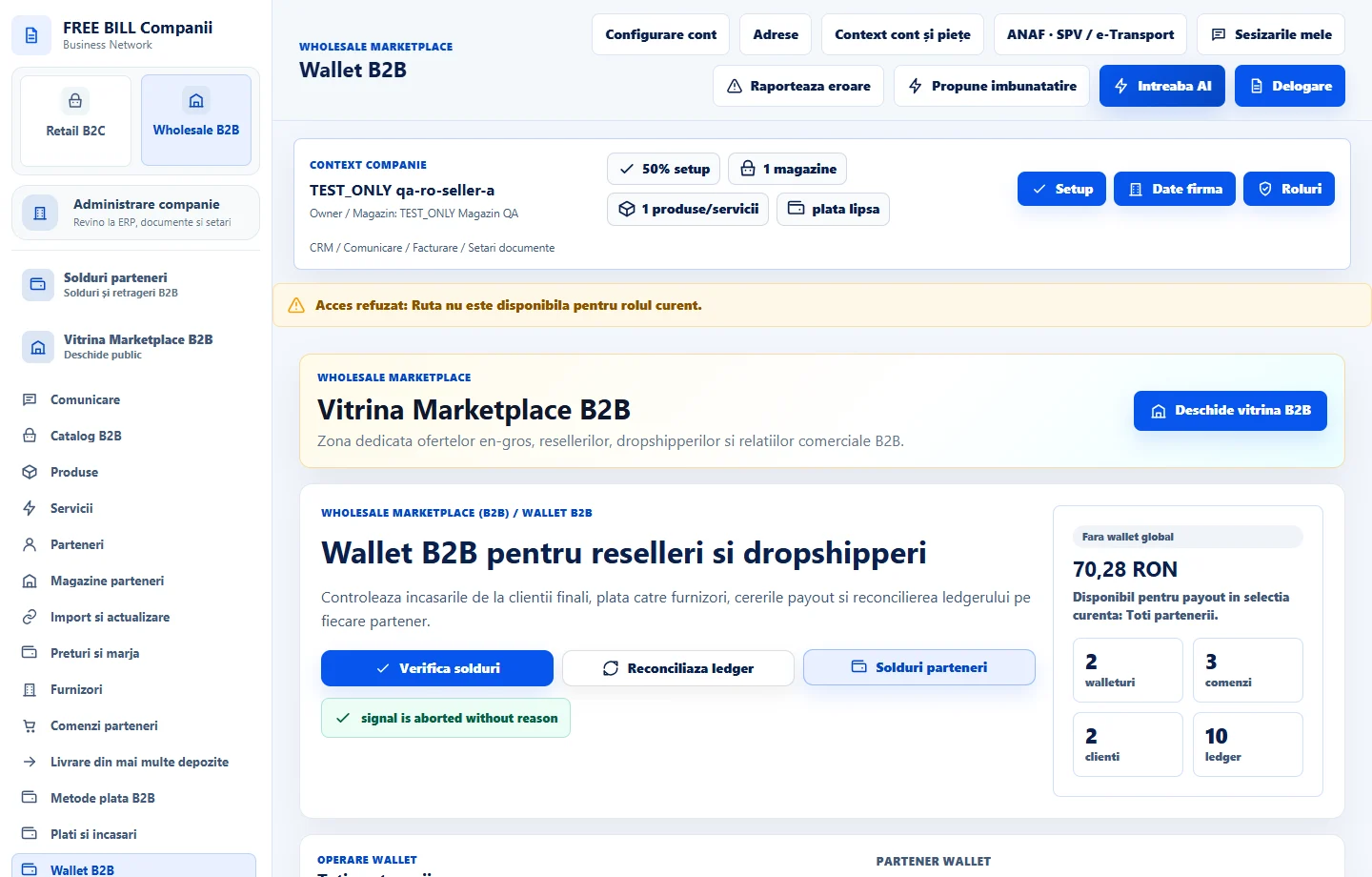
Step by step
Check balances
Open «Wallet B2B» and choose «Verifica solduri». Read the movements, currency and references for the selected relationship.
Compare the sources
If there is a discrepancy, compare «Solduri parteneri», «Plati si incasari» and the order documents. Identify the amount that is available, blocked or pending.
Reconcile the register
Use «Reconciliaza ledger» where available, then check the movement and its audit entry. Compare the result after refreshing.
Confirm the receipt status
For a pending movement, open the reference in «Plati si incasari» and check the status once the server confirms the update.
Check the result
The balance difference has been identified and the movement can be traced to its financial register.
If something is missing
A displayed commercial balance may be restricted. Check which funds are actually available and which payment method applies.
Availability depends on your role, enabled modules, country and company configuration.
Open in FreeBill Conect