Review suppliers and commercial relationships
Identify the catalog source and how the store, partner and supplier are linked.
Before you begin
- Wholesale B2B access for the correct company.
- Who it is for
- company
- Where to find it
- Furnizori
Step by step
Identify the relationship
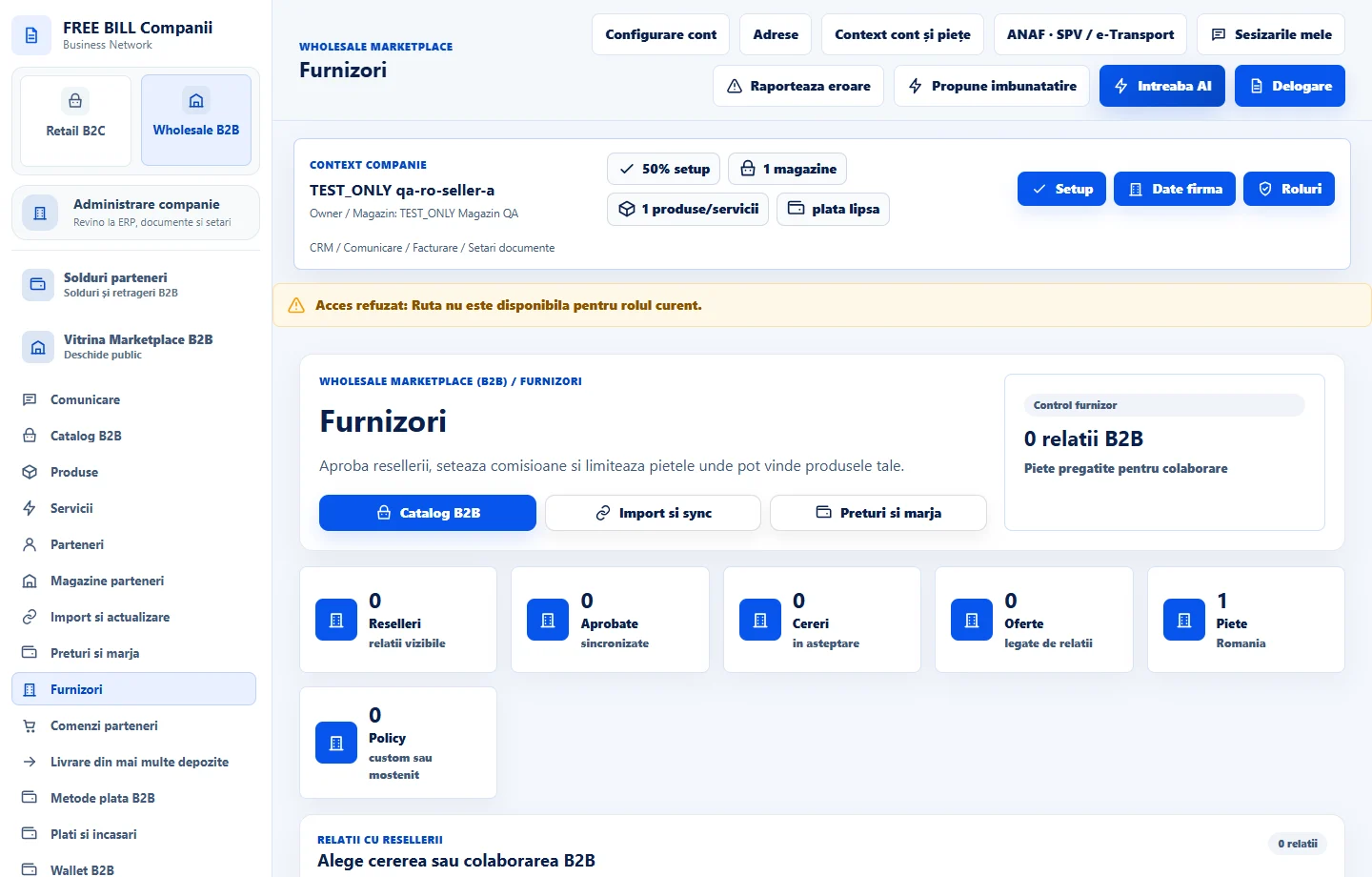
Open «Furnizori» and check the relationship by name, store, market and status. Use «Parteneri» for a request sent to your company.
Open the supplier catalog
Choose «Catalog B2B» from the supplier panel. Check the offer, access and terms available to your store.
Check price and stock before committing
Compare lead times and stock in «Preturi si marja». Keep the offer and store references for the operation you need to follow.
Follow the request decision
Check the status and approved scope. To carry a supplier's offer in a reseller store, use the portal and role for that store.
Check the result
You have identified the supplier, terms and applicable relationship scope.
If something is missing
If you cannot see the relationship, verify your role and that the store and market are included in the request.
Availability depends on your role, enabled modules, country and company configuration.
Open in FreeBill Conect