Work with partner stores
Review relationships with reseller and dropshipper stores that carry your offers.
Before you begin
- B2B access for the supplying company and an identifiable partner store for relationship checks.
- Who it is for
- company
- Where to find it
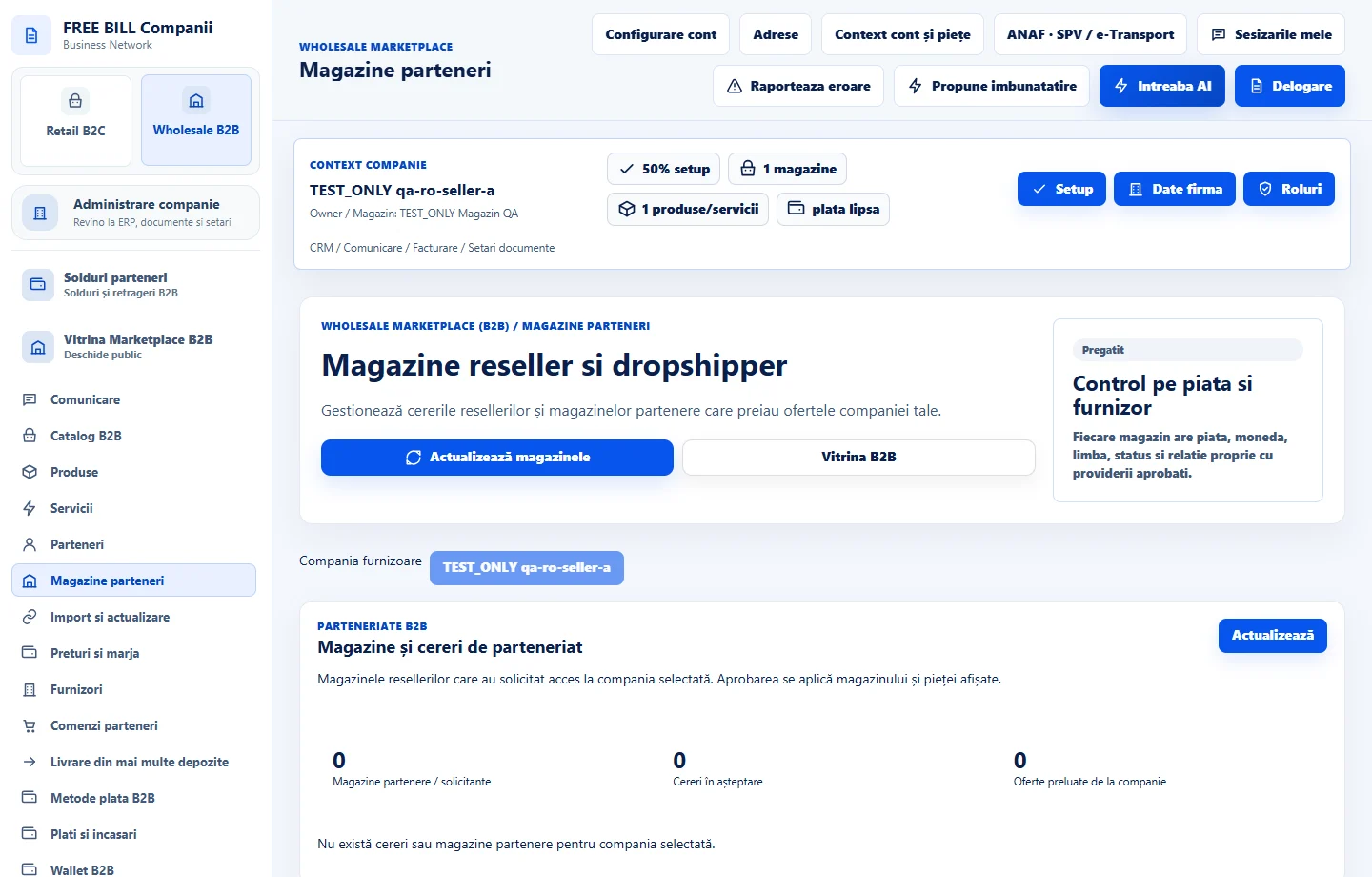
- Magazine parteneri
Step by step
Load the store register
Open «Magazine parteneri» and choose «Actualizează magazinele». Identify the partner, store, market, currency and status.
Match the relationship to the offer
Verify that the relationship is approved for both the reseller store that will carry the offer and your supplier store. Check the approved markets.
Resolve pending requests in Partners
Open «Parteneri» to decide an access request. Return to the stores register and check the updated row after saving.
Check the storefront separately
Open «Vitrina B2B» and look for the relevant store or offer. For your own retail store, use the retail store creation guide.
Check the result
You have identified the store, the relationship and the conditions for carrying your offers.
If something is missing
If stores have similar names, compare the partner, market and associated supplier store before taking action.
Availability depends on your role, enabled modules, country and company configuration.
Open in FreeBill Conect