Record and track a B2B shipment
Maintain a waybill and separate tracking history for each suborder and origin.
Before you begin
- Your company's suborder with a shipment, origin details, and a real waybill from the carrier or a working carrier connection for your company.
- Who it is for
- company
- Where to find it
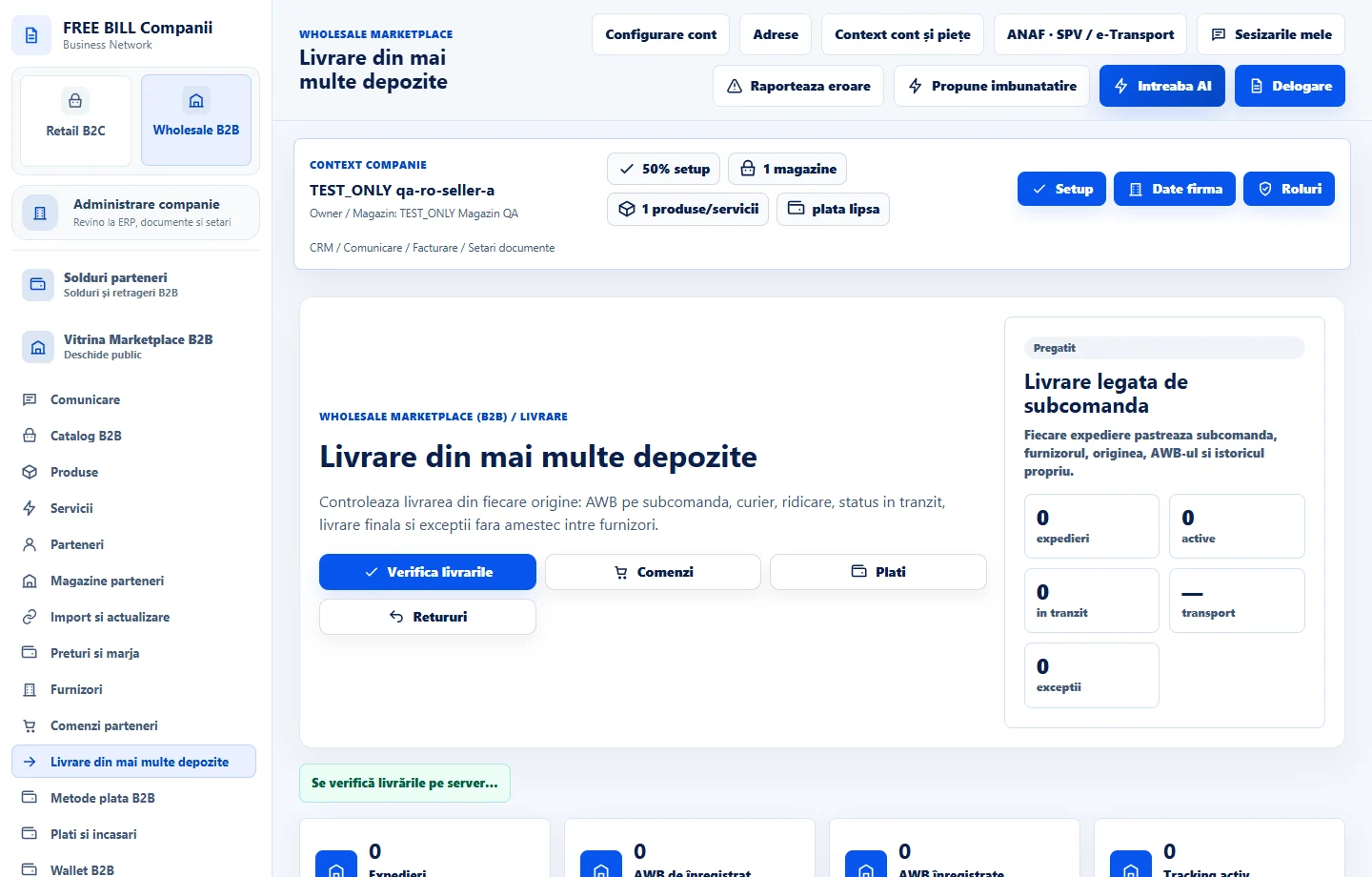
- Livrare din mai multe depozite
Step by step
Choose the right shipment
Open «Livrare din mai multe depozite» and select «Verifica livrarile». Match the suborder, supplier and origin before selecting the shipment.
Verify parcel information
Compare the origin address, carrier, available weight and confirmed shipping cost. If there are several suborders, use the relevant parcel row each time.
Record the shipment details
Use the available waybill action and enter the actual identifier. Use the tracking updates supported in the panel and retain the carrier reference.
Review the shipping history
Follow the waybill, collection, transit, delivery and exception records. Check the carrier's tracking source if data is delayed.
Check the result
Shipment details and the shipping history are linked to the correct suborder.
If something is missing
If no shipment appears, verify the suborder status and whether its items require shipping. A recorded waybill alone does not confirm pickup.
Availability depends on your role, enabled modules, country and company configuration.
Open in FreeBill Conect