Confirm or reschedule a B2B service appointment
Use the company's booking panel to respond to appointment times proposed by resellers.
Before you begin
- A B2B service offer approved for the reseller and an appointment request received by the service provider.
- Who it is for
- company
- Where to find it
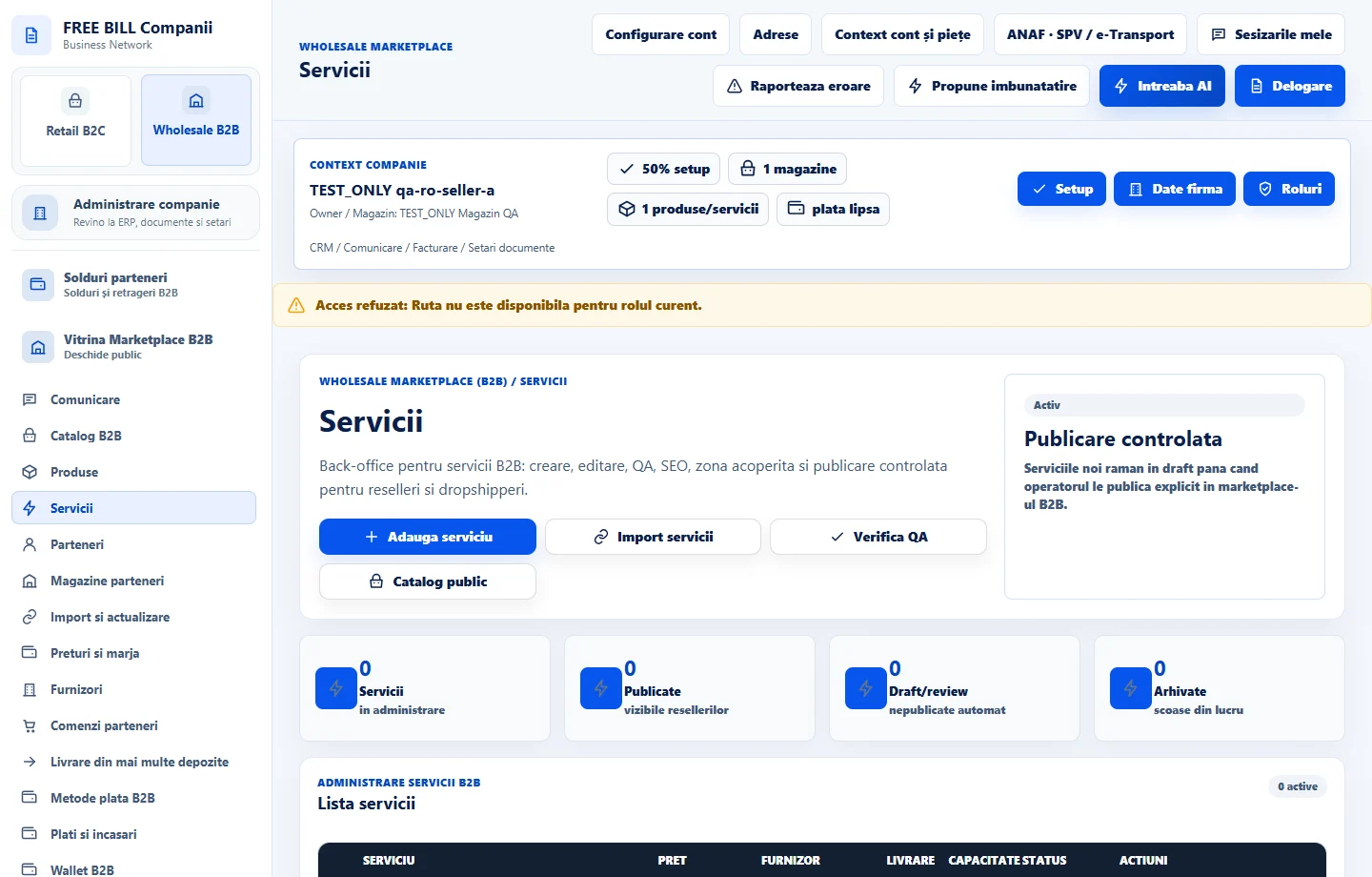
- Servicii
Step by step
Open service appointments
In «Servicii», find «Programări reseller–prestator». Choose «Actualizează programările» and identify the service, partner and status.
Check the time and your team's availability
Compare the displayed time and time zone with the service duration, preparation time and available resources.
Respond to the request
Choose «Confirmă» if you can provide the service at the requested time. To reschedule, choose «Propune alt interval» and enter the start, end and reason. Choose «Refuză» with an explanation if you cannot take the request.
Check the response and any further changes
Refresh the status and watch for the reseller's response to a proposed change. The appointment confirms the time slot. Follow the order and payment separately.
Check the result
The appointment has a confirmed slot and status in the reseller and provider contexts.
If something is missing
If the booking is missing, check the company, published service and reseller store linked to the request.
Availability depends on your role, enabled modules, country and company configuration.
Open in FreeBill Conect