Review trust and commercial risk
Identify signals from catalogs, relationships and transactions and record your review.
Before you begin
- The company selected and access to the shared reseller registers.
- Who it is for
- company
- Where to find it
- Trust si risc
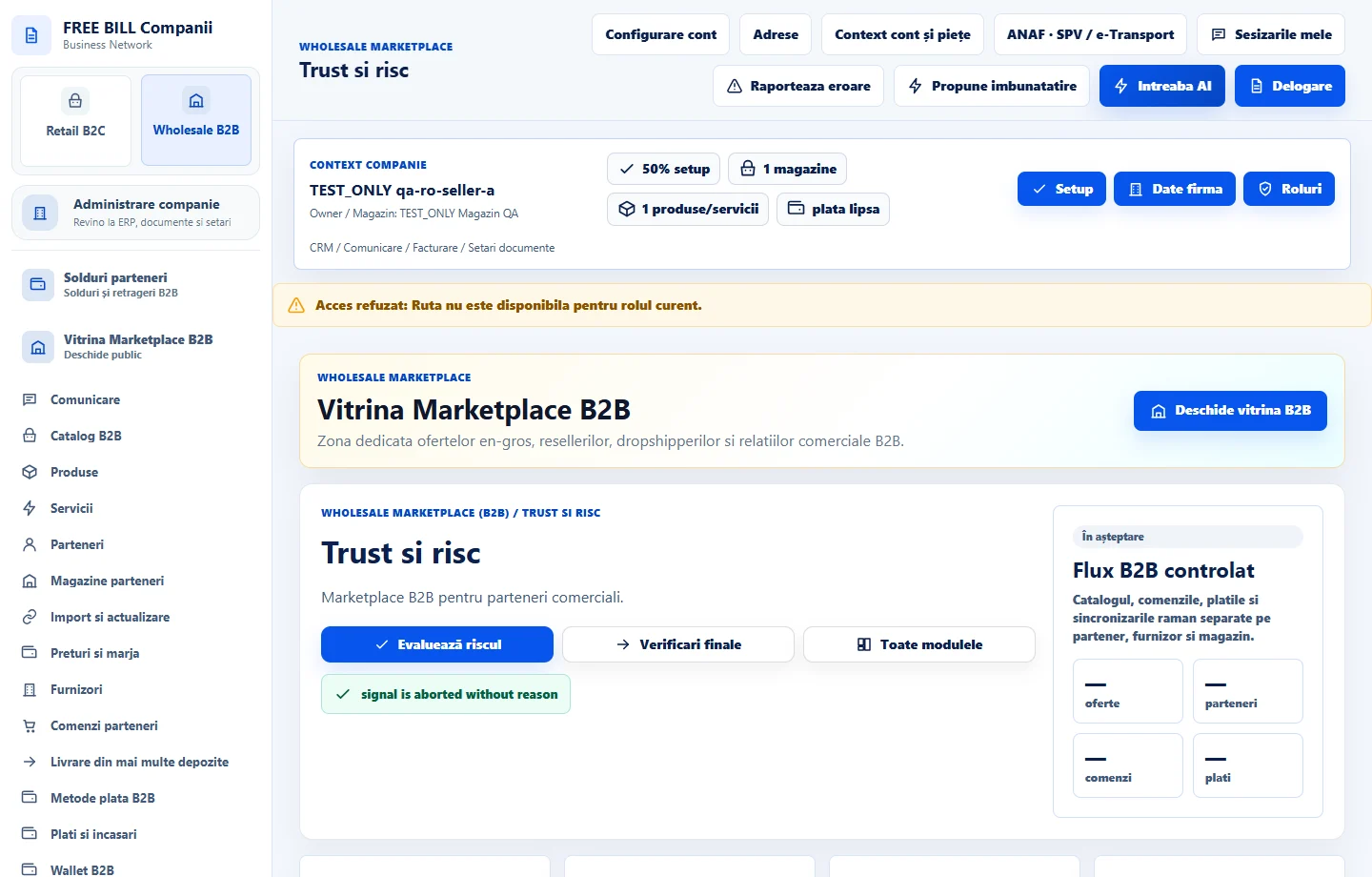
Step by step
Choose the scope and type of signal
In «Trust si risc», select the company and relevant section. Use «Caută în evaluări» to find a relationship, offer or order.
Check the information behind the signal
Open the case under «Încredere» or «Risc» and review its source, relationship and shared history. Check whether the assessment is complete.
Document your review
Record the available note or action. For a payment, return or dispute issue, open the case in the module that manages it.
Check the resulting status
Refresh and check the shared history. If information is still unavailable, keep the case open for review.
Check the result
The signal and review action are linked to a specific source.
If something is missing
For an incomplete assessment, check which sources are unavailable. Unconfirmed records may contain signals that have yet to be assessed.
Availability depends on your role, enabled modules, country and company configuration.
Open in FreeBill Conect